Known Participant
October 2, 2023
解決済み

Photoshop 2024 [v25.1] - Color Sliders don't work [Color picker issue -merged]

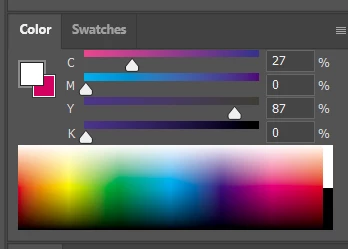
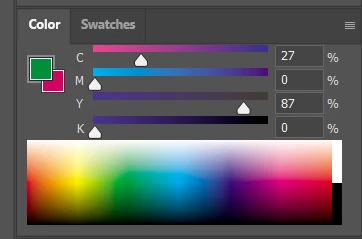
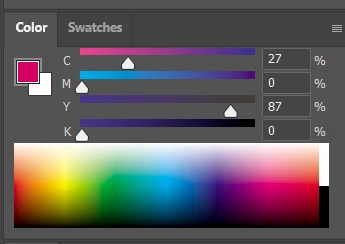
Color Sliders in my new Photoshop 2024 don't work at all - they don't change when i pick a color from the Spectrum or when i change Foreground/Bacground color with X key.

I reset Preferences, reinstaled PS and nothing works. Any ideas?

Photoshop 25.1.0, Windows 10.


このトピックへの返信は締め切られました。
解決に役立った回答 Kevin Stohlmeyer

@robzartworx there is a phased roll out for update 25.2 happening globally.

If you are in a managed environment (Enterprise/Teams/Edu) you may have to reach out to your plan admin to allow access to new updates within 30 days of release.

返信数 142

Participant
October 26, 2023

Yeah this is infuriating and completely breaking my workflow. Address this asap please!

Participating Frequently
October 2, 2023

Hi my hue cube does not update when i change color. I can use the eye dropper tool and change the brush colors etc but it is not reflected in the hue cube window. I have no layers or layer masks selected. Just single layer 8 bit RGB document.

Bojan Živković11378569
Community Expert
Community Expert
October 2, 2023

The only thing that comes to my mind is to reset either Color Picker or Preferences.