
Participant
May 22, 2021
Answered

3D doesn't work properly in Photoshop 2021 on Mac Big Sir OS

  • May 22, 2021
  • 1 reply
  • 4504 views

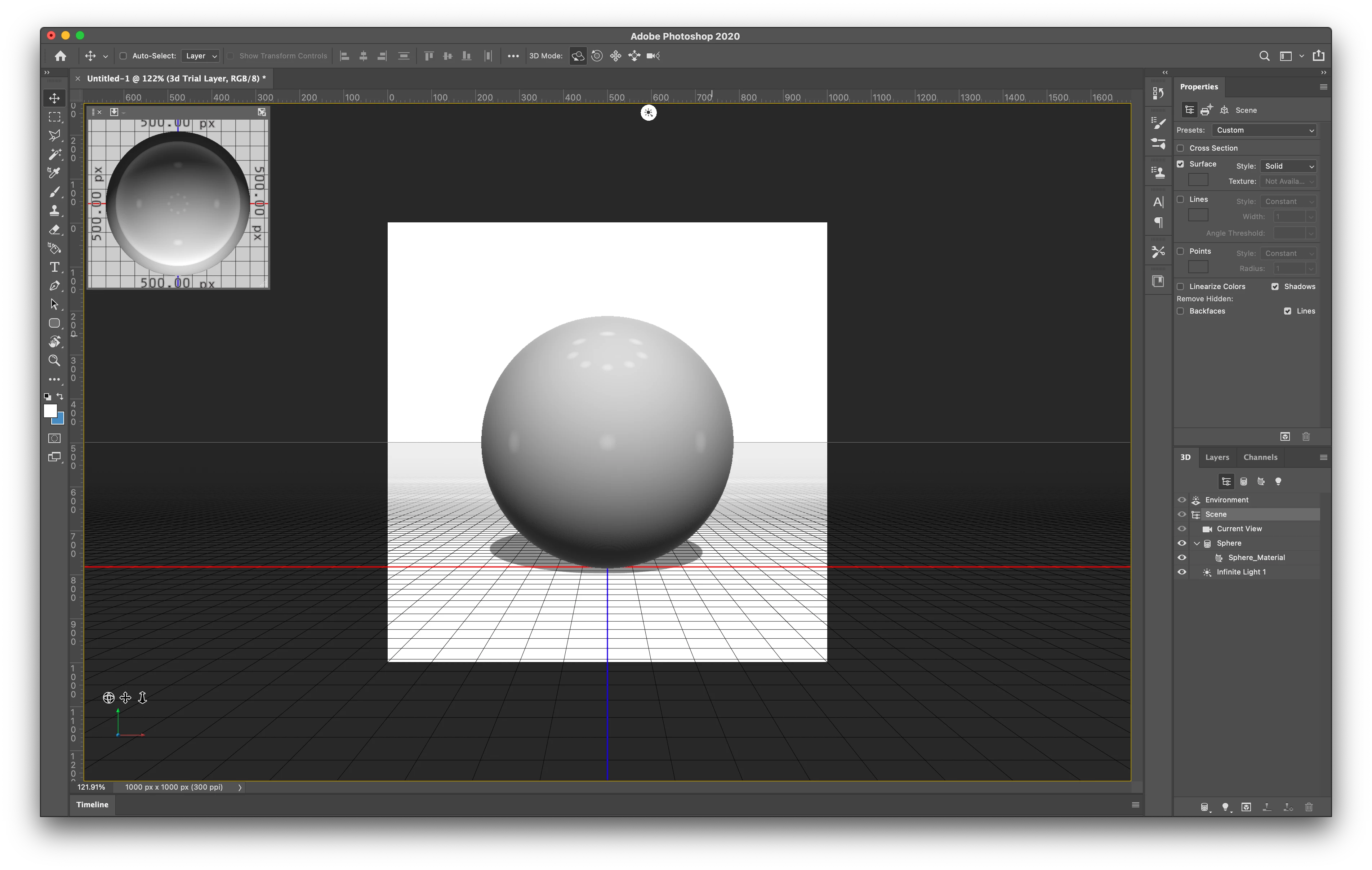
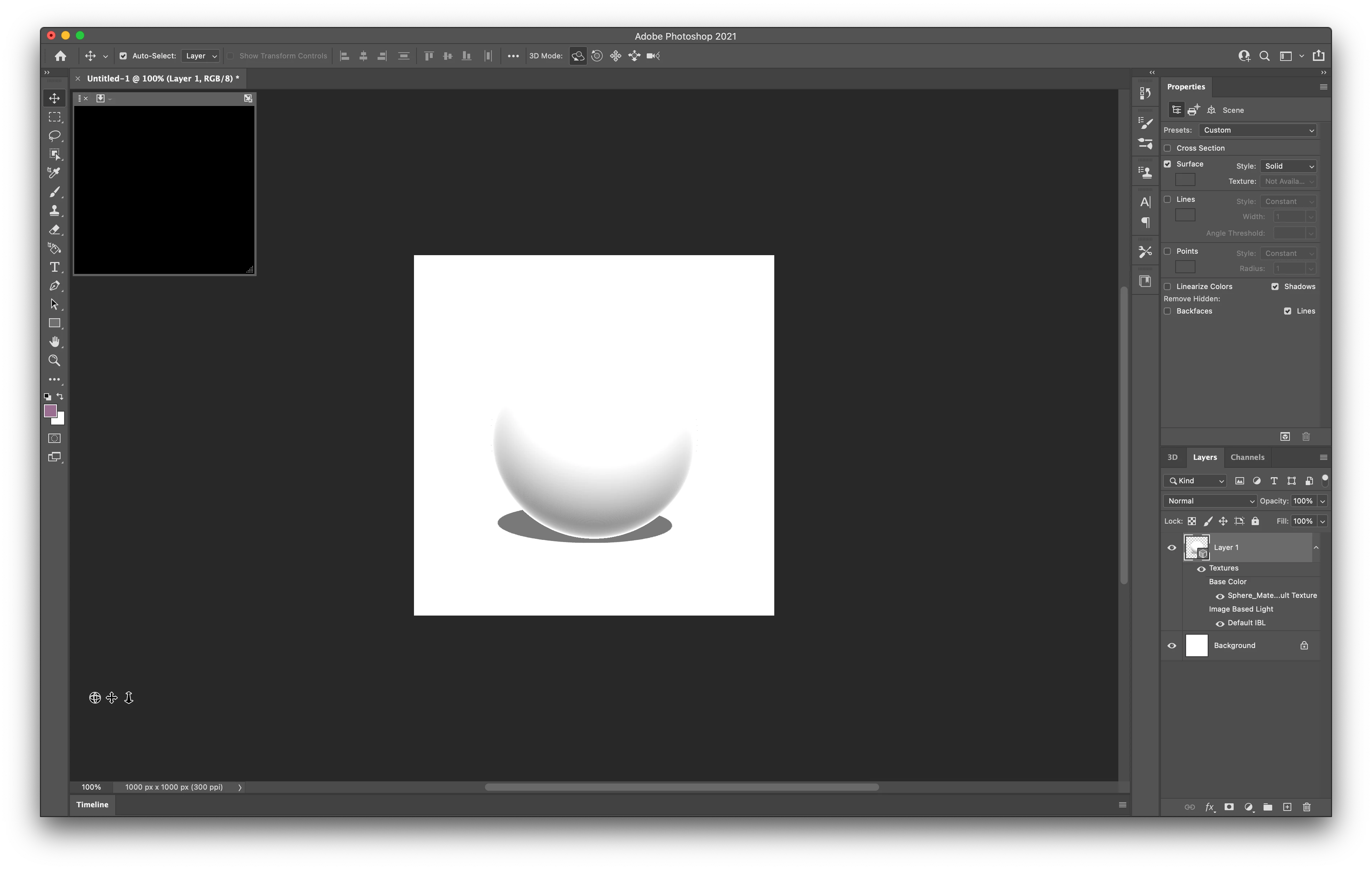
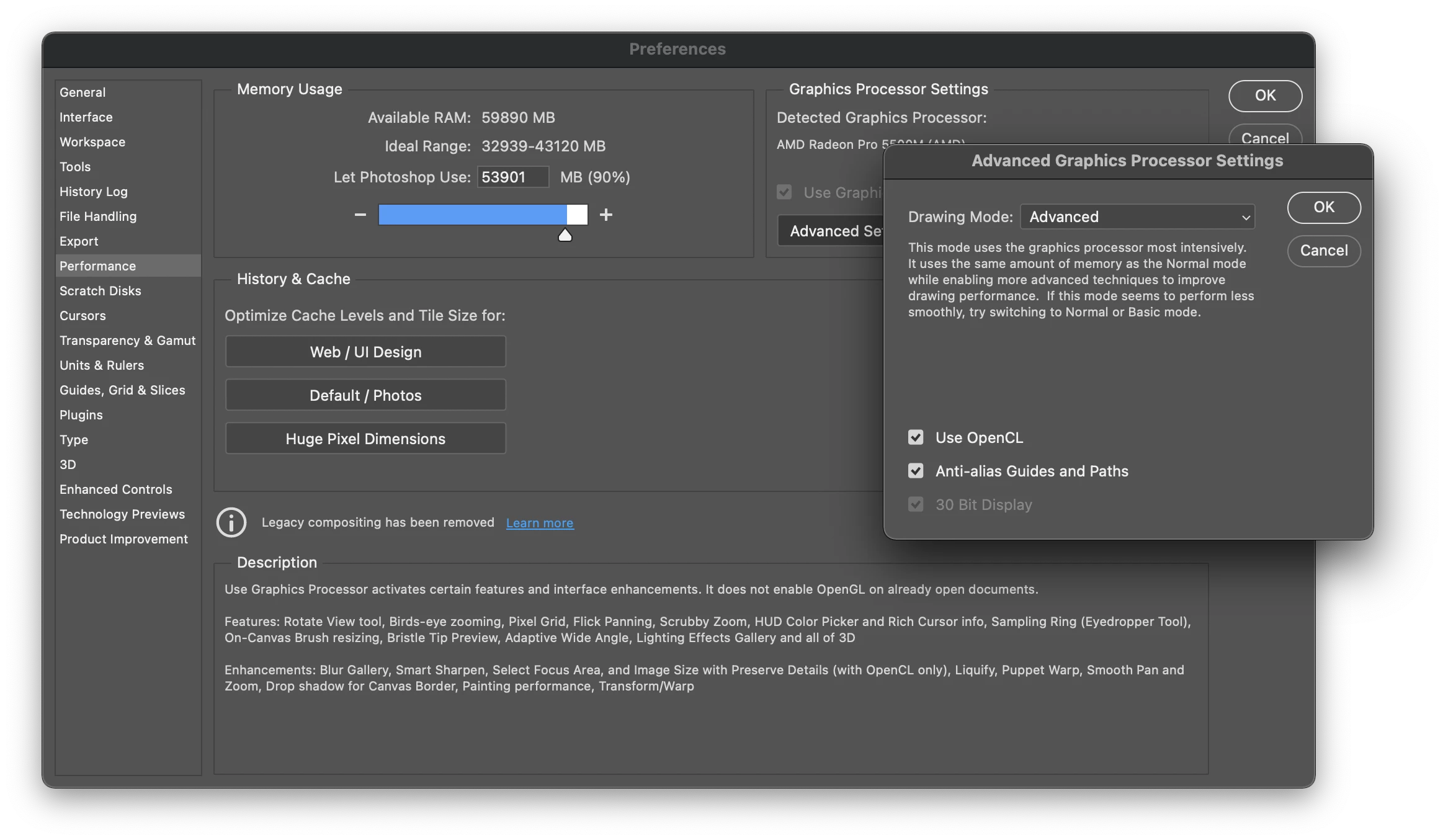
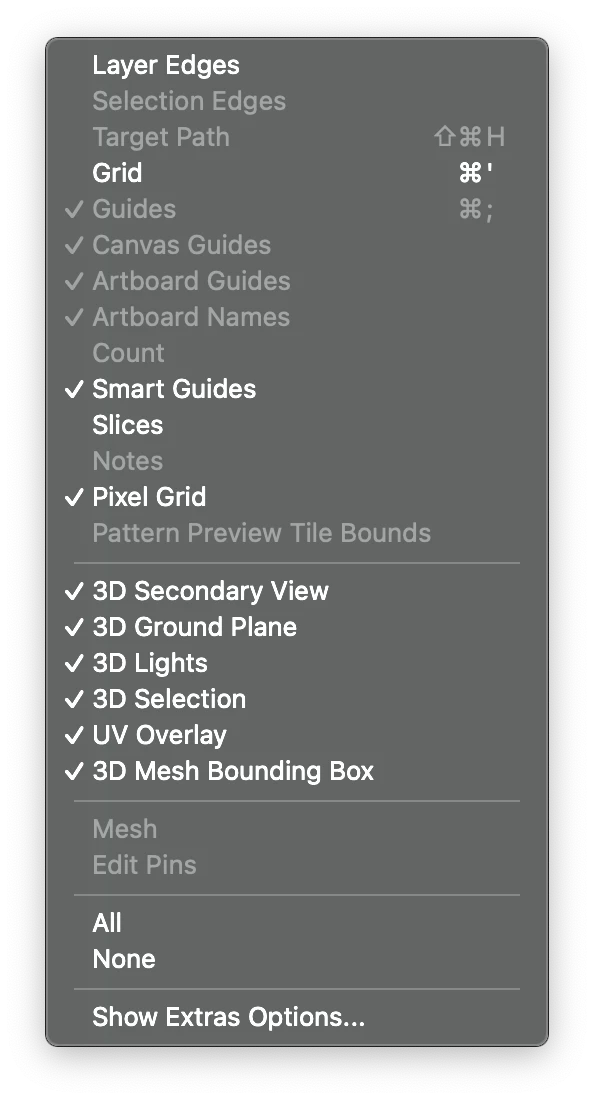
I am writing to say that the 3D portions of Photoshop do not seem to work on my Macbook Pro (16-inch, 2019) model with 2.4 GHz 8-Core Intel Core i9 and AMD Radeon Pro 5500 8 GB Intel UHD Graphics 630 MB. It is also not working on my iMac. When I add a 3d object, nothing appears in the preview viewport and the ground plane does not appear despite being checked under view options. Interestingly, when I rolled back to version Photoshop 2020, I don't have these issues. 
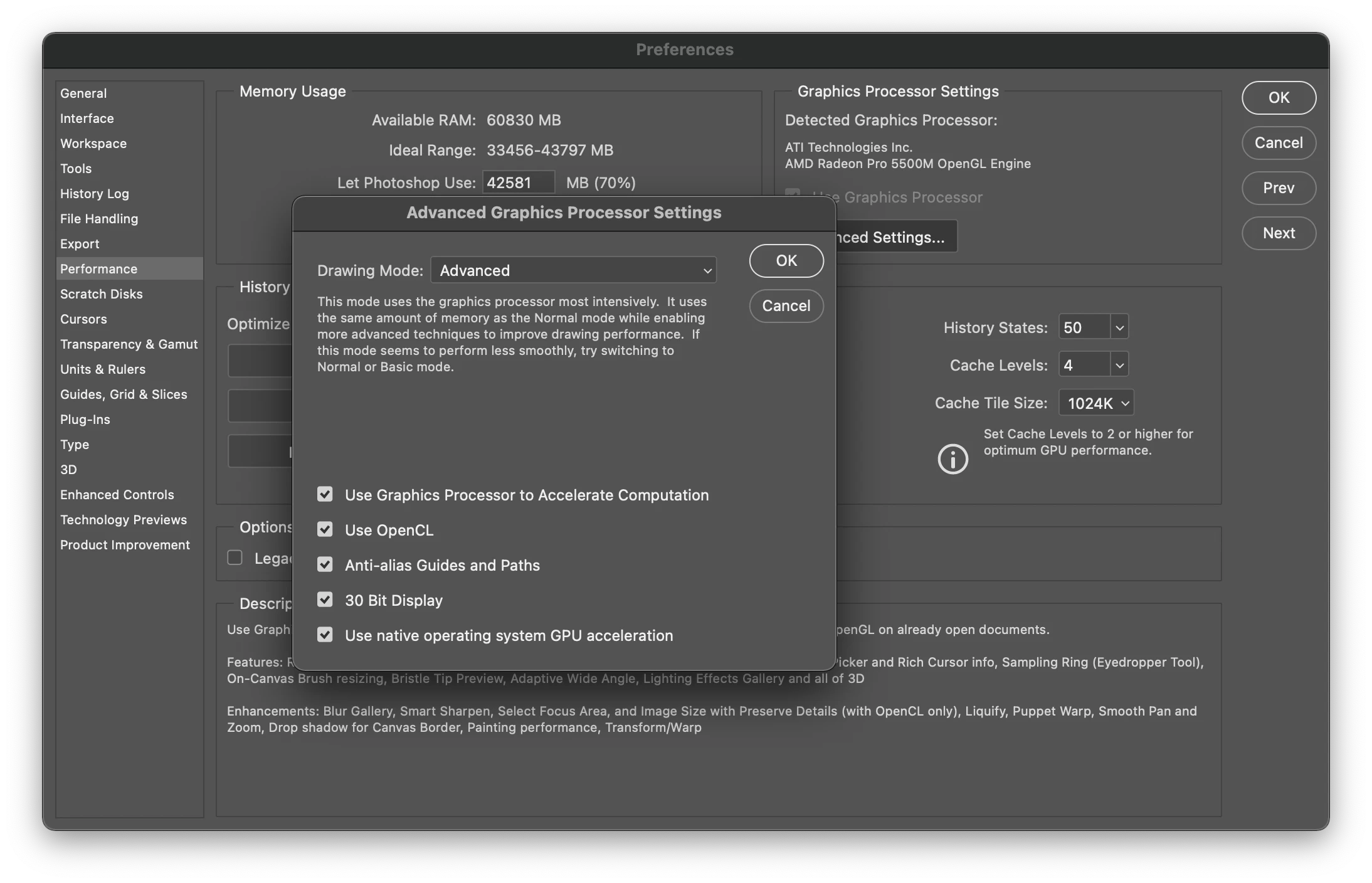
It seems to me the extra options under Advanced Performance settings must have something to do with the issues with the 3D interface in PS2021, since there is no difference in my hardware and it runs fine on PS2020. 

Please advise. I pay a lot per month to use the Creative Cloud, and it seems silly that with each update it feels like less and less of the program runs smoothly.

This topic has been closed for replies.
Correct answer davescm

Hi

Adobe are updating the core graphics functions in Photoshop. This is driven by the operating systems of Apple and Microsoft in which the old Open GL functions are being removed in the case of Apple, or deprecated in the case of Microsoft. This means that the graphics functions that have worked for years must be rewritten to use Metal and Direct X. At the same time, Adobe are sensibly updating those core functions to deliver the additional speed we require to handle the very large files of today.

Some functionality in Photoshop, such as 3D, still relies on the older Open GL graphics functions. To make these work, in 22.4 an additional preference Preferences>Technology previews>Deactivate Native Canvas has been added. This can be checked and Photoshop restarted to restore 3D functions to where they were in 22.3

Dave

1 reply

davescm
Community Expert
davescmCommunity ExpertCorrect answer
Community Expert
May 22, 2021

Hi

Adobe are updating the core graphics functions in Photoshop. This is driven by the operating systems of Apple and Microsoft in which the old Open GL functions are being removed in the case of Apple, or deprecated in the case of Microsoft. This means that the graphics functions that have worked for years must be rewritten to use Metal and Direct X. At the same time, Adobe are sensibly updating those core functions to deliver the additional speed we require to handle the very large files of today.

Some functionality in Photoshop, such as 3D, still relies on the older Open GL graphics functions. To make these work, in 22.4 an additional preference Preferences>Technology previews>Deactivate Native Canvas has been added. This can be checked and Photoshop restarted to restore 3D functions to where they were in 22.3

Dave

Participant
May 22, 2021

Hi Dave. Thank you so much. I'm sorry for my passive-aggressive attitude. Obviously the Adobe Suite is so processor-intensive and feature-rich, it makes sense that between Apple and Microsoft, it wold be a huge headache getting everything to run optimally on every system. Thank you so much for your help; you completely solved my issue. I've read complaints about Adobe Support not adequately handling complaints, but you responded to me incredibly rapidly and resolved my issue, and I can't thank you enough. This is why Adobe continues to be a leader in this space. I wish you a good day and thanks so much again for your help!

davescm
Community Expert
Community Expert
May 22, 2021

You're welcome 🙂