


Can not remove an object in photoshop 2023
Hello,
I have looked at the forum messages and watched a dozen videos but still cant get an object removed from my image. I appreciate some help.
I am using photoshop version 24.5.0 20230512.r.500 3fc8e4c arm64 on a Macbook
I do the following:
1 - I create a new file in photoshop and copy image into it.
2 - I save the file.
3 - I make a copy of the layer so the original one is still intact.
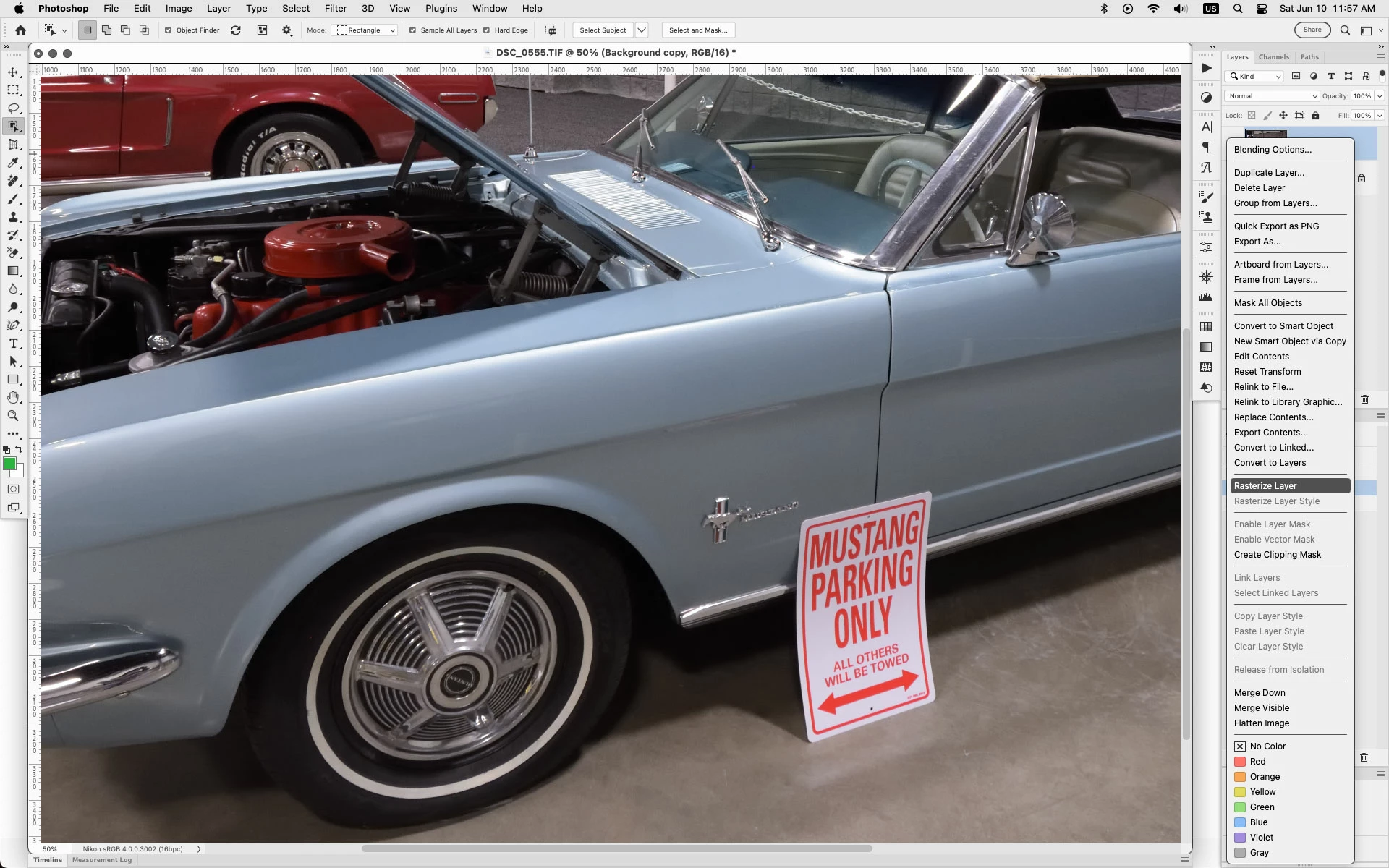
4 - I go to the copied layer and use "object selection tool". It detects the object and make it pink with a dashed line around it.
5 - I then try to do one of the following steps
5.1 press the righ hand key and I get a menu, but "delete and fill selection is disabled" so can not delete the object.
5.2 I try to use "removal tool" and when select object I get a message that "Can't use the tool because the target layer is unsupported."
I must be doing something really silly, as I am expecting that this feature should work out of the box.
Anybody knows what is going on?
Thanks
 AdChoices