


Canvas Size: It's getting the best of me...
Hi all,
First time posting, but I'm frustrating myself beyond belief and it seems like I'm missing something simple. I'll start off by explaining what I'm trying to do.
I'm currently working on some overlays for photographs. Long story short, I use them for spotmyphotos which allows me to share photos immediately as I take them and it also applies the overlay I've created. Because I will be taking photos both vertical and horizontal I need to create 2 overlays. This is my horizontal overlay.
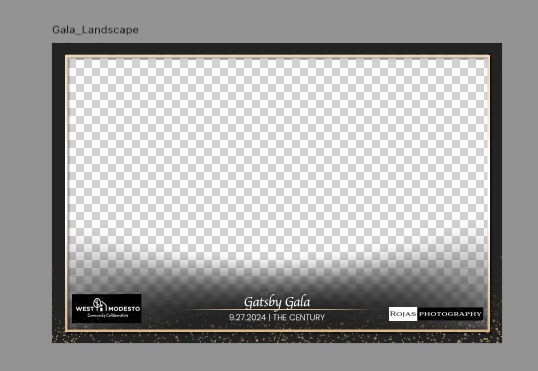
My attempt is to make this file vertical without creating another overlay. I'm trying to adjust my canvas size to 6x9 inches.
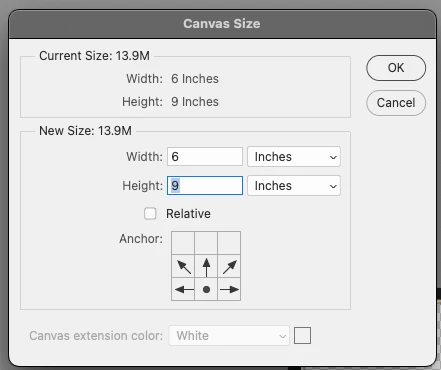
When I click "ok" my canvas does not change. I actually can't tell it made a vertical canvas until I click on the "crop" tool. Do I have something "checked" in a box that isn't allowing me to see the canvas size change without clicking on the crop tool?
When I click on the crop tool, it does show me the canvas changed to vertical, but this is all I see.
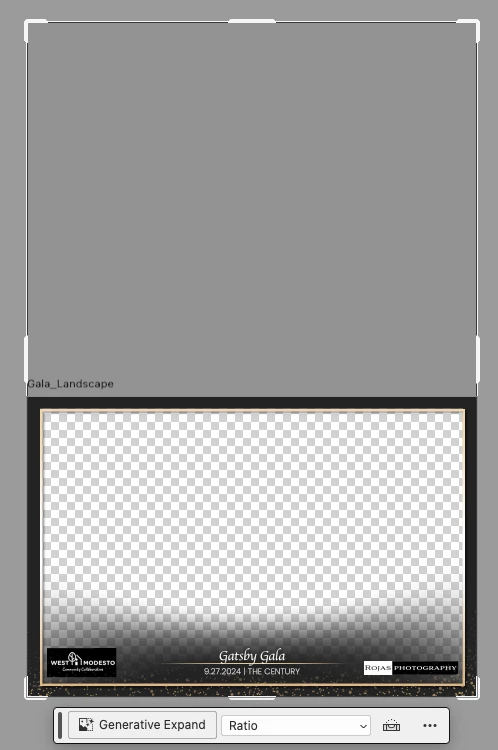
When I hit "enter" it goes back to this.
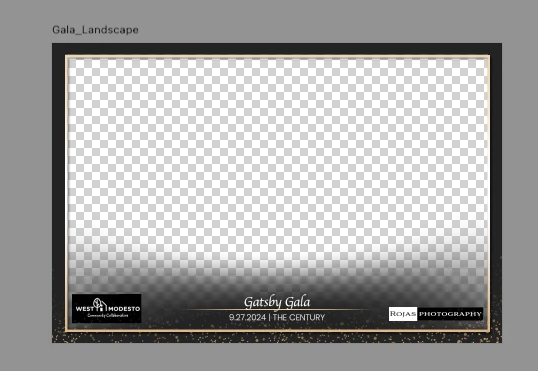
I watched multiple videos on expanding the canvas and it works so easy in videos, but I'm becoming frustrated with this simple task. Can anyone see what I'm doing wrong? Do I need to be clicked on a certain layer when I try to do this?
I appreciate any help on this.
 AdChoices