


Participant
November 7, 2024
質問

Crop and straighten to close to the edge of the photo

  • November 7, 2024
  • 返信数 1.
  • 299 ビュー

I have a problem with the crop and straighten tool. It works very well, but I'd like it to crop and separate photos more loosely.

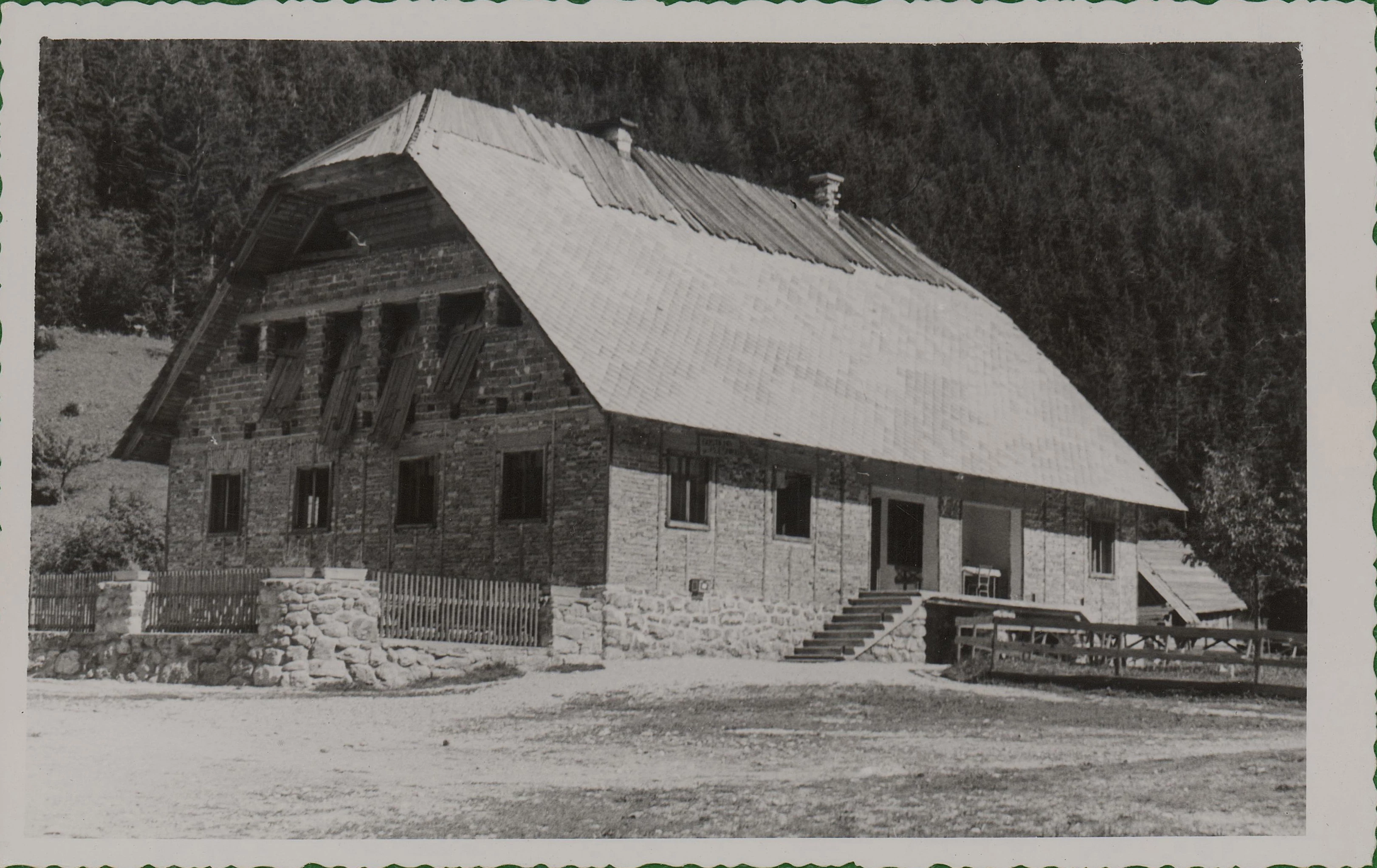
When I scan multiple old photos, it crops them too close to the edge and sometimes even cuts off part of the edge (shown on photo_1). These old photos sometimes have wavy edges that I'd like to preserve.
I tried using some scripts, but didn't get the results I was hoping for.

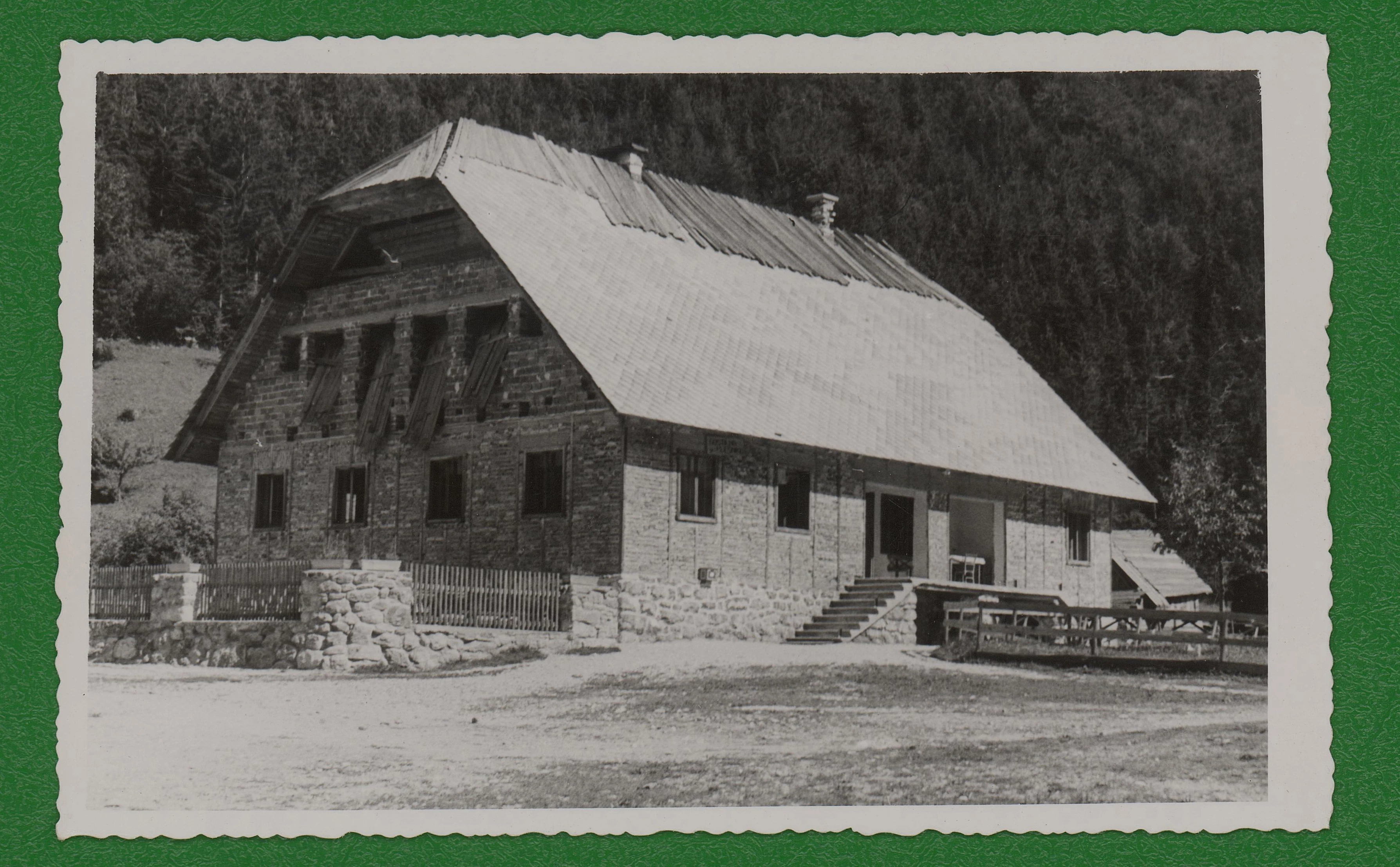
I'd just like them to be cropped more loosely with about a 50px margin around the edges (shown on photo_2).


Thanks for any suggestions.


このトピックへの返信は締め切られました。

返信数 1

c.pfaffenbichler
Community Expert
Community Expert
November 7, 2024

I don’t think this is possible in »Crop and Straighten Photos« as of now.

Can you post a sample scan, maybe someone can come up with a work-around? 

urhk94554747作成者
Participant
November 8, 2024

Thank you for your response. I am attaching a scan as an example. This is actually a cropped portion of a larger scan with multiple photos, but these four photos should be enough for testing, and the file size remains manageable.

In this case, I used a green background to enhance contrast. The crop and straighten tool trims all photos (12) very well and precisely, but the issue is that, for my needs, it crops them too close to the edge or even beyond the edge.


I also tried using scripts, where I added padding or margin, but this only adds an empty border around the cropped photo.


Thank you in advance for any possible solution.