


File is not compatible with this version of Photoshop
Hey All,
So I've read some threads about this issue, some old and some new, but I actually could not find a good solution.
This is how the story goes:
I've made a big mistake and updated my Mac system to the High Sierra.
After the update my Mac could not find the start up disk - and to keep the long story short - I had to reinstall the MacOS Sierra (the old version).
I actually lost all of my working files (ya ya.. backup everything. i know) and had to do a recovery.
During this process it seems that a lot of my Photoshop file have been damaged in some way.
So this is what happened when I'm trying to open them in Photoshop:
I'm getting a notification (pop up) saying:
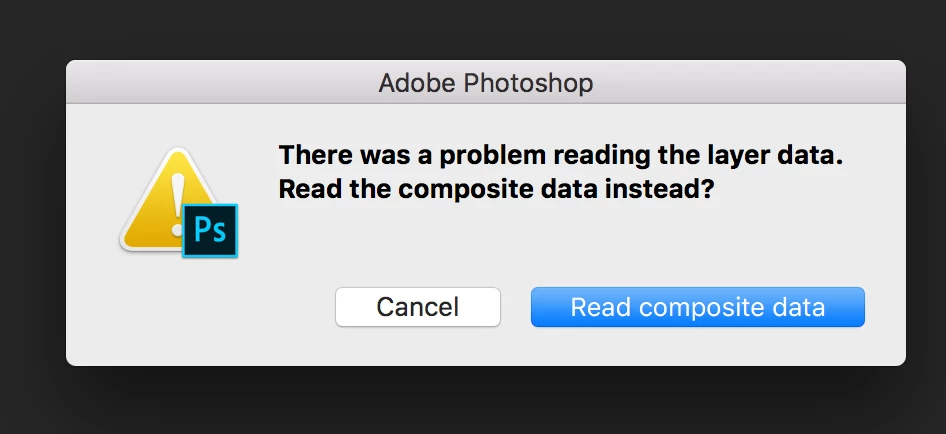
"There was a problem reading the layer data. Read the composite data instead?"
Once clicking on that I'm getting this pop up say:
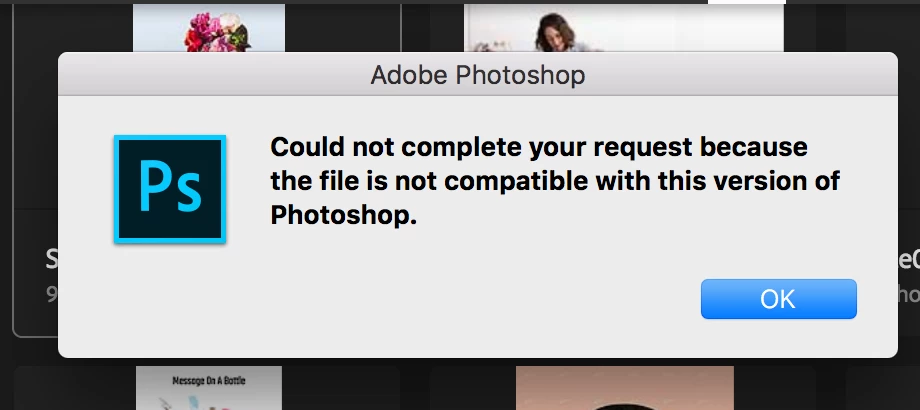
"Could not complete your request because the file is not compatible with this version of photoshop."
so I've actually try open those files on a different computers, with a different versions of Photoshop - but still getting the same.
I think that the file is corrupted, but I wonder if there is any way to fix it?
I'm totally willing to pay for a good software who will fix it, but could not find anything.
I'm working on Macbook pro, running MacOS Sierra version 10.12
any help will be welcome!
Thanks in advance!
Hagara
 AdChoices