


Participant
October 1, 2021
解決済み

how to get rid of star rating display

  • October 1, 2021
  • 返信数 2.
  • 1448 ビュー

hi,
for people who don't work with "ratings" the star button row under each thumbnail is sometimes quite disturbing.
scanning all preferences, i could not find how to turn these function off...:(
please help...
thank you!
このトピックへの返信は締め切られました。
解決に役立った回答 jane-e

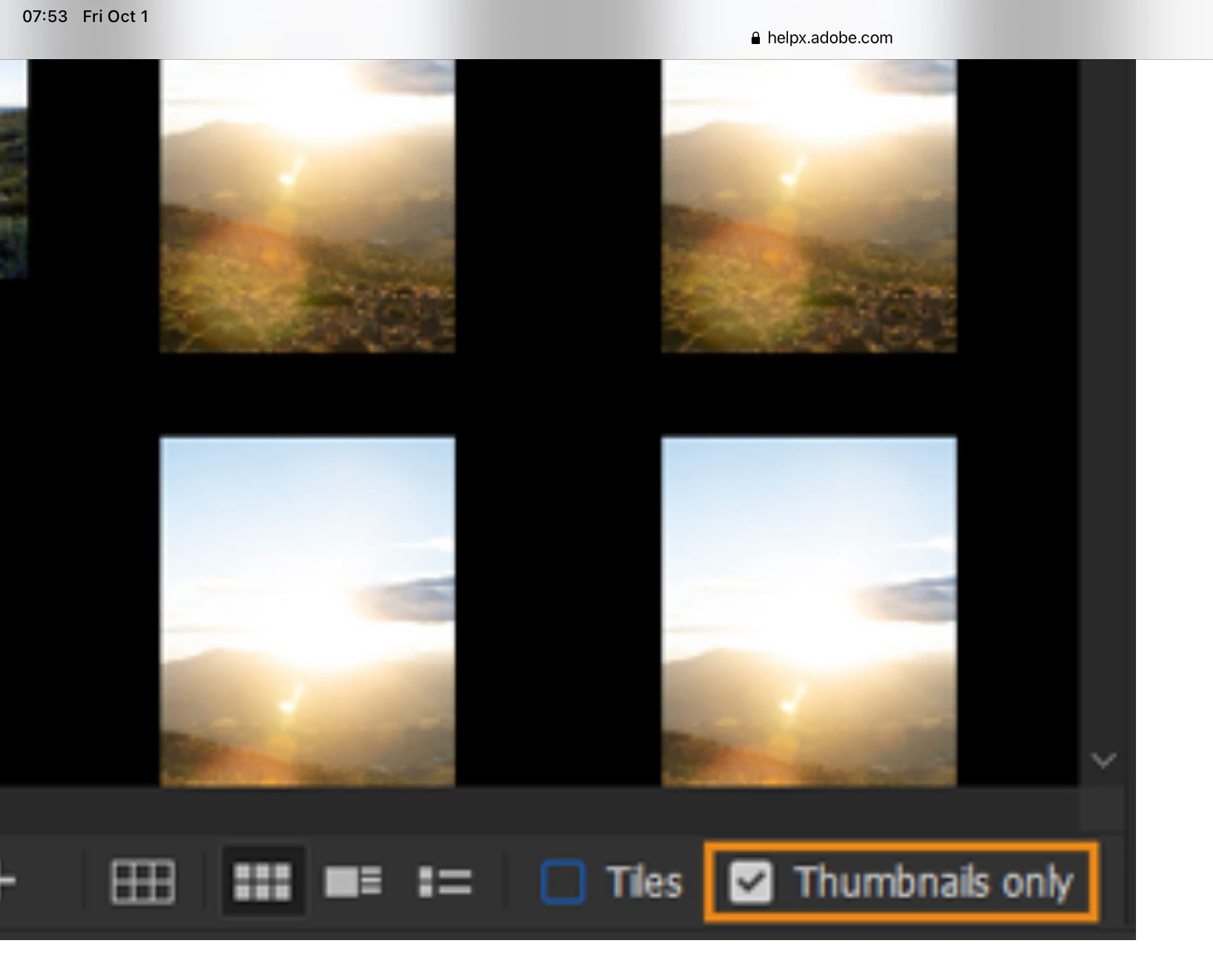
I didn't think it was possible either, but I found this. In Bridge, there is a checkbox at the bottom to choose Thumbnails only. Details here:

https://helpx.adobe.com/bridge/using/adobe-bridge-workspace.html


~ Jane


返信数 2

D Fosse
Community Expert
Community Expert
October 1, 2021

Must be Bridge. Just click on the "no"-symbol at the left of the star row under the thumbnail.


If you have many of these, it must be because you had many files selected and then clicked on a star rating.


EDIT: oh, I get it, you want to remove it altogether. No, I don't think that's possible (but agree it should be).

jane-e
Community Expert
jane-eCommunity Expert解決!
Community Expert
October 1, 2021

I didn't think it was possible either, but I found this. In Bridge, there is a checkbox at the bottom to choose Thumbnails only. Details here:

https://helpx.adobe.com/bridge/using/adobe-bridge-workspace.html


~ Jane


D Fosse
Community Expert
Community Expert
October 1, 2021

Ah, yes, good find...but I still want the title and other metadata. That goes too. I think the OP just wants to be rid of the star ratings that appear when the file is selected:


c.pfaffenbichler
Community Expert
Community Expert
October 1, 2021

Are you sure you are talking about Photoshop? 

Could you please post a screenshot to illustrate the issue?