


My photoshop color wheel has changed its base color from white to pink
A couple months ago, I noticed that the white on the base of my color wheel had become a slight yellow tint. I found this strange, so I opened up another application to compare the whites. Sure enough, it was a slight yellow. No biggie, just a bit strange. I then turn around for a couple of minutes to check my phone, and when I came back to my computer I saw that the yellow had become a light, pastel pink. This is much more bothersome. I have tried everything, from re-installing Photoshop, to updating it, to resetting my preferences. I have even uninstalled Photoshop completely only to install it again, and yet the problem persisted. Below is an image for reference. 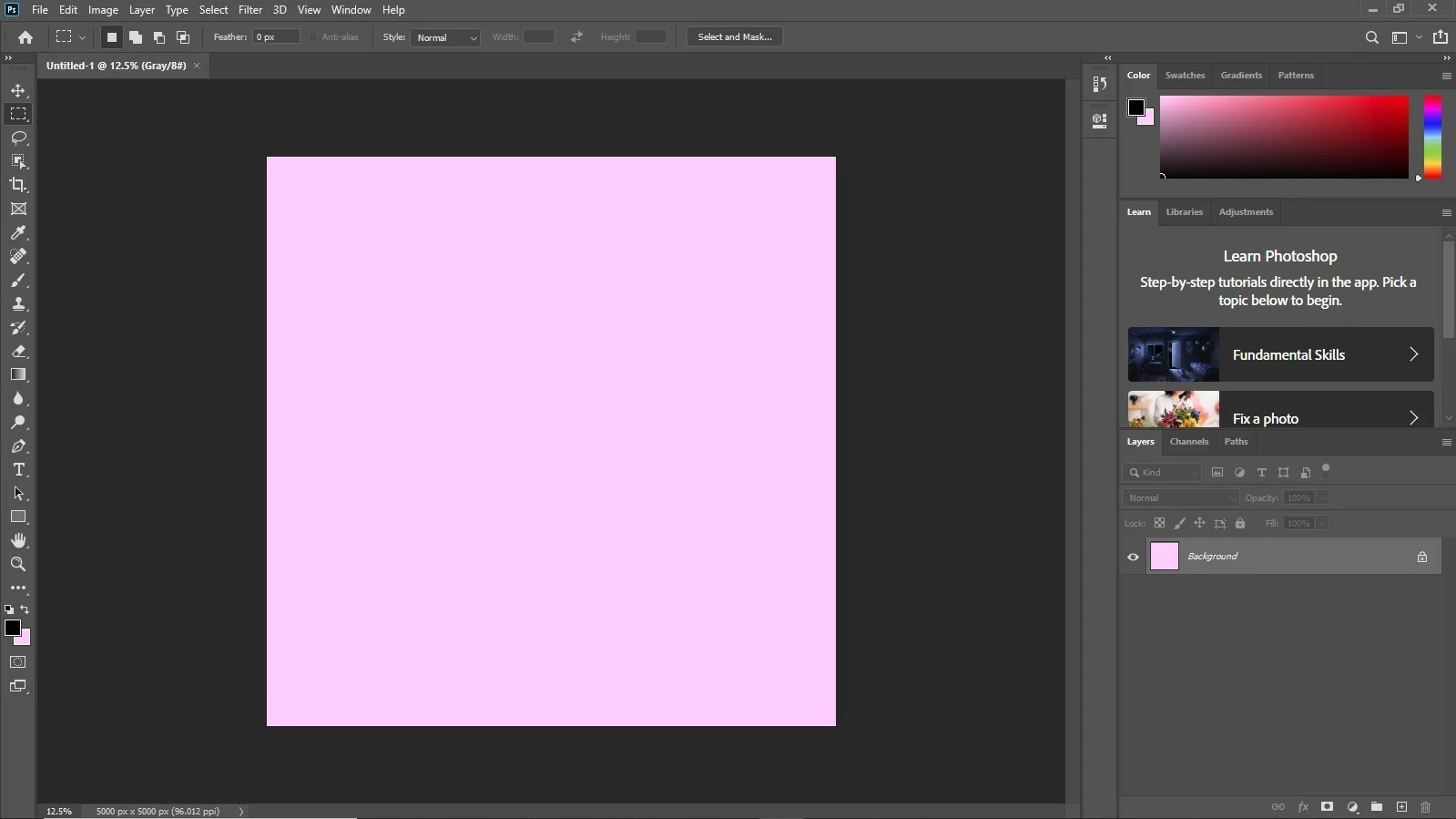
The strangest thing is that Photoshop still treats this as a white, as any image with the color white will turn pink!
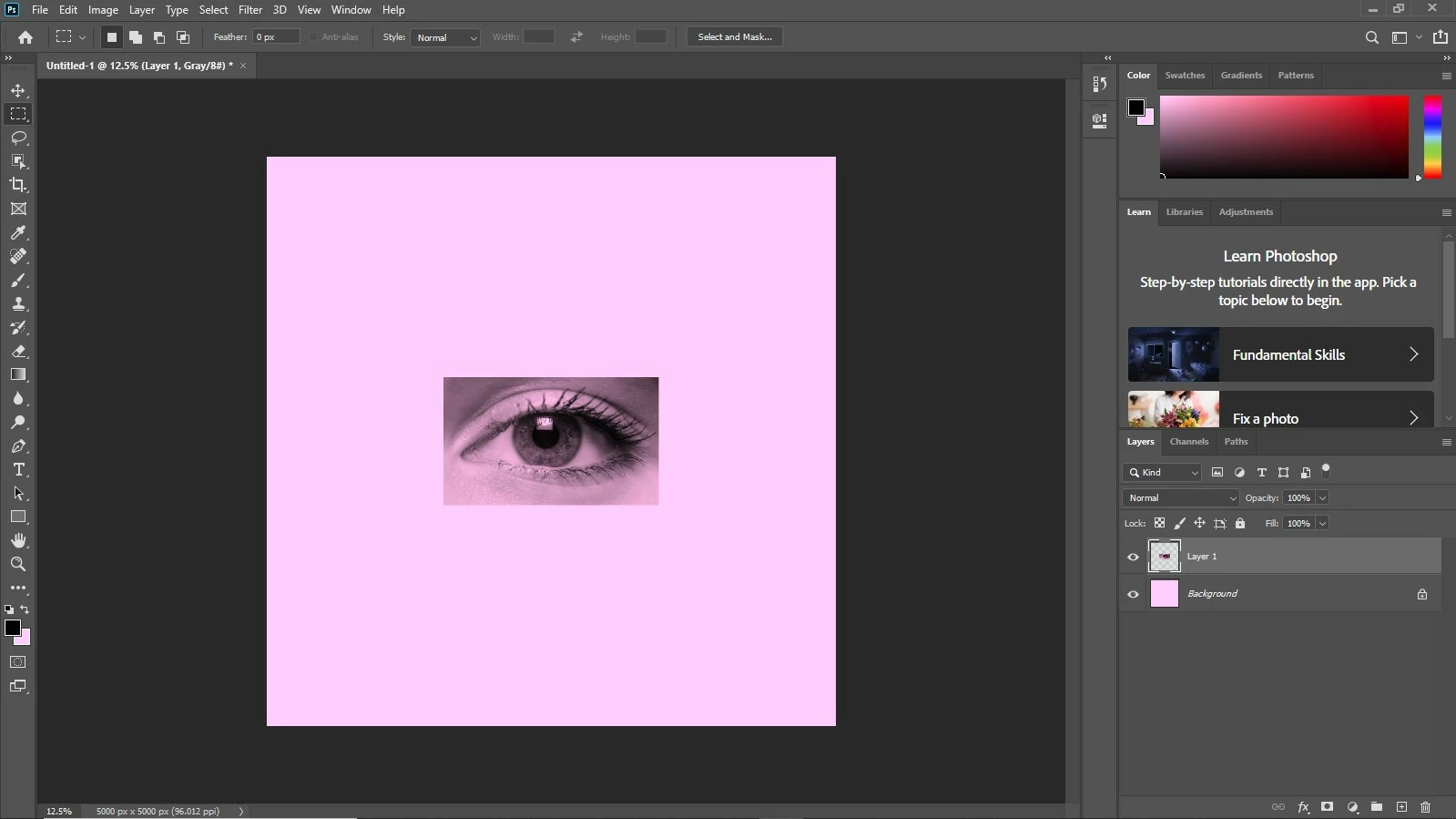
However, the file will still save as white.
My computer imaging professor told me it might have something to do with my driver, but I don't know how to fix that, or even if it actually has a problem there.
While I'm here, I might as well say that 3D doesn't work on this PC either. If it does have something to do with my driver, then they may relate. I'm not sure.
Please help, it gets very annoying to work with pink instead of white every time I use this PC.
-Daniel
 AdChoices