Participant
March 30, 2021
質問

No longer able to import or add video files to photoshop

  • March 30, 2021
  • 返信数 3.
  • 1354 ビュー

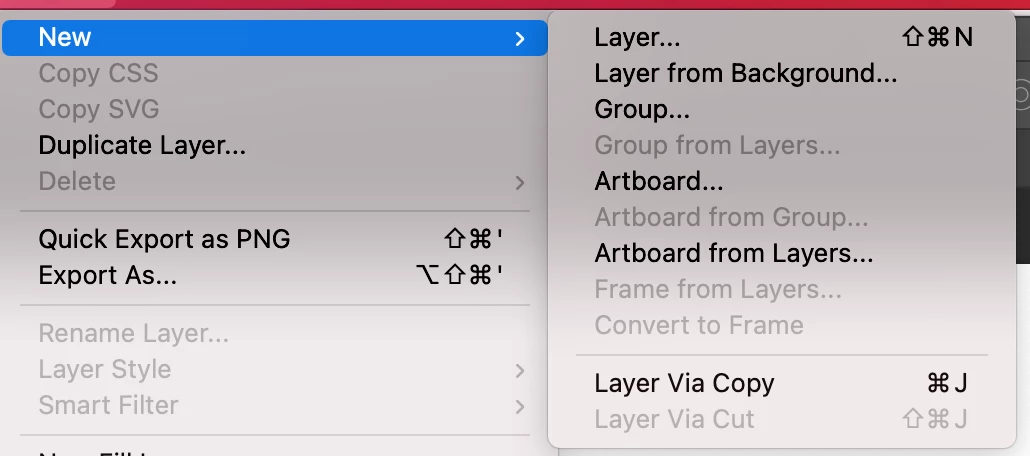
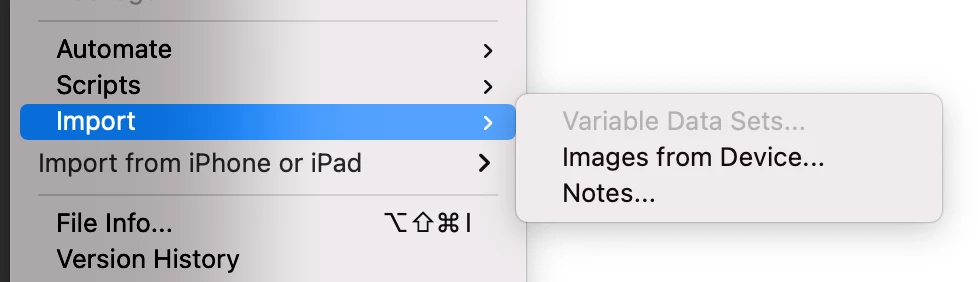
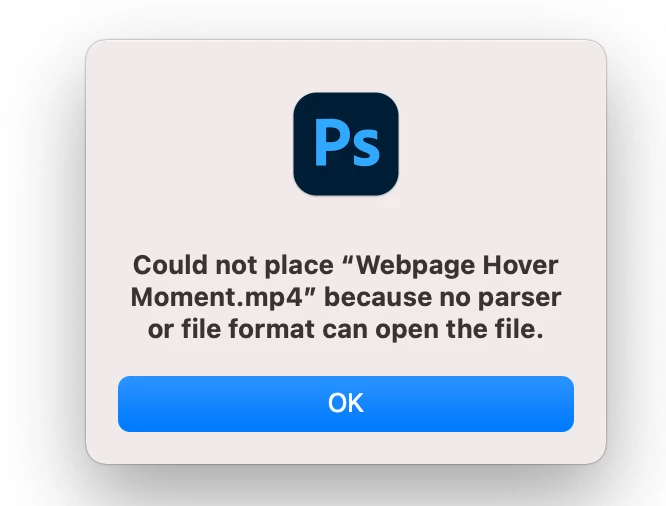
I have no 'import video frames to layers option', no 'video layer' option, and it is saying that mp4 is not a recongnizable file type? Anyone have a fix for this, or has it just been so long since I have dropeed videos into photoshop that I am missing something obvious?
 

このトピックへの返信は締め切られました。

返信数 3

Community Expert
March 31, 2021
Participant
March 31, 2021

I have and am still experiencing the same problem 'import video frames to layers' does not show up at all, even greyed out. Before then I had reinstalled both photoshop and creative cloud several times to the same results. 

Participant
March 31, 2021

I'm having the same issue, "video frames to layers" does not show up under 'import' at all. And I JUST downloaded photoshop to my mac today with the sole purpose of using this feature.

Community Expert
March 30, 2021

Are you using Windows or Mac?

Have you quicktime installed?

It seems some video codecs are missing...


Participant
March 30, 2021

I am on a mac, and quicktime is installed...