Among many other solutions you can also find tear image/vector on Adobe Stock.
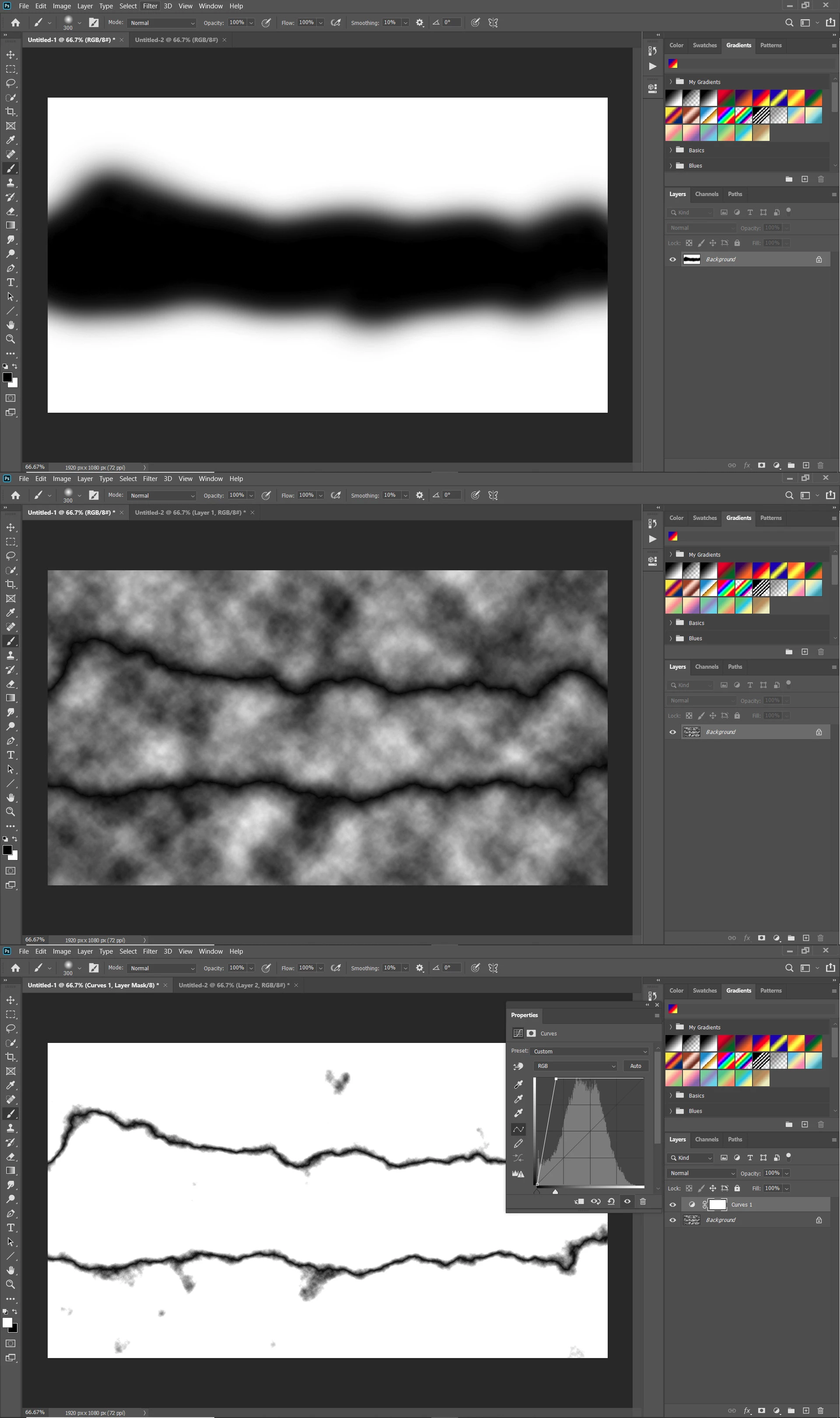
Once you have image or vector you can use Photoshop to mask image and create final effect with black and white part in the middle. For this particular effect I will recommend to you use layer or clipping masks. If you need more help please do not hesitate to ask more question in this thread.
Lots of ways to create the tear. You could actually photograph a torn paper - a dark coated white paper would be best to then isolate the tear. You could use the pen tool or the polygon lasso tool to draw the shape of the tear, or you could create a brush with a rough shape and jitter to create the tear. The rest is just standard masking and desaturating one of the layers.




 AdChoices