


warren602
Participant
December 4, 2019
質問

Photoshop 2020 (21.0.1) 'eating' files - macOS Catalina

  • December 4, 2019
  • 返信数 1.
  • 353 ビュー

Anyone else having an issue where they save a PS file and it gets to 99% and just hangs there forever? Occasionally it will sit at 0% and not move but mostly it gets to 99% then crashes, causing the original PS file to be 'eaten' and destroyed. When I restart PS and re-open the file, I just get a single layer that looks like the Bifrost bridge in Thor. Im in PS 21.0.1 - Catalina 10.15.1. Screenshot of what my files end up looking like is attached.
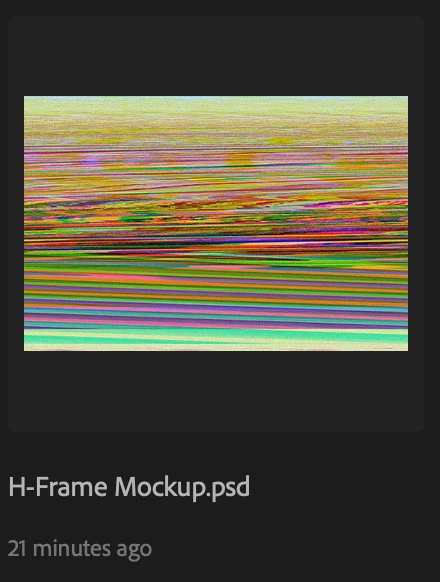


{Thread renamed by moderator}

このトピックへの返信は締め切られました。

返信数 1

Sahil.Chawla
Adobe Employee
Adobe Employee
December 4, 2019

Hi Warren,

Sorry to hear about Photoshop freezing, could you please try enabling "Legacy compositing" located in Photoshop's Preferences > Performance, then relaunch Photoshop and let us know if it helps?

Also, where are you saving the file? Internal drive or External?


What's the size of the files that you're saving in Photoshop?


Regards,
Sahil

warren602
warren602作成者
Participant
December 4, 2019

Unfortunately, that does not work. Files are saved to an external drive and are only 12-15 Mb in size.

New screenshot attached. After changing to Legacy Compositing and restarting PS - I still get hung up saving at 99%.


D Fosse
Community Expert
Community Expert
December 4, 2019

Don't save directly to an external drive. Save locally, then move.


Although saving to an external drive should normally work, it's risky and not recommended. And apparently there's a Catalina issue involved here as well.