


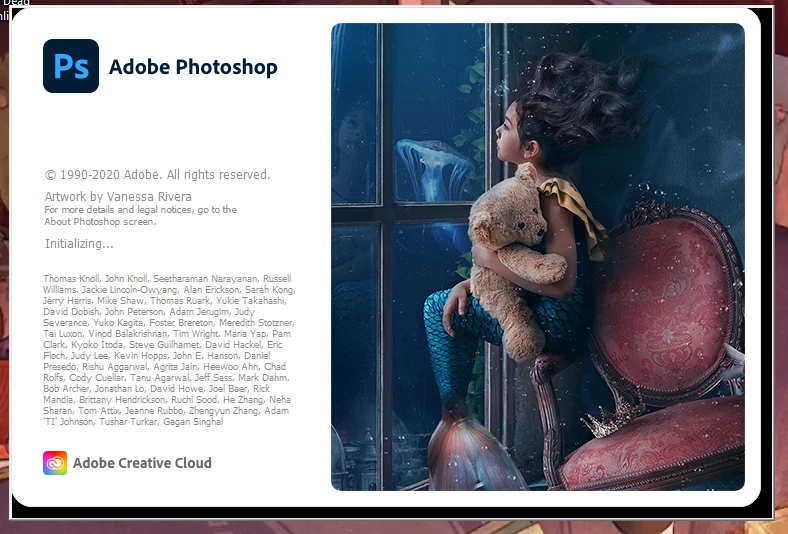
Photoshop 2020 stuck on "Initializing Dial" on start up
Background
Recently, I've had to port my files over to another user due to a corruption error in my previous user files. Once I fixed that issue all my apps were running smoothly until yesterday. The only thing that happened yesterday was a family friend took apart my laptop so we could see what battery I need to order.
When booting up Photoshop 2020 it was getting stuck on the "Initializing" text, after running the Creative Cloud Cleaner Tool (Going through the process and restarting my laptop) the start up was then stuck on "Initializing Dial". Deleted my preferences after that and I'm back onto "Initializing".
 In summation I have tried the following:
- Creative Cloud Cleaner Tool (With just cleaning Photoshop and the the entire creative cloud)
- Unistalling and Reinstalling
- Deleting preferences
- De-activating some fonts
In general I'm at a complete lost here, I have a commission I'm working on and I need to finish it. Would appreciate any and all help with this.
 AdChoices