now its no longer rotating the jpg, its rotating apparently just the image and not the background.
By @nagaco@gmail.com
I'm confused. Your Background is getting rotated, according to your Layers panel. A jpeg can only have one layer and it will always be the "Background".
Can you please define how your are using the terms "jpg" and "background" in the above sentence so we can better understand your issue?
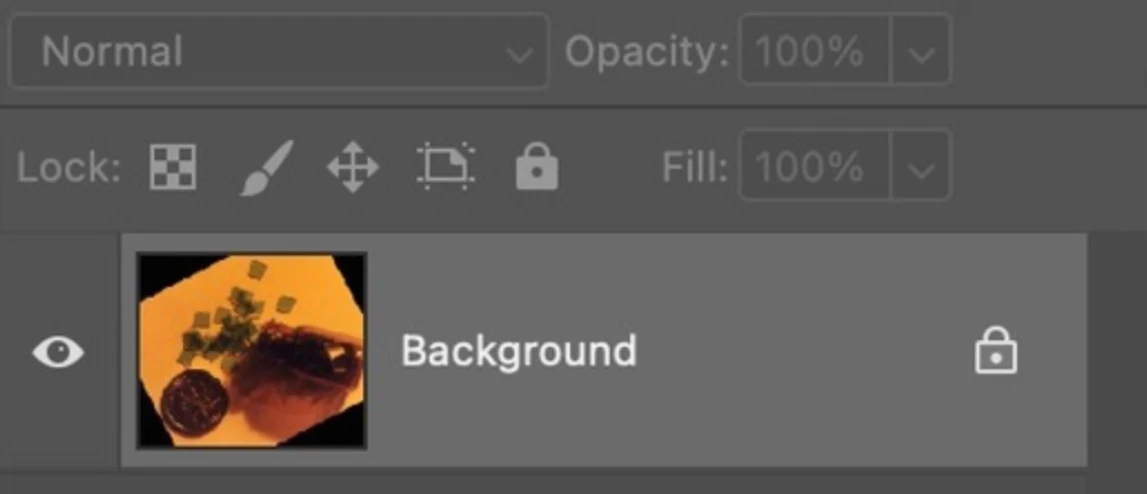
We also need a screenshot that includes your Tools panel and the options bar for Edit > Transform > Rotate.
Jane
@nagaco@gmail.com
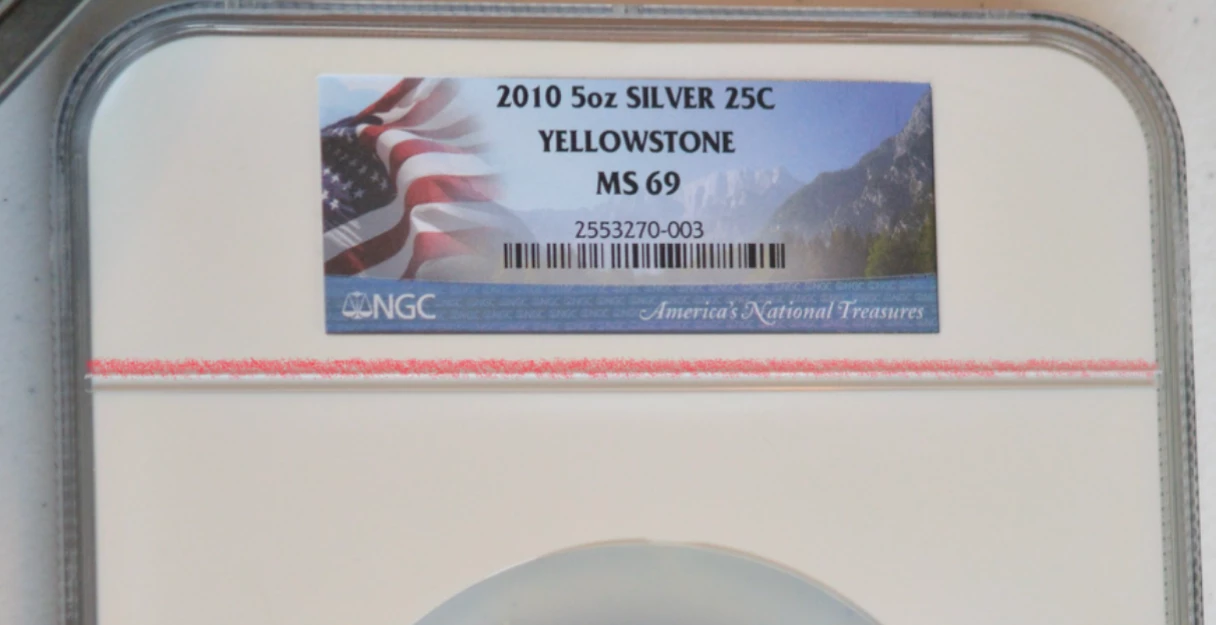
This is a long shot, but what do you hope to accomplish by rotating slightly? If you are trying to straighten the image, try this:
- Crop tool
- Click the Straighten button in the options bar
- Drag across a line you want to become vertical or horizontal, as shown below. I couldn't be precise on my iPad, but you can in PS
- Accept the Crop
If you are trying to fix the distortion, try the Persective Crop tool.
https://www.photoshopessentials.com/basics/perspective-crop-tool-photoshop/
Jane




 AdChoices