


Still having trouble with select and mask
Current version of PSCC on a 64-bit, Windows 10 PC. Nothing special.
I KNOW the answer is in here, but I've looked at videos (including Julieanne Kost's on using Select and Mask), and read at LEAST a dozen topics in here, and tried other sites where people are making perfect selections of hair, and I still don't know what I"m doing wrong with this tool... I'm familiar with the Refine Edge tool and was able to use it pretty effectively, but...
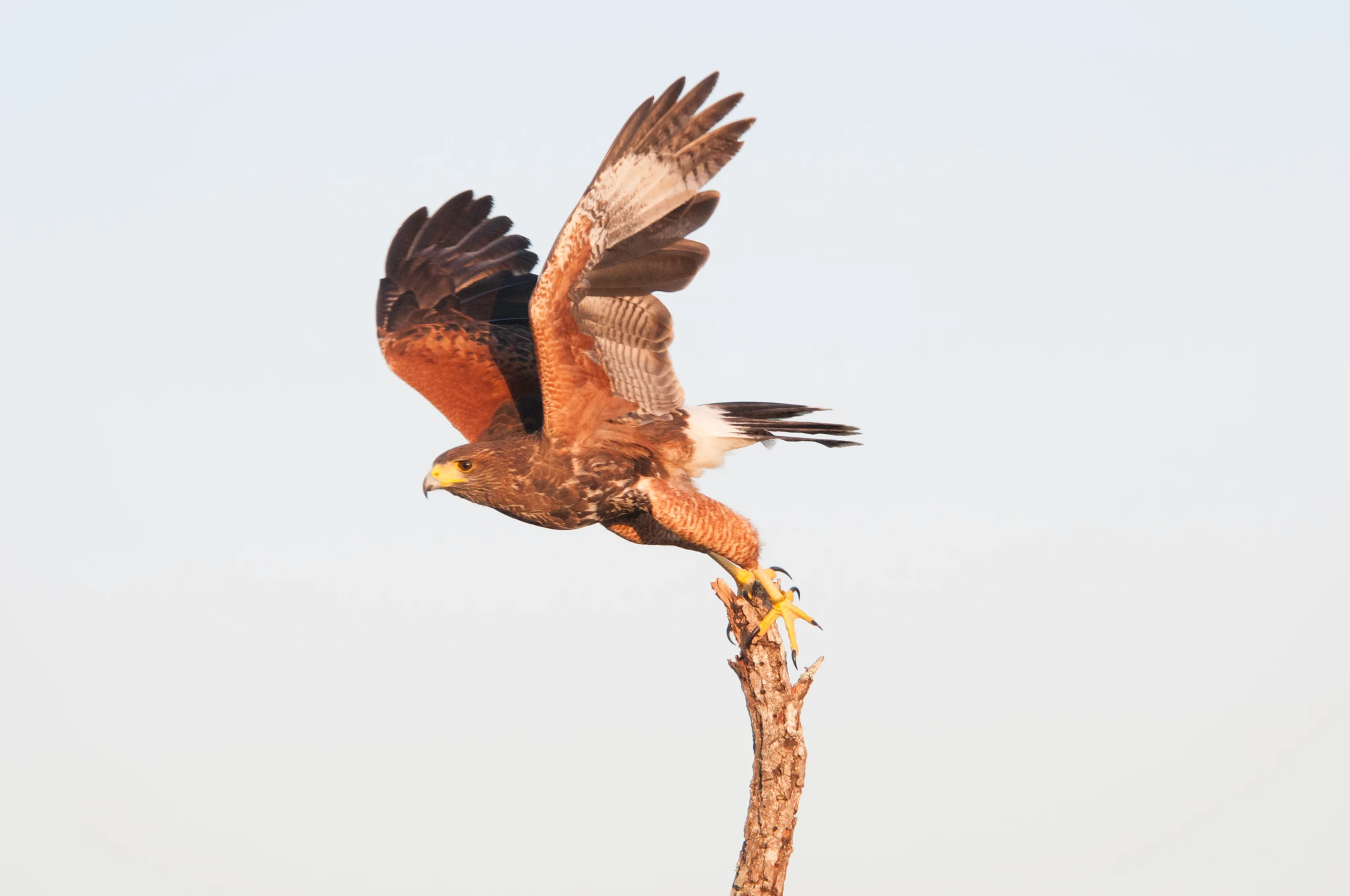
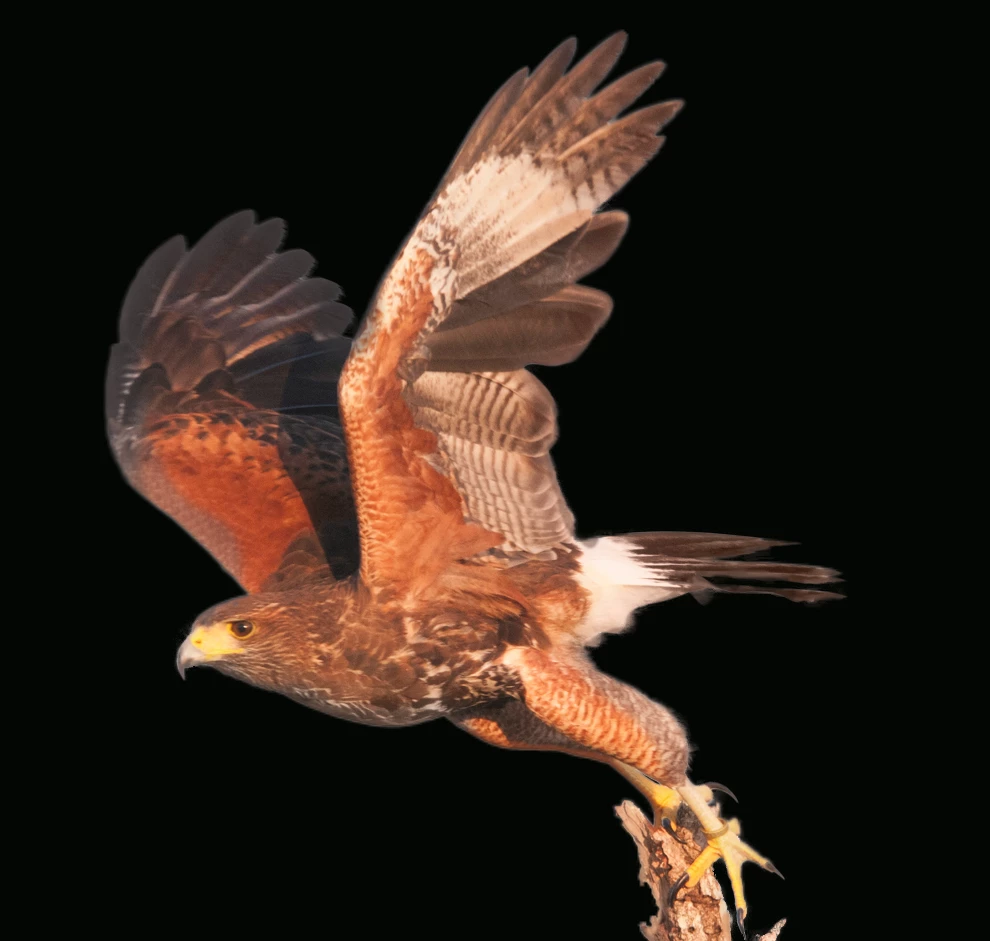
Picture of a bird. Not a great picture, but one I want to put a blue sky with puffy clouds behind and print large-ish so the selection needs to be good. Again, I've done this regularly using the previous tools with fairly good results. Nothing special or that should be particularly difficult (or at least not difficult back in the olden days)...
I've tried a pretty accurate selection of the bird using the magic wand.
I've tried a sloppier selection using the lasso tool to stay will inside the edges.
I've tried the quick selection tool.
I've tried a very small brush (10px) hardness 100% and spacing 25%.
I've tried a very small brush (10px) hardness 100% and 1% as some discussions recommend.
I've tried a large brush (100 px) hardness 100% and spacing of either 25% or 1%.
And on and on.
I've tried decontaminating colors and NOT decontaminating colors.
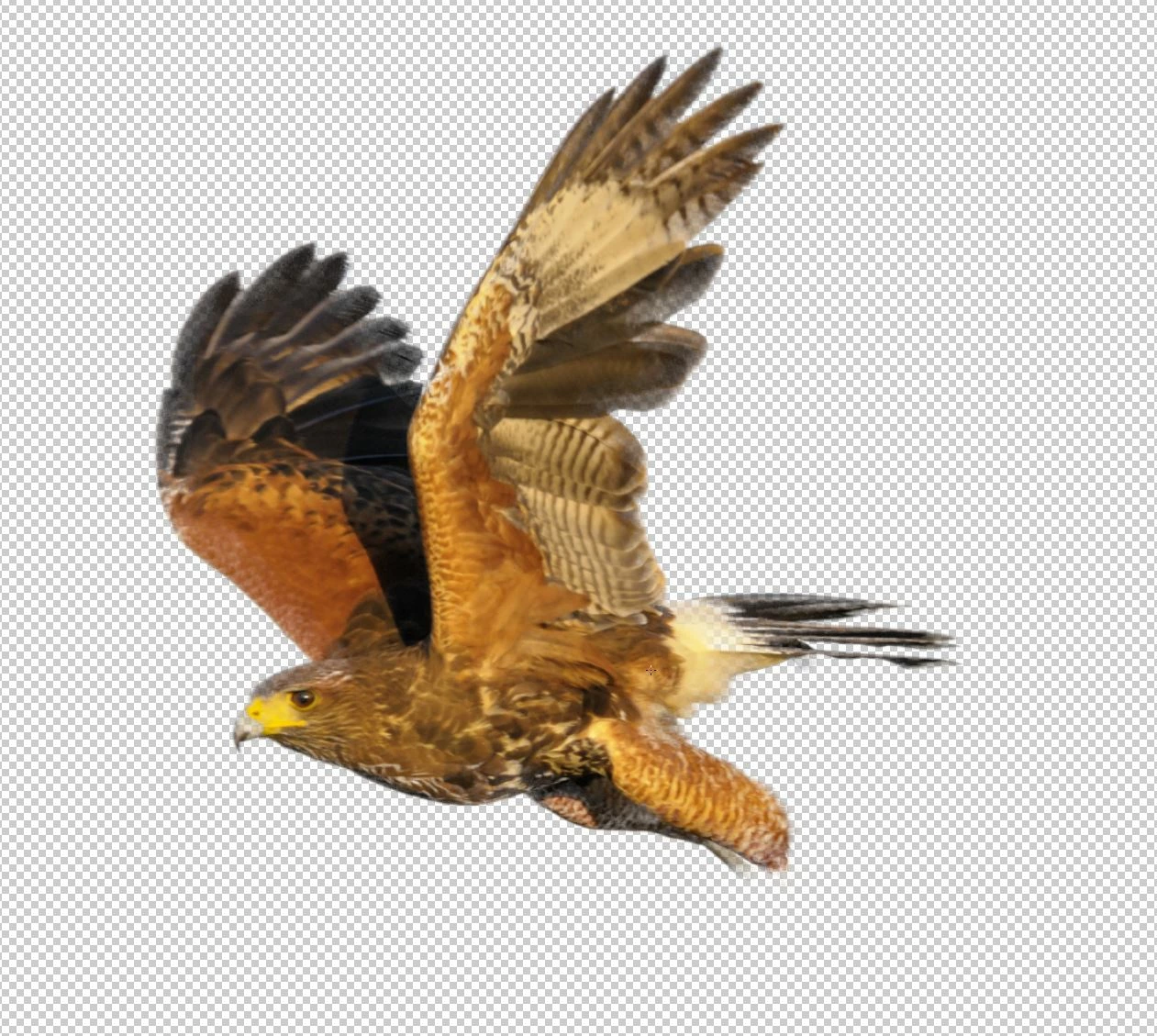
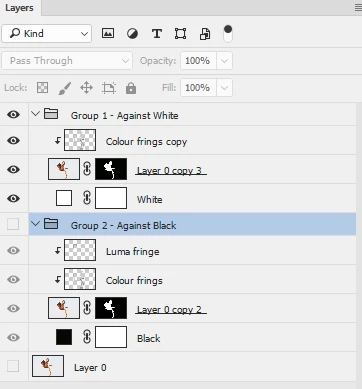
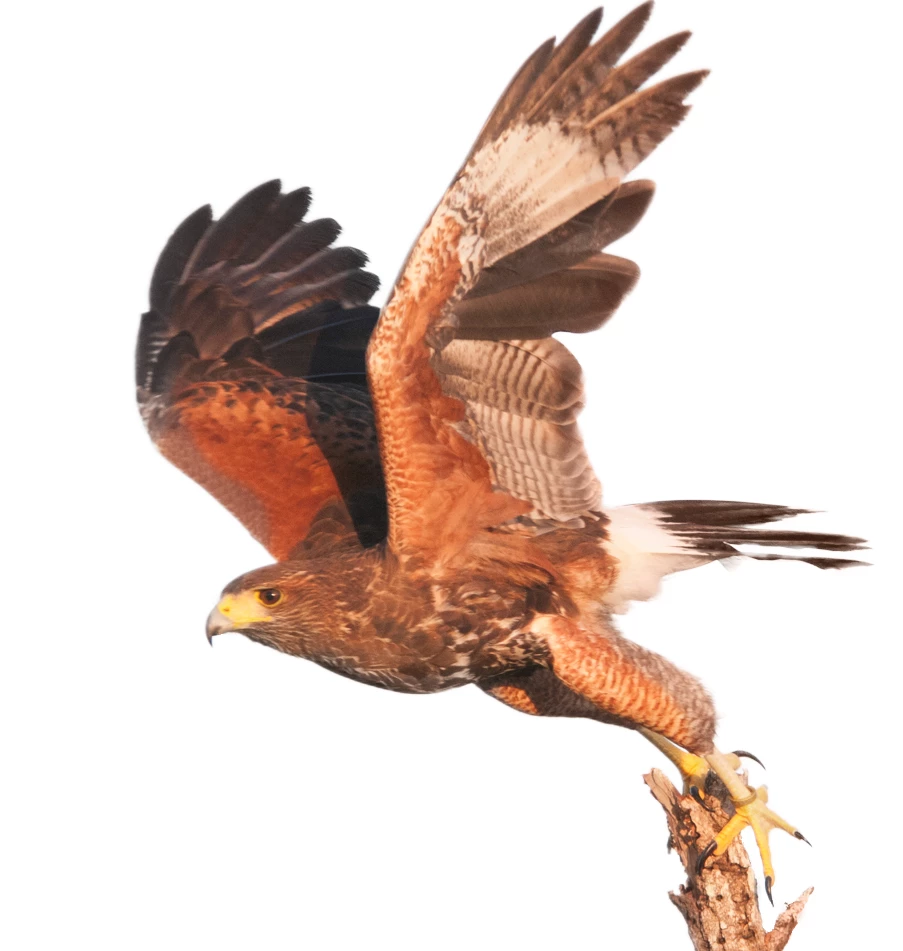
No matter what I do, where I attempt to refine the edge I get a poor selection with background showing through... Sometimes I get pieces of my selection that are black. In general, it's just not a very good selection. Which, since so many people are saying it works fine (and yes, I'm sure it works fine for you, so telling me it works fine isn't useful) it's got to be something I'm doing wrong....... I've (hopefully) attached a small version of the image, untouched by Lightroom or anything, and a version that shows what a selection I've made looks like as a snip from inside Photoshop...
Ideas?
 AdChoices