



why is photoshop alt click shortcut for brush tool changing the background color instead of the for
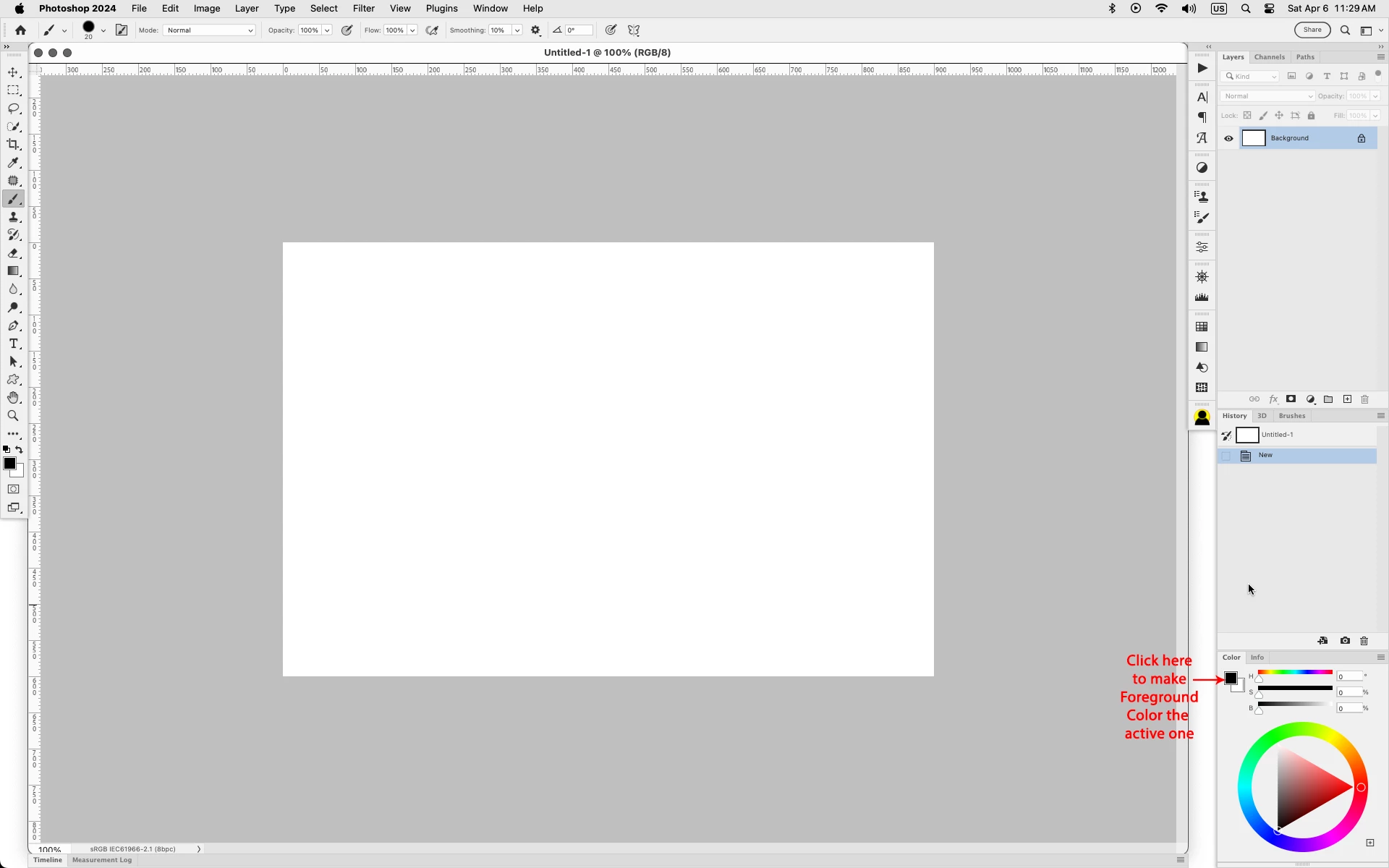
why is photoshop alt click shortcut for brush tool changing the background color instead of the forground color? It was working perfect until this morning. Now when using the brush tool and I want to change colors, alt-clicking samples the color but instead of making it the active forground color it changes the background color. For example the foreground color is black and the background color is white I alt-click with the broush tool and it temporarily changes to the eyedropper and samples the color I click on, say it's red that I sampled. After releasing the ALT key the cusor changes back to the brush tool and I start to paint and it's black instead of the red color I sampled. I look at the tool bar and see that the foreground is still black but the background color has changed from white to the red that I sampled.
It's supposed to change the foreground when you sample colors like that so that as soon as you release the ALT key and start painting again the color is now the one you sampled.
I changed nothing in the preferences or anywhere else. And I've also had other problems since "upgrading" to the latest release of photoshop 25.6.0. Quite often when starting photoshop it takes 5 to 10 seconds for the libraries to show up, then half the time they are blank and I have to close photoshop and restart it to get them to show the thumbnails for the items in the libraries.
But my main concern is the ALT-Click shortcut for sampling colors while using the brush tool and how to fix it. Resetting preferences is out of the question, that never fixes anything.
 AdChoices