


Participant
June 11, 2020
質問

Content aware fill in 360 panoramas results in bad color

  • June 11, 2020
  • 返信数 2.
  • 938 ビュー

Hope someone can help.


I use a dji drone to create 360 panoramas, there is a patch in the sky that the camera cant reach.

I stich photos together in Hugin panorama and then open the image as a 3d panorama in photoshop.

I move the camera upward to the empty patch of sky, select around it and choose edit-fill.
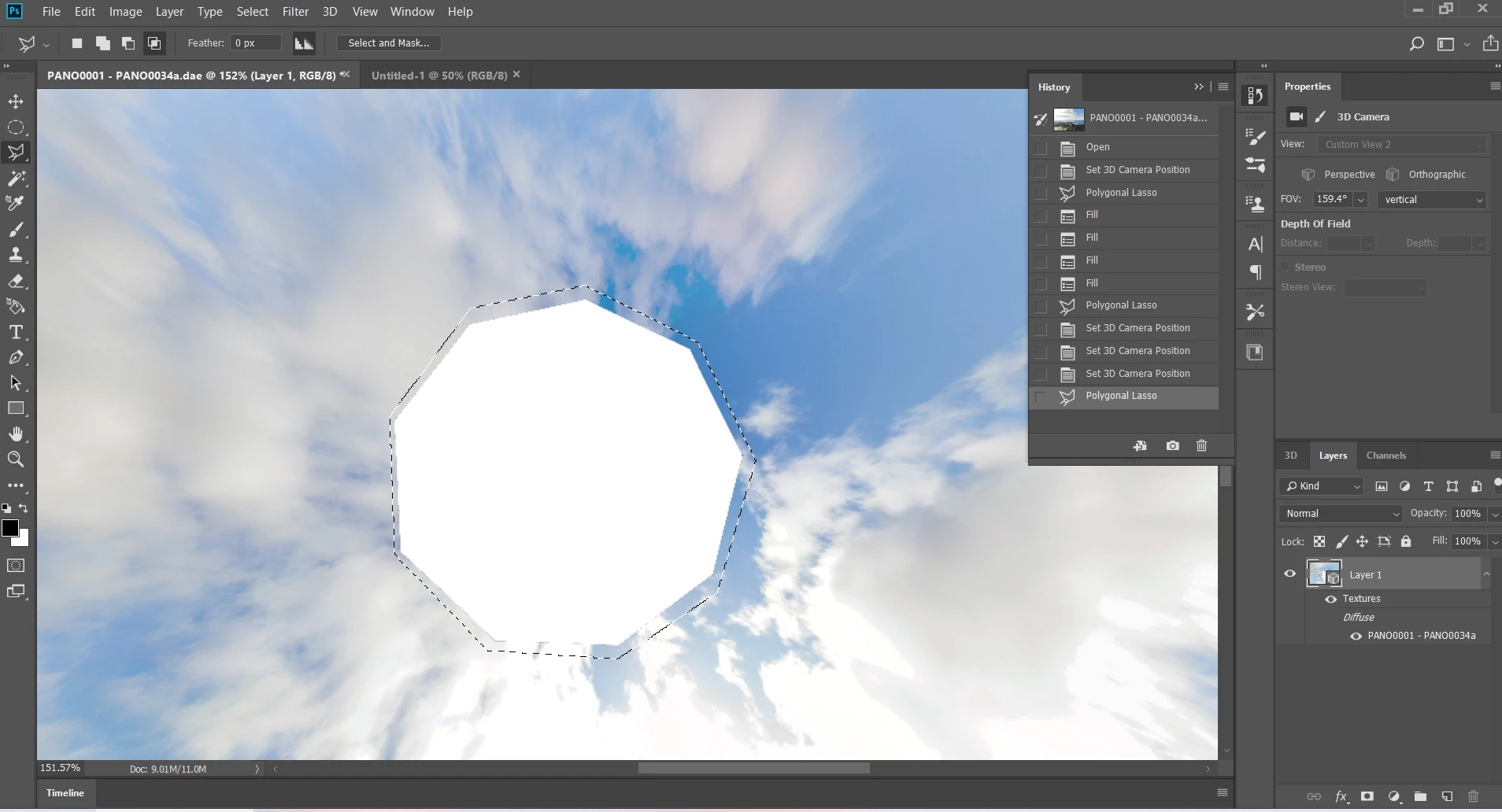
 

the result comes back with a good fill accept a definate line where the patched area is a completly diffent colour tone than the sourrounding sky. you can also still see a hexagon shape where the empty patch used to be.
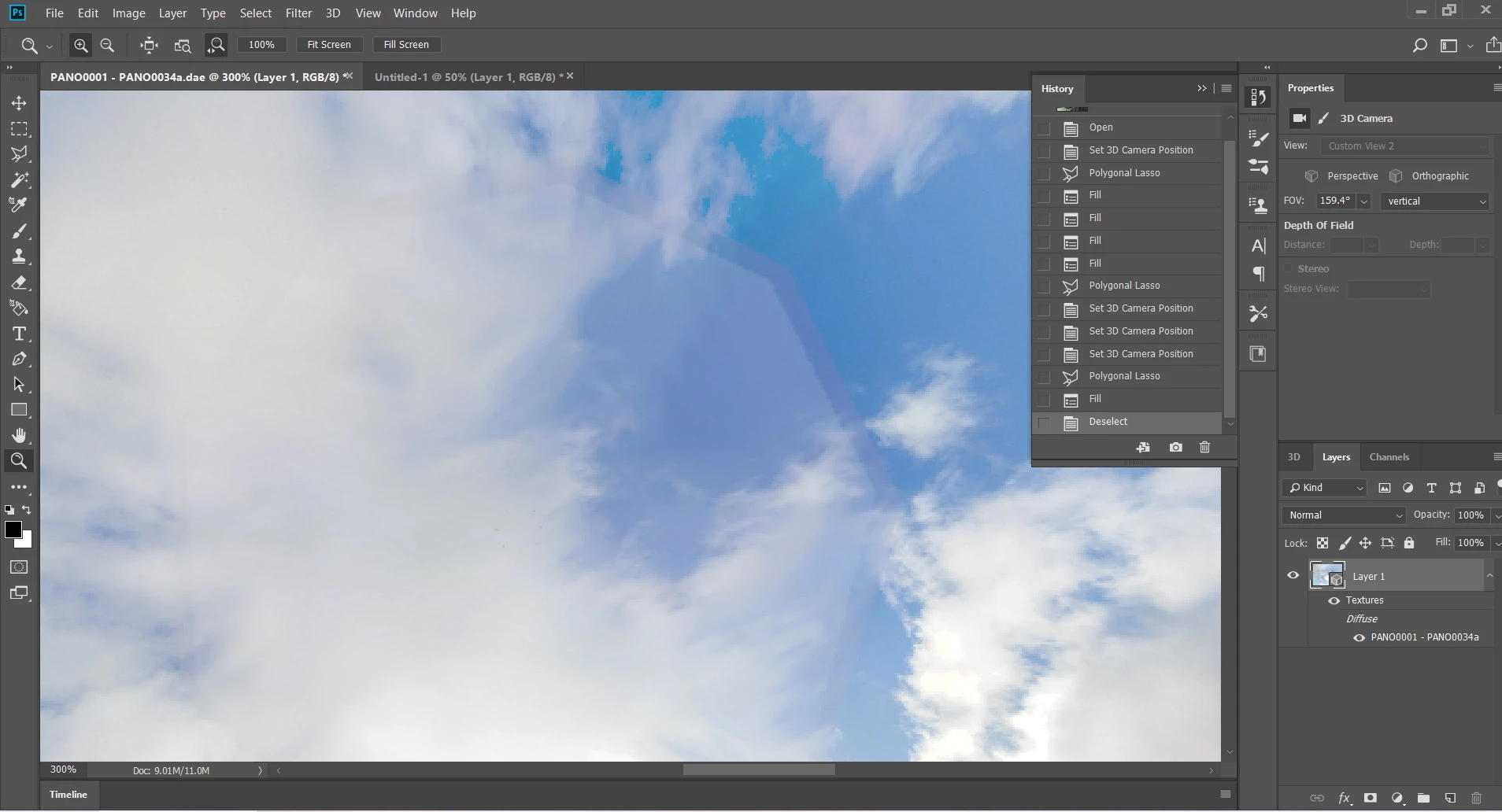
 

Its almost as though the patch is a slightly transparent cover?

このトピックへの返信は締め切られました。

返信数 2

barbara_a7746676
Community Expert
Community Expert
June 11, 2020

Try using Edit > Content Aware Fill. That brings up a dialog box where you can choose the pixels you want to use to fill in the area. It's pretty easy to use; just brush over the pixels that you want to use. Instructions are here https://helpx.adobe.com/photoshop/using/content-aware-fill.html

Participant
June 18, 2020

Content aware fill in not listed under edit?

Only edit/fill.

once I choose fill there is a dialog box with a content aware option which I use.

barbara_a7746676
Community Expert
Community Expert
June 18, 2020

Edit > Content Aware Fill under the Edit menu was introduced a couple of updates ago. Which version of Photoshop are you using?

Mylenium
Legend
June 11, 2020

Nothing to do with covering. You simply don't have enough of the darker, more turquoise blue selected and naturally the algorithim can only do so much then. Start by working with a duplicate layer, use a larger selection, let the fill be generated and then blend it in with a bit of feathering on the other layer. Otherwise any number of blending mode based trickery will do like subtle painting over with Overlay and Color modes or similar techniques.


Mylenium

Participant
June 18, 2020

Thanks, I will try.

Do I make the duplicate layer from the 360 view or the source image view?

barbara_a7746676
Community Expert
Community Expert
June 18, 2020

The default is for the Edit > Content Aware Fill command to put the resulting fill on a new layer, so you shouldn't need to create any new layers yourself. 

Once I'm satisfied with the fill, I combine the new fill layer with the original layer. Sometimes I have to use the Edit > Content Aware Fill more than once for the fill to look the way I want.