


New user - help with colour and shading of smart objects
Hi everyone,
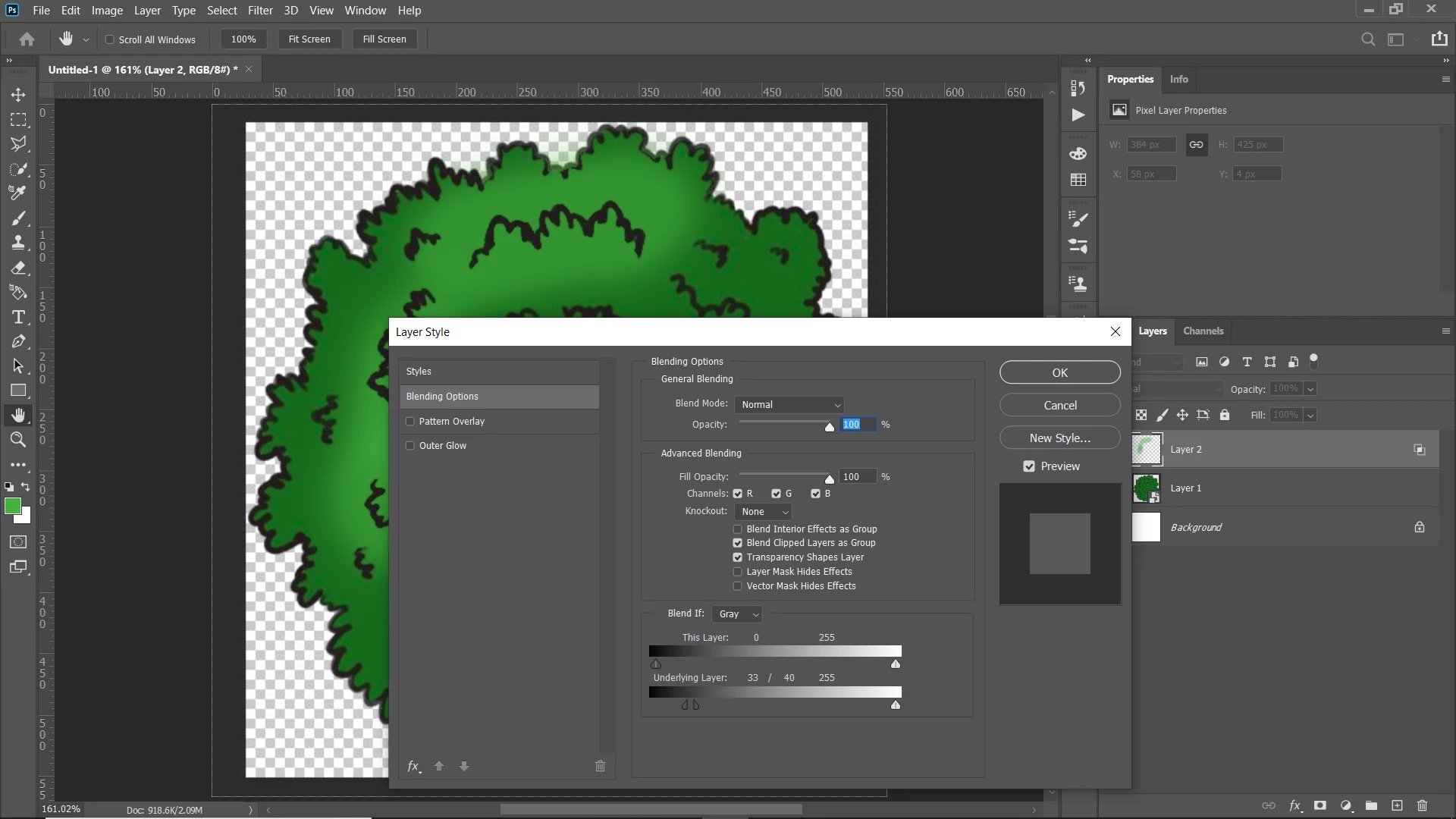
I'm very new to Photoshop but I recently got a pen display and I'm really loving it. I am making maps for a tabletop game and found smart objects to be really useful so that I could produce a few trees and paste them all over, rotating them and resizing them.
At first the smart object was just black pen lines, and in a layer under the trees object, I coloured them in, highlighted and shaded them. I then thought to save time I could add colour to the smart object, to save me putting the same base colour over each tree and I could just shade/highlight, but this is where I'm stumped and probably need another method which I don't yet know. Using the smart object with colour, I can no longer shade in between the colour and pen layers (without doing it inside the object (which I can't do because the different rotation would make the shading wrong)).
Is there another method I can use to place many copies of my tree, not have to colour them in with the base green, and then still be able to shade/highlight under the black pen details of the tree.
I really hope that's clear xD
Kind regards,
Zarakk
 AdChoices