


kimmjungeun
Participant
March 11, 2022
質問

프리미어로 레트로적인 분위기를 더 내고 싶어요

  • March 11, 2022
  • 返信数 1.
  • 740 ビュー

안녕하세요 이 영상은 프리미어프로를 활용하여 만든 영상입니다.

영상의 앞 부분(인트로)를 더 레트로적인 분위기를 만들어 편집하고 싶어요ㅠㅠ

레트로분위기에 어울리는 효과나 참고할 수 있는 영상이 있다면 알려주세요 ;);)
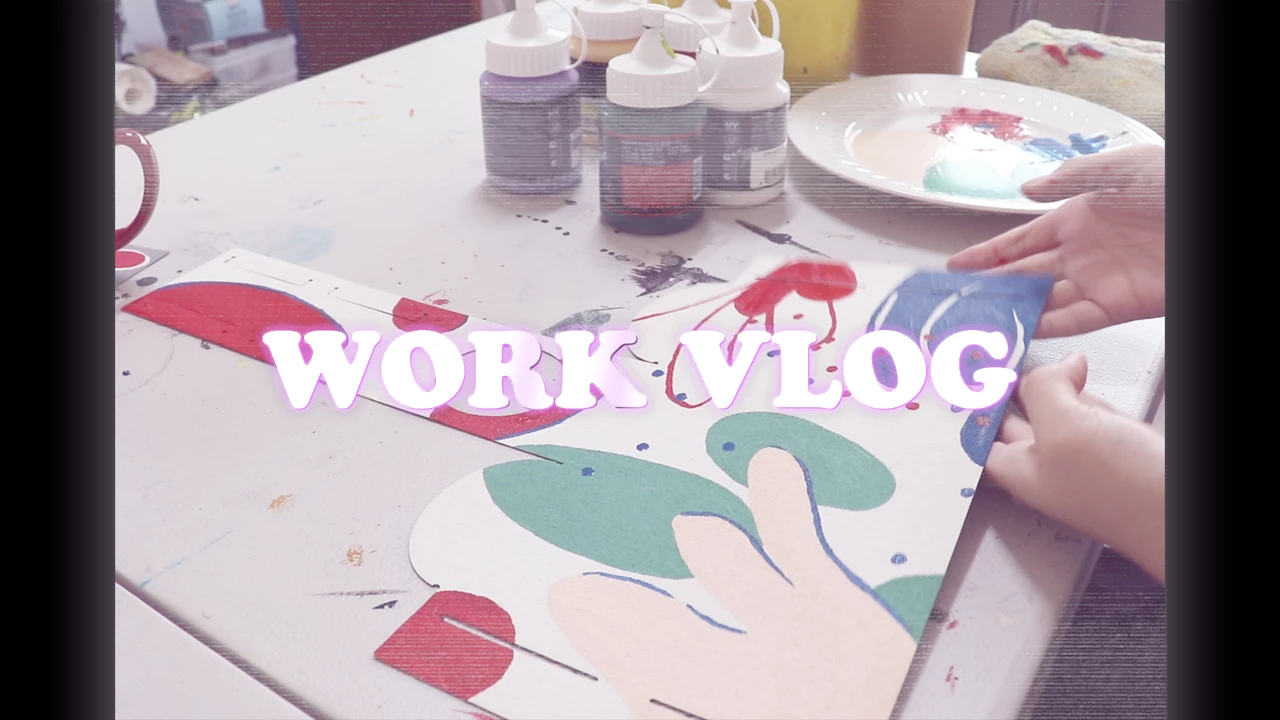


제작한 영상👇

https://youtu.be/tYOe9X-02P4 


에펙도 독학 중이니 에펙효과로 알려주셔도 감사히 배우겠습니다☺️

このトピックへの返信は締め切られました。

返信数 1

Kevin J. Monahan Jr.
Community Manager
Community Manager
March 11, 2022

Hi, 정은대보름. It is so cool to see Korean members from our community in action. Good work!


Your question is good, as there are so many directions you can go in. It looks like you are shooting for a "Bad TV" or "Damaged TV" look as far as the retro concept goes. Unfortunately, there are no effects directly in Premiere that do that specific effect. That said, you can often combine effects to get these kinds of looks. Explore the Distort category and get subtle wave warps going. You can add flicker and flashes of black and white and overdrive the mid-tones and animate those. In Lumetri color, you can try some of the monochrome looks or crank up the Faded Film slider under the Creative Tab. You can also try some of the available looks. There is a Digital Glitch effect in the Immersive Video effects to get the most obvious bad TV effects. Even though the effect is for VR footage, you can still use it on regular footage.


Above all, have fun with it. Remember that audio can also sell the effect, so adding some bleep, boom, and digital buzzing sounds can help!


Please return with questions.


Thanks,
Kevin

Kevin Monahan - Sr. Community and Engagement Strategist – Adobe Pro Video and Audio
kimmjungeun
kimmjungeun作成者
Participant
March 11, 2022

You're sssssoooo kind!!!!!!! 

I'm touched.😂
I'll try to fix it according to the answer.

Thank you so much.☺️

kimmjungeun
kimmjungeun作成者
Participant
March 12, 2022


Sure. I like your project and am glad to help. I could watch someone paint boxes all day long. Can't wait to visit Korea! If you have After Effects, in the Animation Presets there are 3 "Bad TV" effects worth checking out. Instant Bad TV!


Tutvid has a nice tutorial here: https://youtu.be/rl9t2XFCGa0


Cinecom Bad TV: https://youtu.be/T6E7sHo1yG8


Cinecom Glitch: https://youtu.be/HudeXvr6hf4


Austin Newman Bad TV: https://youtu.be/_MYBC4Yy7


OMG!!! 👍👍
It's an amazing tutorial.

Thank you for replying.💓

Once again, you're so kind!!👏👏👏👏👏
