February 9, 2022
質問

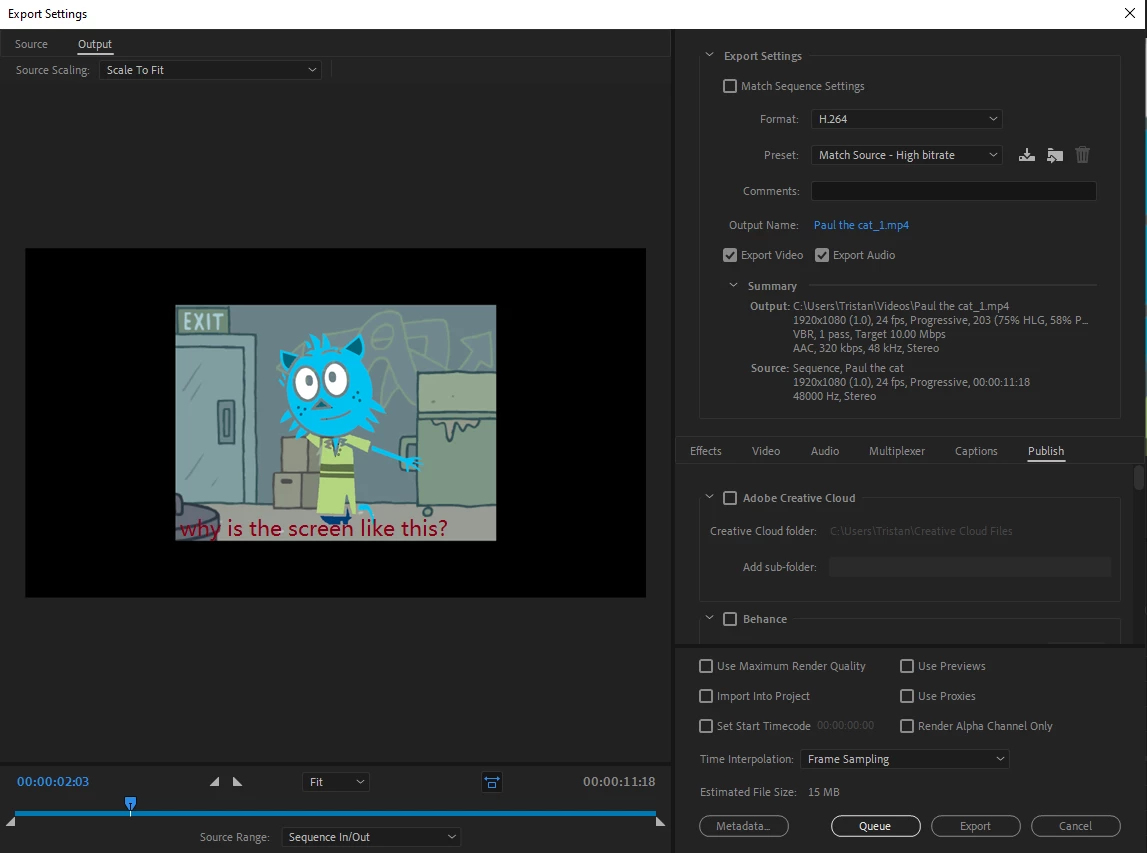
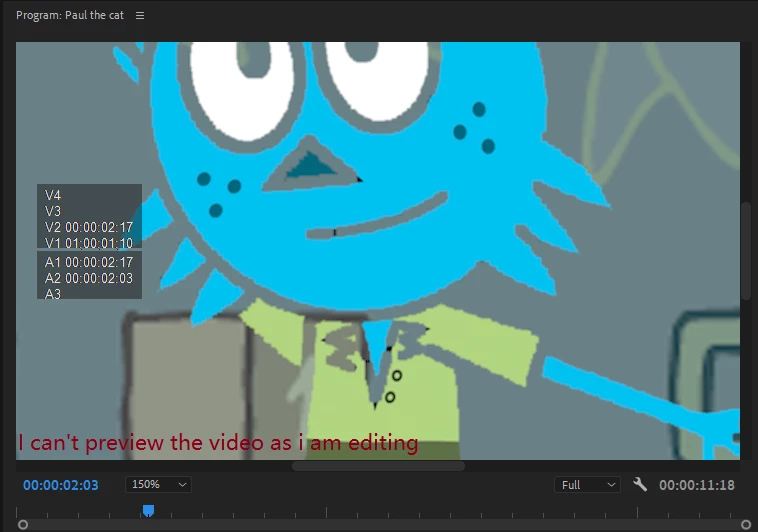
I Cannot preview the video and the size is wrong

  • February 9, 2022
  • 返信数 2.
  • 2160 ビュー

Ok so recently i can not preview my video while editing and the size of the screen is too small as i am about to export it here are some pictures for exemples.


Please help me find a way to fix this as the editor is way harder to use with these isues.
 

このトピックへの返信は締め切られました。

返信数 2

Community Expert
February 9, 2022

Try changing the scale of your program monitor to 'fit' instead of 150%. It also looks like you have a mismatch between your video pixel size and your sequence settings, what are the dimensions of the video?

February 9, 2022

update i was able to fix the size of the video but now the previewing is still not available?

Peru Bob
Community Expert
Community Expert
February 9, 2022

That is not what i meant this is what i meant.


Use the scroll bar at the bottom.

or use keyboard shortcuts 

Zoom In = =
Zoom Out - -


from here:

https://helpx.adobe.com/premiere-pro/using/keyboard-shortcuts.html

February 9, 2022

By the way i did reinstal the proggrame and this happened in the recent updates i think.