



AntDX316
Inspiring
January 14, 2022
解決済み

Is there anyway to delete All the files of your project not in your timeline?
  • January 14, 2022
  • 返信数 4.
  • 5357 ビュー


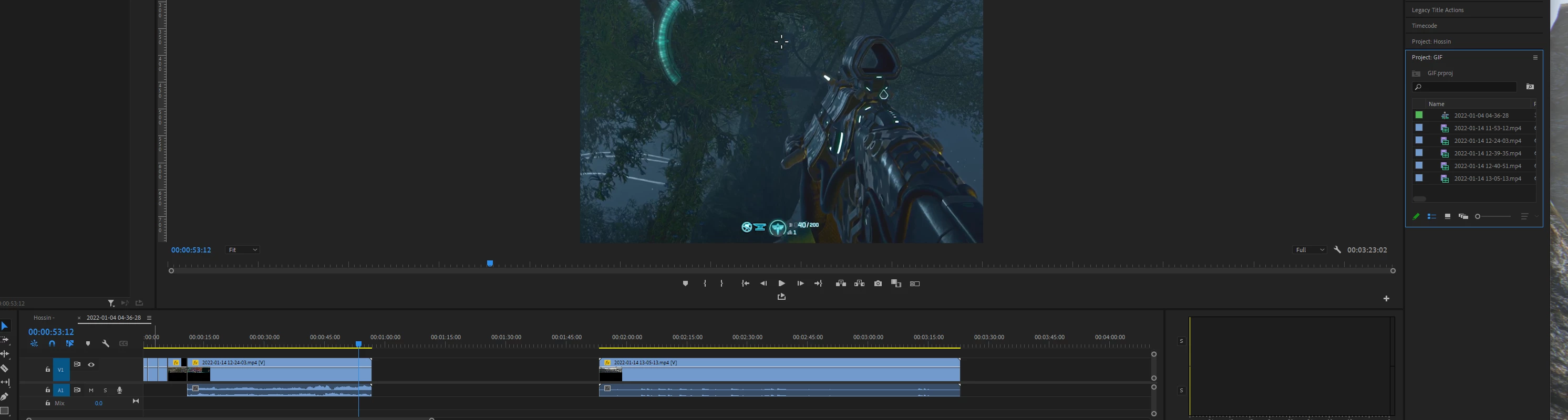
Like, I have a couple vids but at least 2 of them I need to delete.  I'm not sure exactly which ones they are but anything not Already on the timeline I don't need.  Is there anyway to automatically delete all the files not in your sequence?

このトピックへの返信は締め切られました。
解決に役立った回答 Ann Bens
quote

 Is there anyway to automatically delete all the files not in your sequence?


By @AntDX316


Edit > Remove Unused.

返信数 4

Ann Bens
Community Expert
Ann BensCommunity Expert解決!
Community Expert
January 14, 2022
quote

 Is there anyway to automatically delete all the files not in your sequence?


By @AntDX316


Edit > Remove Unused.

Community Expert
January 14, 2022

As daapap said, but if you want to remove them from the project only, use this command from the Edit menu: Edit > Remove unused

Inspiring
January 14, 2022

In the project window you can select all the files which are not used in any of your sequences, mark and delete them from the project and/or the drives.

AntDX316
AntDX316作成者
Inspiring
January 15, 2022

The idea is not to sift through what is unused.  It's ok that I don't have tons and tons of files but if I did, I want to know now what to do. 🙂

Bruce Bullis
Legend
January 14, 2022

No, but you can export a given sequence to a new project (which will contain the sequence's constituent media). 🙂