- Inicio
- Premiere Pro
- Hilos de conversación
- Re: Pixelated / blurry text in premier pro
- Re: Pixelated / blurry text in premier pro
Pixelated / blurry text in premier pro

Copiar vínculo al Portapapeles
Copiado
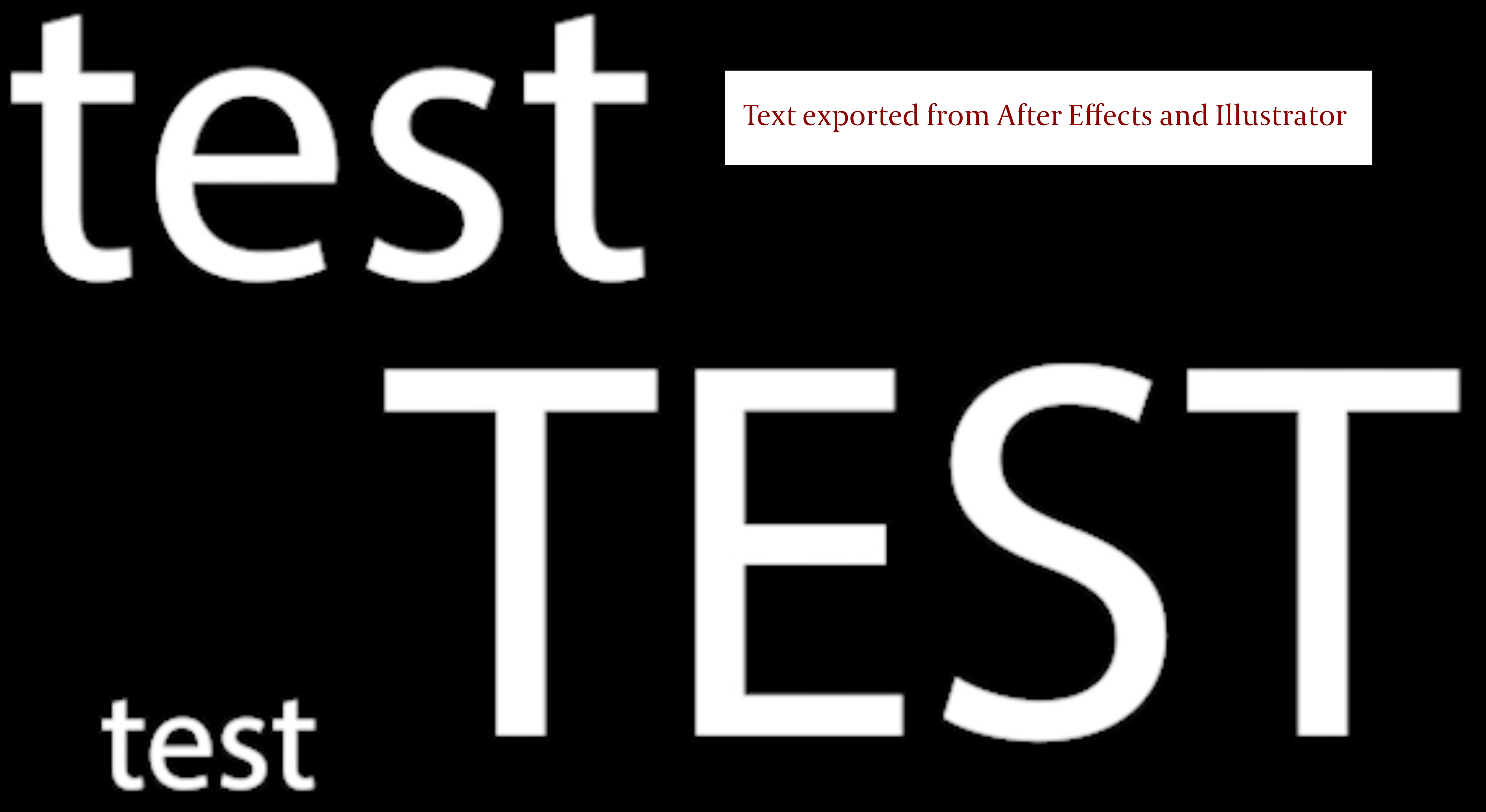
Hi, I have recently bought a new high spec Intel Apple IMAC (not with the M1 chip) and when I create text in Premier Pro the edges seem to be pixelated/ blurry, this is also the same for the rendered result and when using text brought in from After Effects and Illustrator on transparent backgrounds.
I am previewing at 100% and exporting at H264, high bitrate, to create an MP4 file. The creative cloud and Premier Pro are up to date - 2022 - v 22.0, which assumed would solve this problem it didn’t.
I use Premier Pro to edit together scenes for title sequences and short films, so the text function is extremely important, as it allows me to add, change, scale and transition text to a complete video all in one place (not in separate compositions, in After Effects).
I am a competent user of Premier Pro and I am doing exactly as I have done before and I can’t understand why this is happening as it did not do this on my last IMAC or on previous versions of Premier Pro.
Surely I can’t be the only one going through this, I really need this fixed as it is will impact my work if it isn’t solved. I have tried changing the sequence settings but this changes the 1920 x 1080 size of the screen and this does not work when I export.
So please could you help me, there seems to be no up to date videos online to fix this. Please leave your answer with a clear and easy to follow step by step guide. MAC user answers only.
Thank you.


 8
réplicas
8
8
réplicas
8


Copiar vínculo al Portapapeles
Copiado
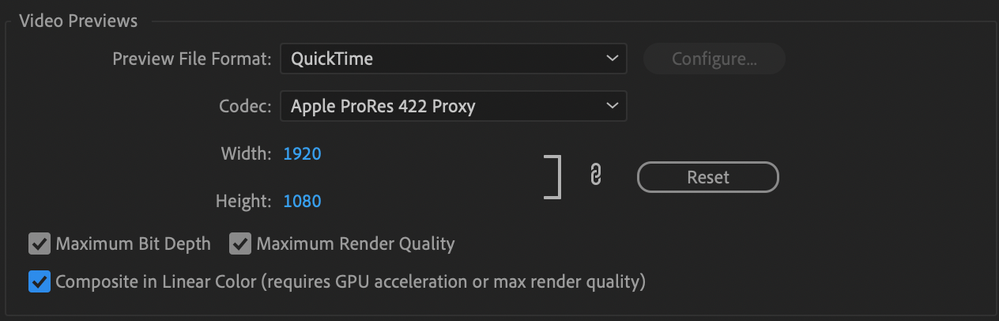
Hey, not sure if this will fix it, but go to your Sequence Settings and under "Video Previews" set the Preview File Format to Quicktime and the Codec to ProRes 422 Proxy. By default, it's set to I-Frame Only Mpeg, which looks great for video, but awful for text.
Then check the three boxes below: Maximum Bit Depth, Maximum Render Quality, Composite in Linear Color.
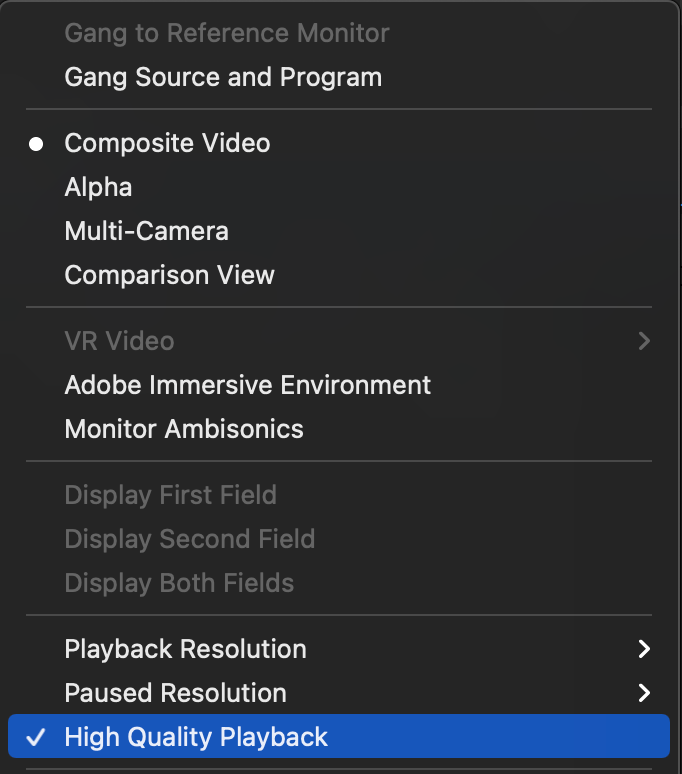
Then go to the Program window and click the wrench icon. Make sure "High Quality Playback" is checked.
Copiar vínculo al Portapapeles
Copiado
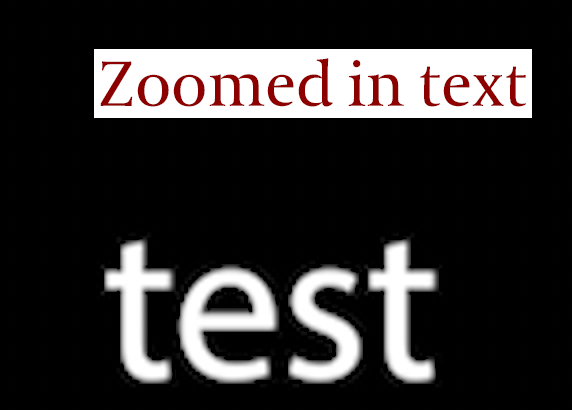
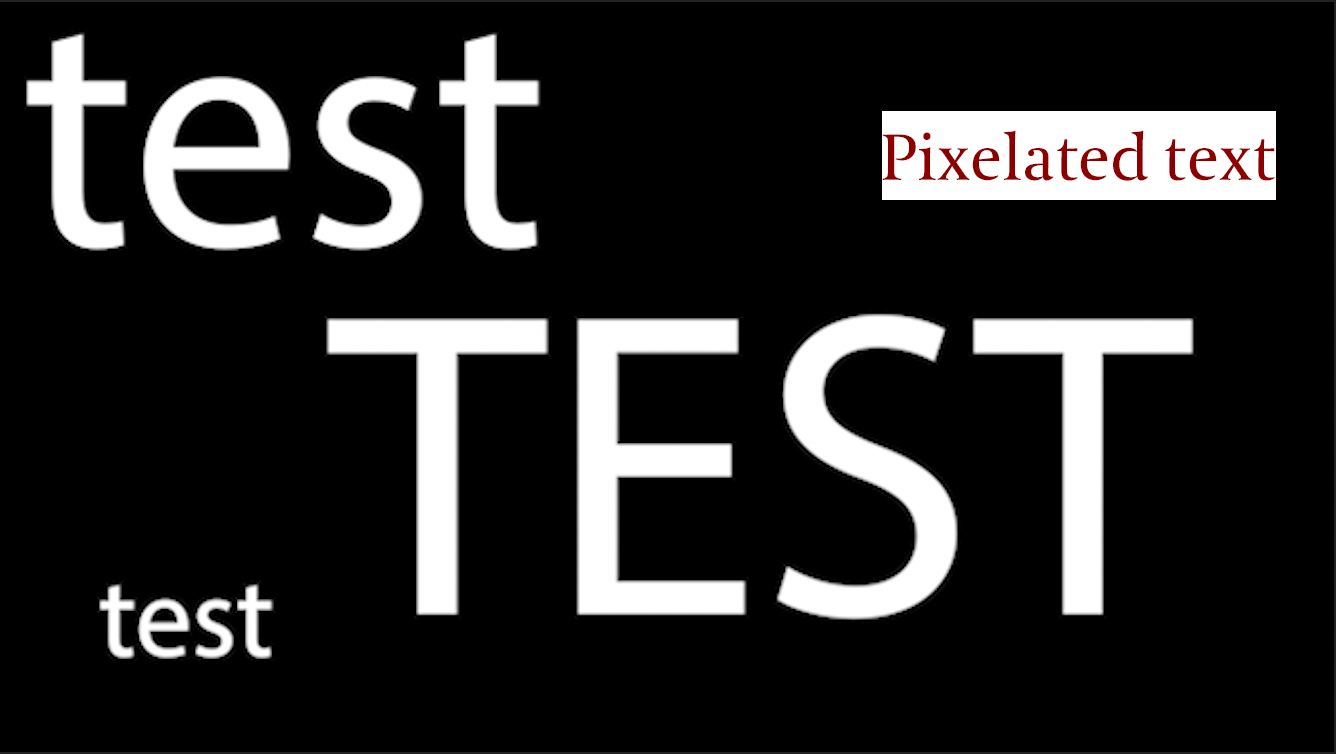
Thank you this works for large text but smaller text is still slightly fuzzy (see screenshot). Also do you know how to restore the programe screen to propper 16:9 at 1920 by 1080, I have messed with the sequence settings, trying to solve this problem, and I cant get it back to normal screen size. Thank you.


Copiar vínculo al Portapapeles
Copiado
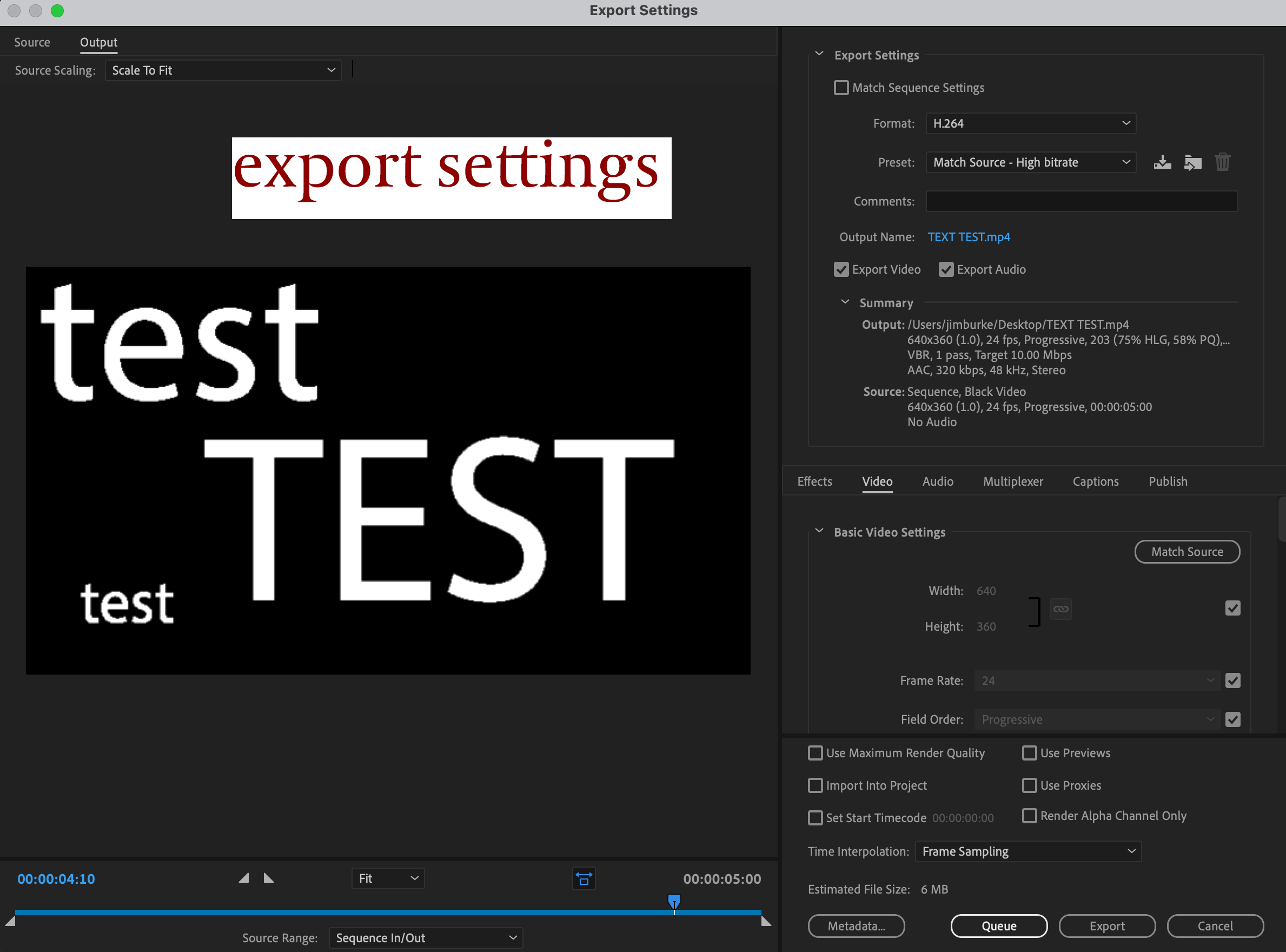
Your original sequence is 640x320 which is very small, is this what you have used in the past?
Copiar vínculo al Portapapeles
Copiado
No I have always used 1920 by 1080, 16:9, because this is the same settings I use in After Effects (which has its own clearly marked dedicated preset and premier pro doesn't have it marked). It is different because I messed withe the settinggs trying to solve the pixelated text problem and I cant get back to the 1920 by 1080, 16:9, meaning animations made in After Effects will not match up to the screen size in Premier Pro. How do I get this back to how it was?
Also the original reason for this post is still not fully fixed, as small text is still fuzzy and this is still a pressing issue.
Many thanks.
Copiar vínculo al Portapapeles
Copiado
I would make a new sequence 1920x1080 and copy and paste all your footage from your other sequence.
Copiar vínculo al Portapapeles
Copiado
Thanks Ive managed to solve the screen size issue but can anbody help with this.
When I create text in Premier Pro the edges seem to be pixelated/ blurry, this is also the same for the rendered result and when using text brought in from After Effects and Illustrator on transparent backgrounds.
I am previewing at 100% and exporting at H264, high bitrate, to create an MP4 file. The creative cloud and Premier Pro are up to date - 2022 - v 22.0, which assumed would solve this problem it didn’t.
I use Premier Pro to edit together scenes for title sequences and short films, so the text function is extremely important, as it allows me to add, change, scale and transition text to a complete video all in one place (not in separate compositions, in After Effects).
I am a competent user of Premier Pro and I am doing exactly as I have done before and I can’t understand why this is happening as it did not do this on my last IMAC or on previous versions of Premier Pro.
Surely I can’t be the only one going through this, I really need this fixed as it is will impact my work if it isn’t solved.
Thanks
Copiar vínculo al Portapapeles
Copiado
Still no helpful results. Please can Adobe help me.

Copiar vínculo al Portapapeles
Copiado
have you solved it?


Encuentra más inspiración, eventos y recursos en la nueva comunidad de Adobe
Explorar ahora
 AdChoices