


Previously synchronised audio clips become out of sync when relaunching Premiere
Hi guys,
I'm experiencing an issue I've never seen before where my audio clips are out of sync/lagging by up to 5 seconds when I relaunch Premiere. These videos are edited and ready to export, but each audio clip is now behind as though Premiere is misreading the source file's timecode.
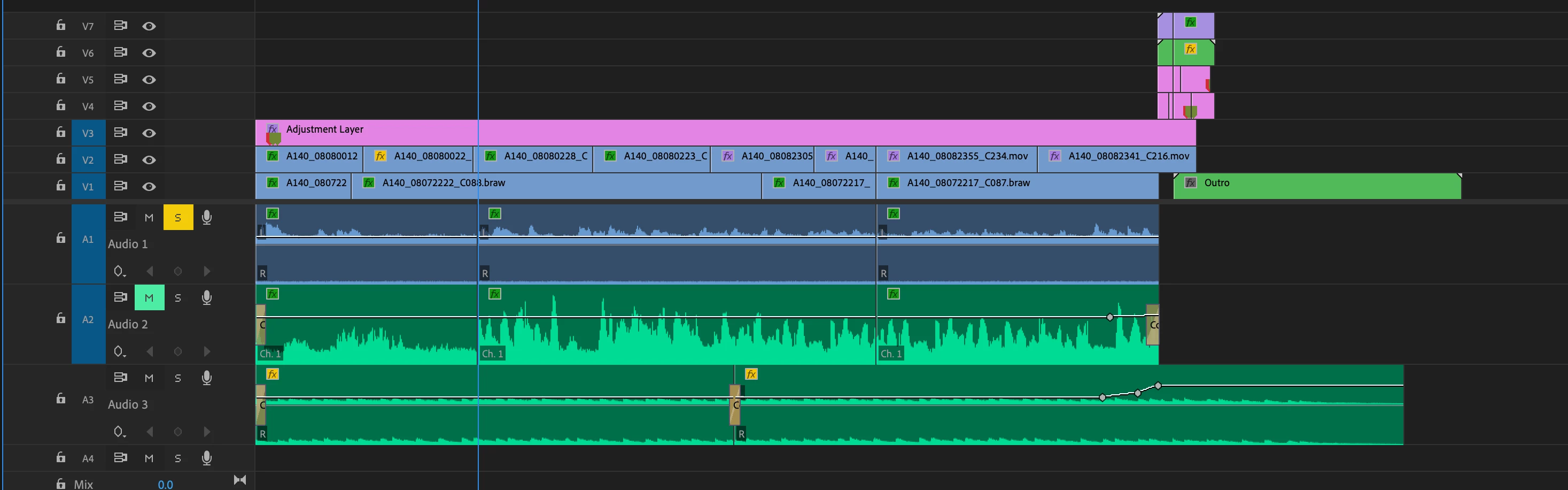
Here's a picture of the timeline where you can see the first clip on A2 is so far behind the talent hasn't even started speaking yet. Each section is a different amount behind (4 secs, 2 secs, 5 secs in this example).
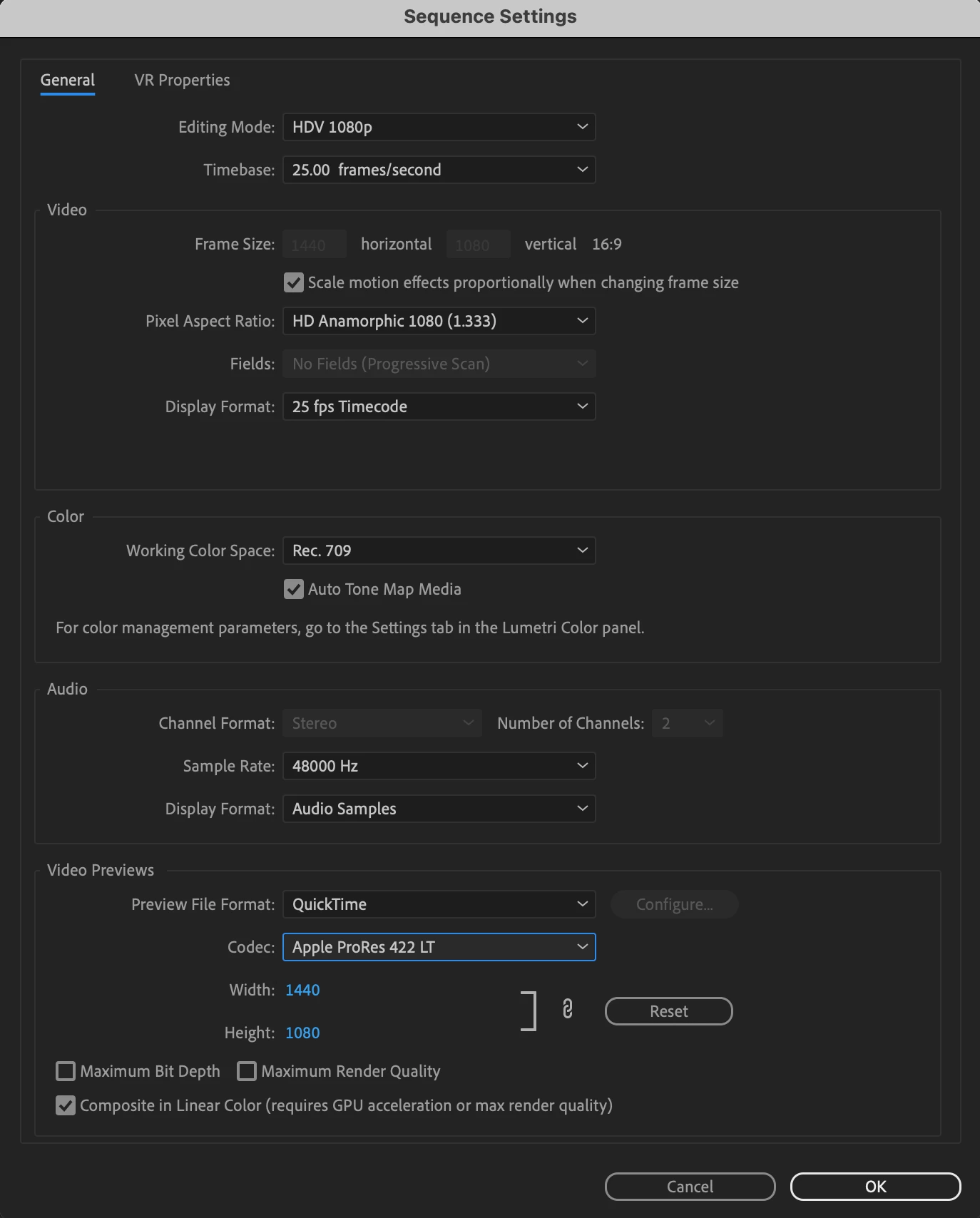
And these are my sequence settings. The footage was shot on a Blackmagic Pocket 6k and I believe the audio was recorded on a Zoom H4.
The first time this happened I thought it was a one-time glitch, but now it's happening with a lot of the files.
Any ideas as to what's happening would be very much appreciated!
Thanks
 AdChoices