Inspiring
July 27, 2021
質問

Trouble matching colors on face between two cameras - Canon R5 and C70

  • July 27, 2021
  • 返信数 1.
  • 658 ビュー

What's up guys,

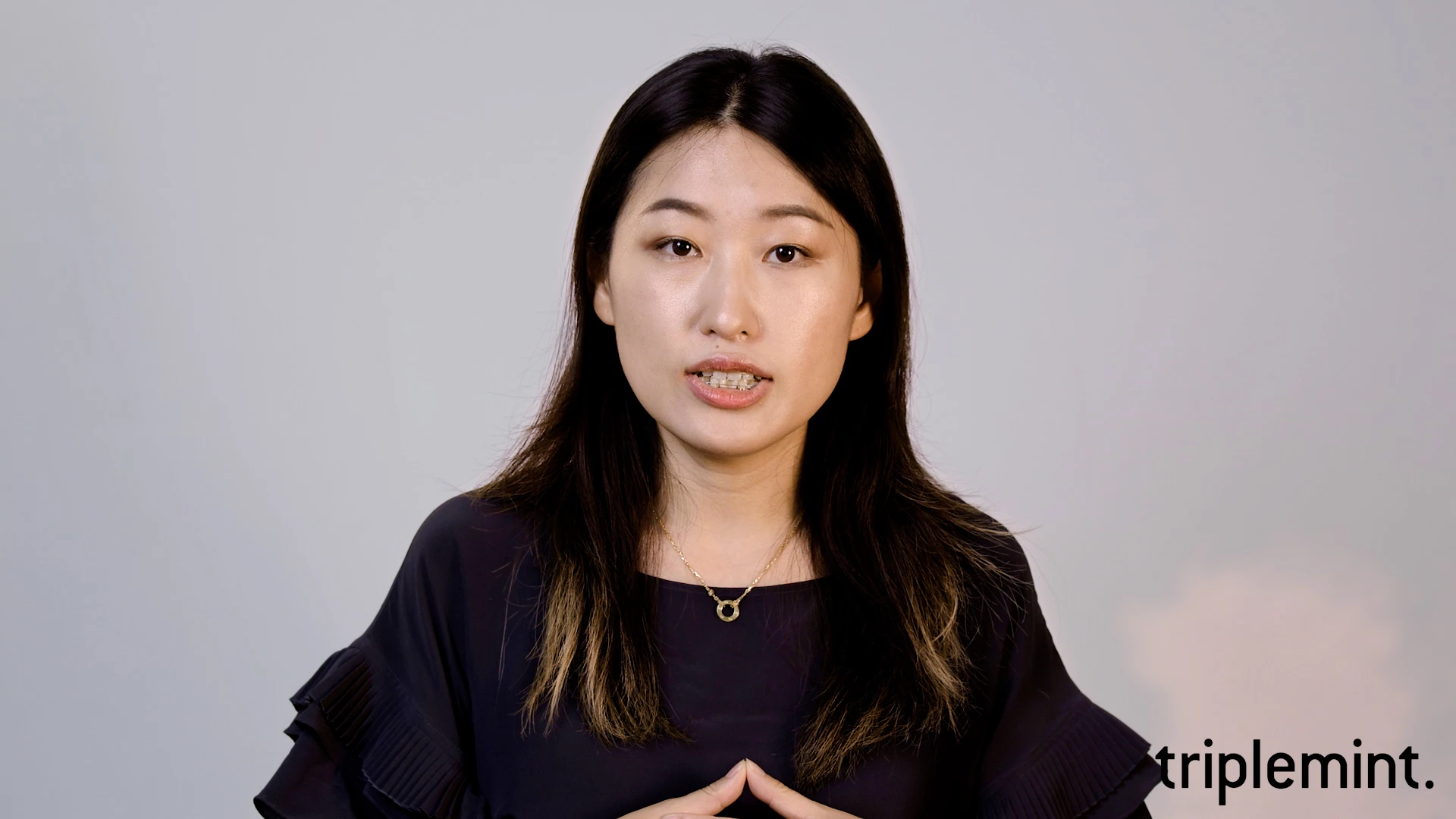
I need help with this, as you can see from the two photos I screenshot, I cannot match the colors on the face. I have tried my best but I'm not experienced when it comes to color correcting.. Can anybody give me advice? Or provide any videos that would help?

I shot the C70 with CLOG3 and added the following LUT:
CinemaGamut_CanonLog2-to-BT2020_709WideDR_33_FF_Ver.2.0

I shot the R5 with CLOG haven't added a LUT.

I know now for the future to shoot both cameras with CLOG2..

R5:
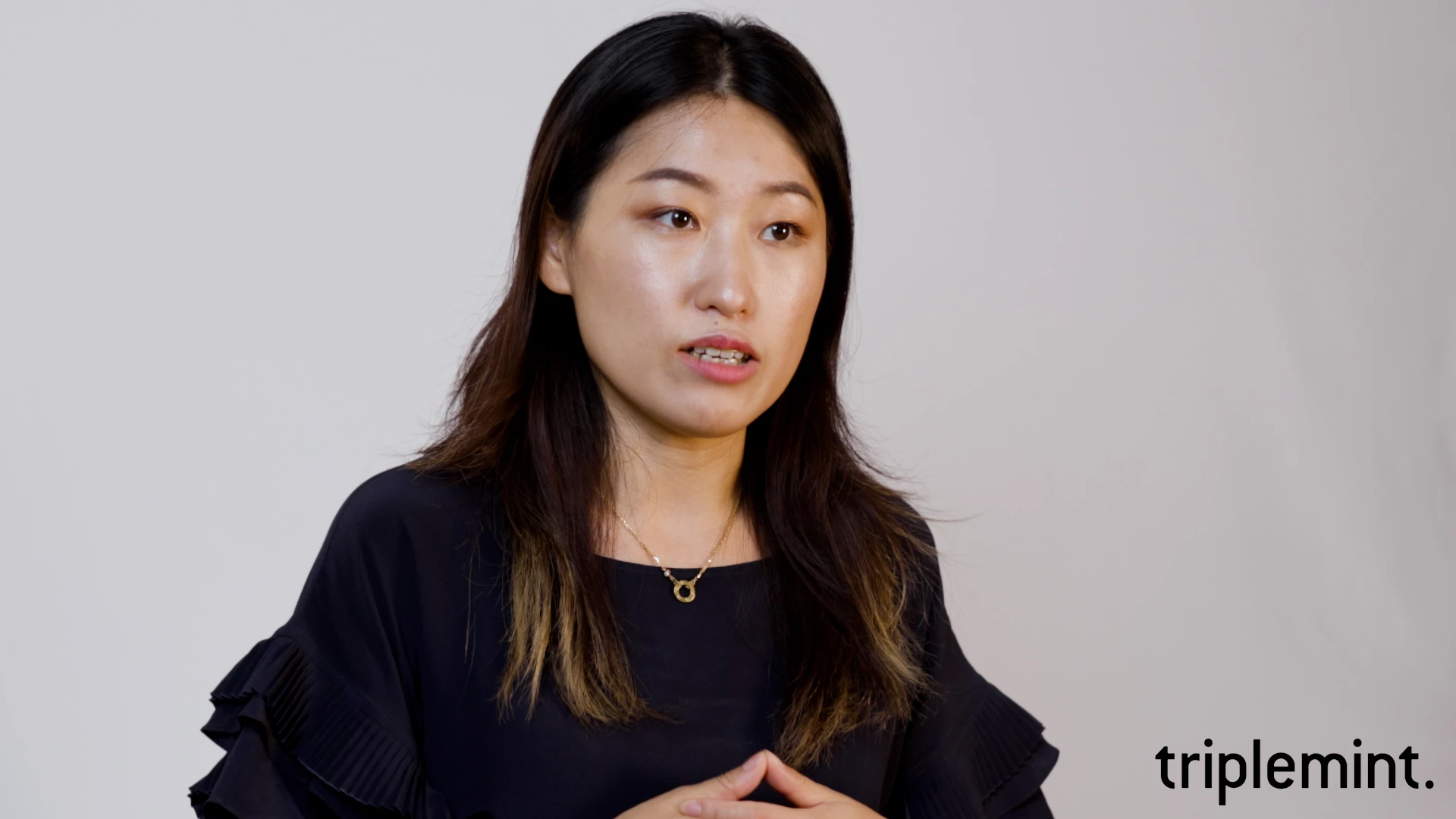
C70
このトピックへの返信は締め切られました。

返信数 1

Graeme Bull
Community Expert
Community Expert
July 27, 2021

There are probably about a million color correction tutorials out there for sure, https://www.youtube.com/results?search_query=how+to+color+correct+to+match+shots But have you tried the auto match feature of Premiere? It's a simple as clicking on your clip you want to change, then go into the the lumetri panel, go to colors and match, click on "comparison view", pick a different part of your sequence in the comparison view and then hit apply match and see how it does. It could be very easy. It doesn't look like things are too different. The R5 is warmer and darker for the most part. Cool it and brighten it and I bet it would get really close.

Legend
July 27, 2021

Just a guess, but the "glow" on her face might partly be caused by a reflection from a light source and that reflection will be different from 2 different angles.