Inspiring
February 10, 2024
解決済み

Must I scroll through all my images page in the dashboard to select particular images?

  • February 10, 2024
  • 返信数 2.
  • 478 ビュー

If I have to find all my images having the word "water" in the title or keywords because I want to add to each of them a keyword ("sea" for example) I don't see a search field of this kind.


The only search field is "N. file".


So have I to scroll through all the images page by page?


Thank you.
このトピックへの返信は締め切られました。
解決に役立った回答 Abambo

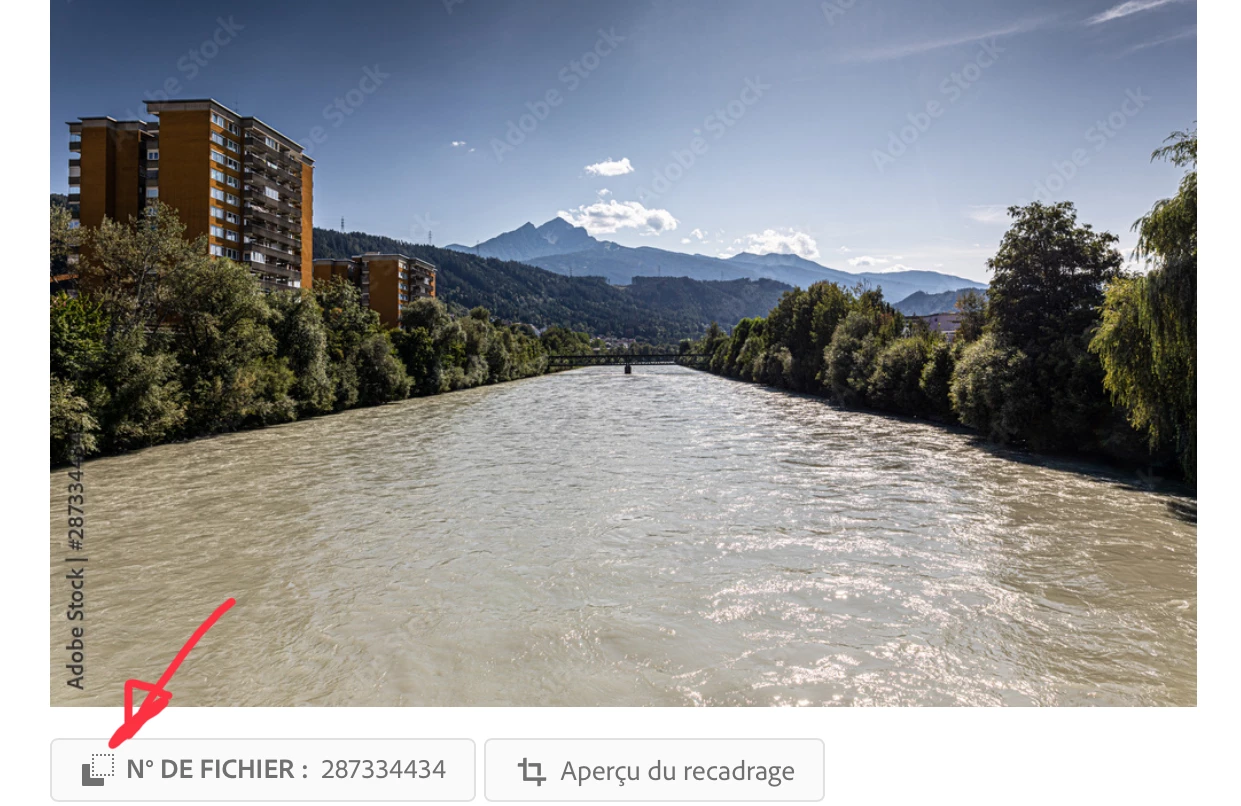
As @Jill_C says, you have limited possibilities to access your portfolio. If it is big, that gets fast unmanageable. You can, however, go to your public profile, search there for water and copy the asset IDs in a list, or go to your portfolio, and search that asset ID. It's a bit shuffling around, but with tabbed browsing it is possible. If you want to exclude those "water" pictures, that have sea as a keywork use "-sea" as an additional keyword. 


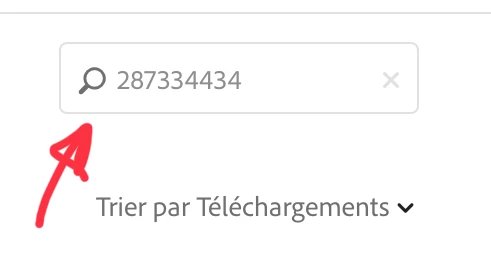
In your contributor portfolio, you copy that number in the search box: 


返信数 2

Abambo
Community Expert
AbamboCommunity Expert解決!
Community Expert
February 10, 2024

As @Jill_C says, you have limited possibilities to access your portfolio. If it is big, that gets fast unmanageable. You can, however, go to your public profile, search there for water and copy the asset IDs in a list, or go to your portfolio, and search that asset ID. It's a bit shuffling around, but with tabbed browsing it is possible. If you want to exclude those "water" pictures, that have sea as a keywork use "-sea" as an additional keyword. 


In your contributor portfolio, you copy that number in the search box: 


ABAMBO | Hard- and Software Engineer | Photographer
RALPH_L
Community Expert
Community Expert
February 11, 2024

In the dashboard search box you can enter up to 10 IDs seperated with comma.

Jill_C
Community Expert
Community Expert
February 10, 2024

Yes, unfortunately there are limited tools available to Contributors to manage our assets from the dashboard page. You can, however, click on the Portfolio link that you see on the far left side of the screen, which provides a keyword search box. I don't think you can search by title. Depending on how many assets you want to update, this would be a very tedious exercise. 

Jill C., Forum Volunteer
RALPH_L
Community Expert
Community Expert
February 11, 2024

I just treid a search on my portfolio for a photo where the search term was used in the title and not as a keyword. The photo was found.

Jill_C
Community Expert
Community Expert
February 11, 2024

Thanks for testing that. It's good to know. 

Jill C., Forum Volunteer