

解決済み

このトピックへの返信は締め切られました。
You know the reason because Adobe told you: I bet it was technical issues!
First picture is out of focus and noisy, second picture could have also better focus and is a bit noisy. Look the side of the face and the background at 100% or 200% and you will see the noise. Furthermore, it may well be that you need a model release for the person, even that I have my doubts on this.
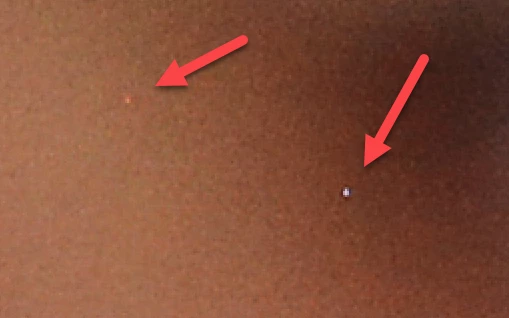
You have also hot pixels that need to be addressed:
Enter your E-mail address. We'll send you an e-mail with instructions to reset your password.
 AdChoices