











Get help using Adobe Animate and creating animations.
Als letztes aktiv
My canvas animations generated by Adobe Animate show perfectly within Chrome, Edge, etc.But with Firefox browser, animations are not watchable at all: too slow and totally lagging as it would be 20 times slower compared to the other browsers. How can that be fixed?
HOW can I export HTML5 Animation that has navigation that has buttons Nothing is working Ton
Trying out the new Modern Rigging system in the latest update to Adobe Animate. Unfortunately, when applying the mesh to my vector artwork, it converts it to a bitmap and changes the with of the strokes. Since it's a bitmap, there's no way to edit it. Also, it appears that you can't apply a mesh to a symbol anymore. Am I missing something? Thanks in advance for your help!
Hello guys,The User Guide for Animate, updated January 2022, mentions the Quick Publish button. However, I can't find it in the application. Anyone know if it's been taken out? Thanks
Hello all!I had an awful time trying to figure out how place in my document, pictures have been uploaded to my server. There were a few tutorials on this subject, but unfortunately, they were all above my head because coding is not my thing, design/layout is; and when challenged as I was, I became brain blocked. After hours/days of frustration I finally figured out how to do it with Component and I just wanted to share what I learned. To use this method, you would need to upload your pictures to your server. This method does not require any pics in your library, and it reduces the size of your document and loading time. There are more sophisticated ways of doing this, however, this does work. It certainly worked for me. To achieve this, do these simple steps in Animate CC 2022:Open Windows, then Components, and under User Interface select the “Image” component. Drag it to where you want it in the d
When the color of the JPG is extracted by MP4, it is extracted in a slightly different color. I don't know what the problem is. If you know, please answer.
Hi friends. I finished my character and waiting in Adobe Animate. You got the rest. I want to voice it with a text to speech, but I need SSML tags so that it will be better. However, does Adobe have any feature like this? If Adobe does not have, does anyone know a text to speech engine with the SSML tags to voice his - her character? Please assist me. I am having a stroke with it. Please share your experience and assist me. Thanks for your understarting.
I have my project almost complete, but have not had luck having the final exported MP4/MOV file to loop (like the function of an animate GIF). Any suggestions or guidance would be greatly appreciated.
When rigging a character using the bone tool, the body parts of the character disappear or displace parts of the character. For example, a character's face is shifted when a bone is added or their feet disappear. What causes this and how is it fixed? Thank you in advance for your help.
I opened Adobe Animate this morning and I noticed all of my windows are gone. I open the windows back up but the tools tab didn't have tools, it was blanks. I've try'd closing the panel and reopening, closing Adobe Animate Reopening Adobe Animate and still nothing. Please can I get help.
adobe animate is crashing even when i turn off my antivirus id did everything please help
Hi,I would like to create an area (like a div) in the stage and make it scrollable. Is it possible in HTML5 Canvas ?Many thanks
Hi,An error started occurring last week where Animate has stopped playing test movies on newly created files. It has been about 3 months since using Animate last (with no issues), for what that's worth. When I try to play the test movie (Command+Option+Return or using the menu bar: Control>TestMovie>In Animate):1.The usual progress bar saying "Exporting SWF Movie" appears.2. Then a new window opens, which usually plays the test movie. Instead, the window is all white. No sounds or images play. It will stay open as long as you let it.3. Upon closing it, the error window appears (see attached file). Any older files created prior to last week can still play their test movies fine. But for any new file, no luck. I was using version 2019 or 2020, I forget (it was still the Orange logo). I thought perhaps I needed to update my version of Animate, so I installed the updated version (and selected "remove older versions"). However, this problem persists even with the latest
Our students are having issues with Animate CC - First use.The App just freezes in Windows 10 (version 21H2) and none of the students can get it to open.With the previously installed version, this also happened, but we could just kill the app and delete the Animate CC folder in Documents/Adobe. It sometimes opened quickly after that, other times you had to wait a while.We also figured out that if you just left the app long enough, it would eventually spring to life. With this 2022 version, on the first run, our Media Arts Teacher left the app spinning for an entire lesson, and we still couldn't get it working. Deleting the Animate (I assume preference folder) didn't help.When I signed in as an administrator, or with my account which is local, I had no issues opening the app.Students' drives are mapped to a NAS, they have full write access to their DOCs folder, etc. I'm wondering whether Animate 2022 is trying to connect to a port or a specific website that mi
Hello, I have a simple slideshow HTML5 there are two buttons NEXT and BACK. I can't get the buttons working. The Stop works but NextFrame????Is there help? Ton
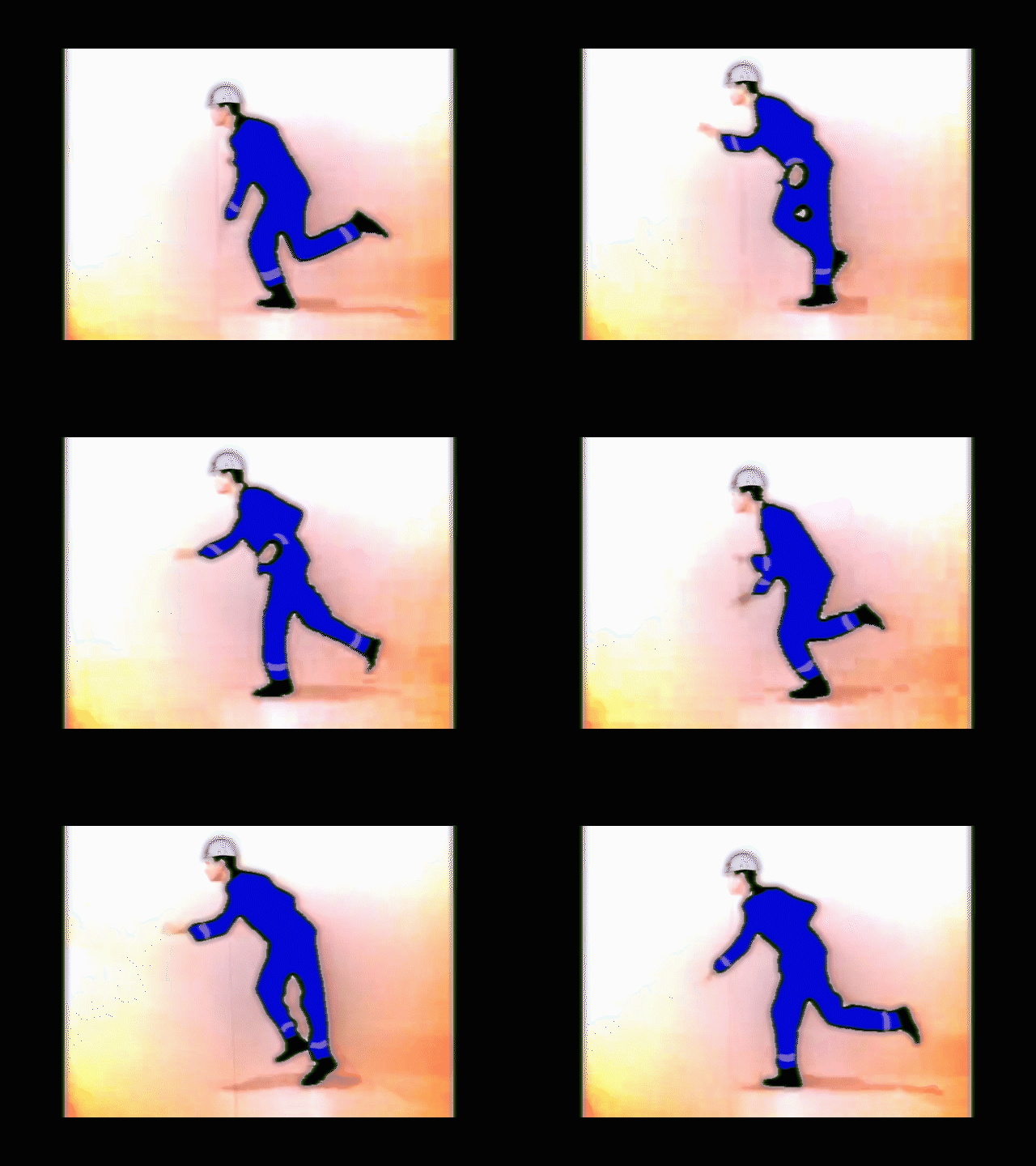
I have created the X coordinate movement as shown in the attached photo. I tried to reproduce this movement in a program such as C++, but the calculations just did not match.Is there any formula or something available article somewhere?Please help me.
I'm putting together artwork for a 1080p screen (1080x1920px). I've imported an all-over background into the library. When I place it onto the stage and position it at 0,0, it locks to the top left of the stage as I prefer it to, the registration point is top left of the object. However, when I convert to symbol and then drag that symbol onto the stage, its registration point defaults to the centre of the image and I can't for the life of me get it to move to the top left. Inputting 0,0 as the position sees the centre of the image locked at the origin, meaning top left is at -540,-960. This is killing me! Help!
Hi Animate,I have a game where you click on a button and that scales another movie clip on the stage. I can get this to work with code, but the upscaled movie clip becomes pixelated (see JPG). Is there any way to make the clip scale up and maintain its resolution? It should be scalable as it is vector art. Thanks. Here's my code.Zafferthis.grow_btn.addEventListener("click", growSomeFlower.bind(this)); function growSomeFlower() { currentClickedFlower.scaleX = currentClickedFlower.scaleX * 1.2; currentClickedFlower.scaleY = currentClickedFlower.scaleY * 1.2; } this.shrink_btn.addEventListener("click", shrinkSomeFlower.bind(this)); function shrinkSomeFlower() { currentClickedFlower.scaleX = currentClickedFlower.scaleX * 0.8; currentClickedFlower.scaleY = currentClickedFlower.scaleY * 0.8; }
This issue started yesterday when I try exporting video/media from Adobe Animate version 22.0.1 to Adobe Media Encoder version 22.0 after it loads from Animate to Media Encoder the video doesn't show up in the queuce infact Media Encoder freezes and and message Not Responding. I have call customer support three times to no avail and I even uninstalled Adobe Media Encoder and reinstalled it but still Not Responding. Please, Is there a solution to this issue?
My tablet pen does not have an eraser side so it's not as easy as flipping my pen around. I can have one of the pen buttons set to "E" but this requires me to manually go and select the brush again (not very convenient). Is there a way I can make the eraser toggled on and off by pressing "E"?
Hi, I've been making an animation. I set up movie clip symbols on my character, except the mouth symbol is a graphic, and it has different shapes of mouths on different keyframes. In the lip syncing area I set up the mouths, to be for the correct sounds. Now when I press play, the mouth does not move with the character. I moved the character from one side of the screen to the middle. The mouth does not move with it, put the mouth is changing shape with the sounds (meaning the mouth is moving.) I thought maybe because I did not add the mouth shapes to layer parenting. I could not get it done with 1 go, so I went to each keyframe, and connecting the mouth shape layer to the head in layer parenting. Anyway, that did not work. I tried maybe 10 times to add the mouth symbol to my head symbol, and I could not get it done. I was trying to add it to my head symbol, so it would move with the rest of the shape. On my other layers, part of the body of my character, I have some classic t
I have several (dozens actually) symbols representing optometry lenses of different magnification. What would be the best solution for acheiving this effect? This is to dynamically magnify the area behind the lenses (one lens shown fitted to the frame below), e.g. the eyes. The faces will change depending on the patient. Note: The lenses can be moved left and right and rotated.
I have this stupid animation Dropbox - netutron_Flash.fla I am happy with it because it is the first one I made, and I wanted to export it to GIF format so that I can embed it in a Powerpoint. The problem is that the Export Animated GIF option does not produce anything but the first frame. The blinking eyes and other steps that do show in the HTML Canvas or Flash formats, are absent. I have tried changing all parameters (I started with stock options) but none seem to work.
Hi Everyone, I'm seft-taught on Illustrator and Photoshop and have been using Adobe products for 20 years, however I am looking to create motion graphics and think I would like to get a more proper education in these tools. Does anyone have online coursework recommendations? Thank you,Kyle
Hi, so I have two pictures below. One has really fat layers and one has really thin. How do I change the fat one showing what's drawn on the frame to the thin layers any help would be great thanks
Remix with Firefly Community Gallery
Thousands of free creations to fall in love with and remix in Firefly.
Sie haben bereits einen Account? Anmelden
Noch kein Konto? Konto erstellen
Enter your E-mail address. We'll send you an e-mail with instructions to reset your password.