



Illustrator MAX 2023 (27.0) Update: Intertwine, multiple 3D enhancements, quick actions and more!
The Adobe MAX update to Illustrator brings you several exciting features listed below. To update your current version or to download it, see this article.
Here is a quick sneak peek at features going live in MAX. For more details, please check out this help article.

Video Contributed by Tony Harmer
Tony Harmer Chief Enchantments Officer at Wizardry Ltd. Tony Harmer (a.k.a The Design Ninja) is a creative Swiss-army-knife and learning-content author with a three-plus-decade career that has given him a broad experience base to draw upon, including some time as a press operator, several years as a concept artist in IP development, several more as an instructor in many applications, delivering graphic production training worldwide, and a few more as a specialist solutions consultant for Adobe.
Quick Actions: Illustrator now has quick actions like Photoshop. Quick Actions let you complete complex and tedious workflows with a single click. Use the curated list of quick actions to give a retro, old-school style, or neon-glow effect to your text, instantly. You can also convert hand-drawn sketches to vector images or recolor artwork using quick actions.
Other enhancements:
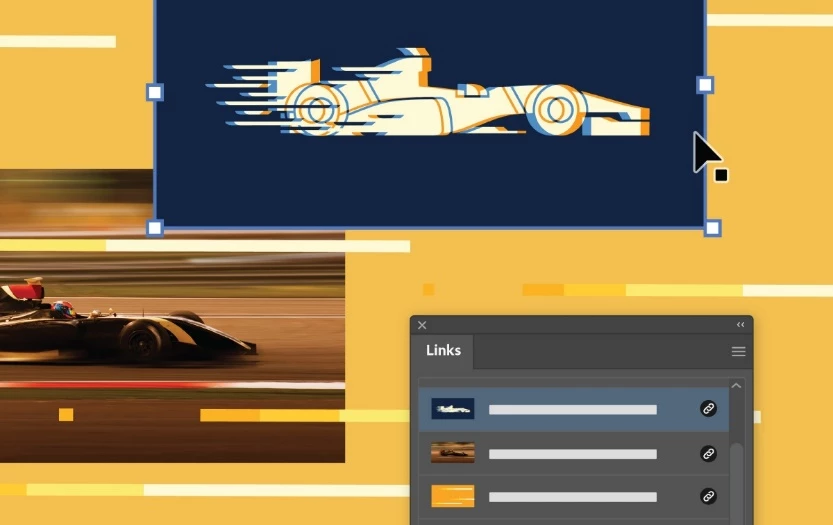 Better performance while opening files with multiple linked files: When placing multiple linked files or images in PNG format, the file loading and opening time in Illustrator has improved.
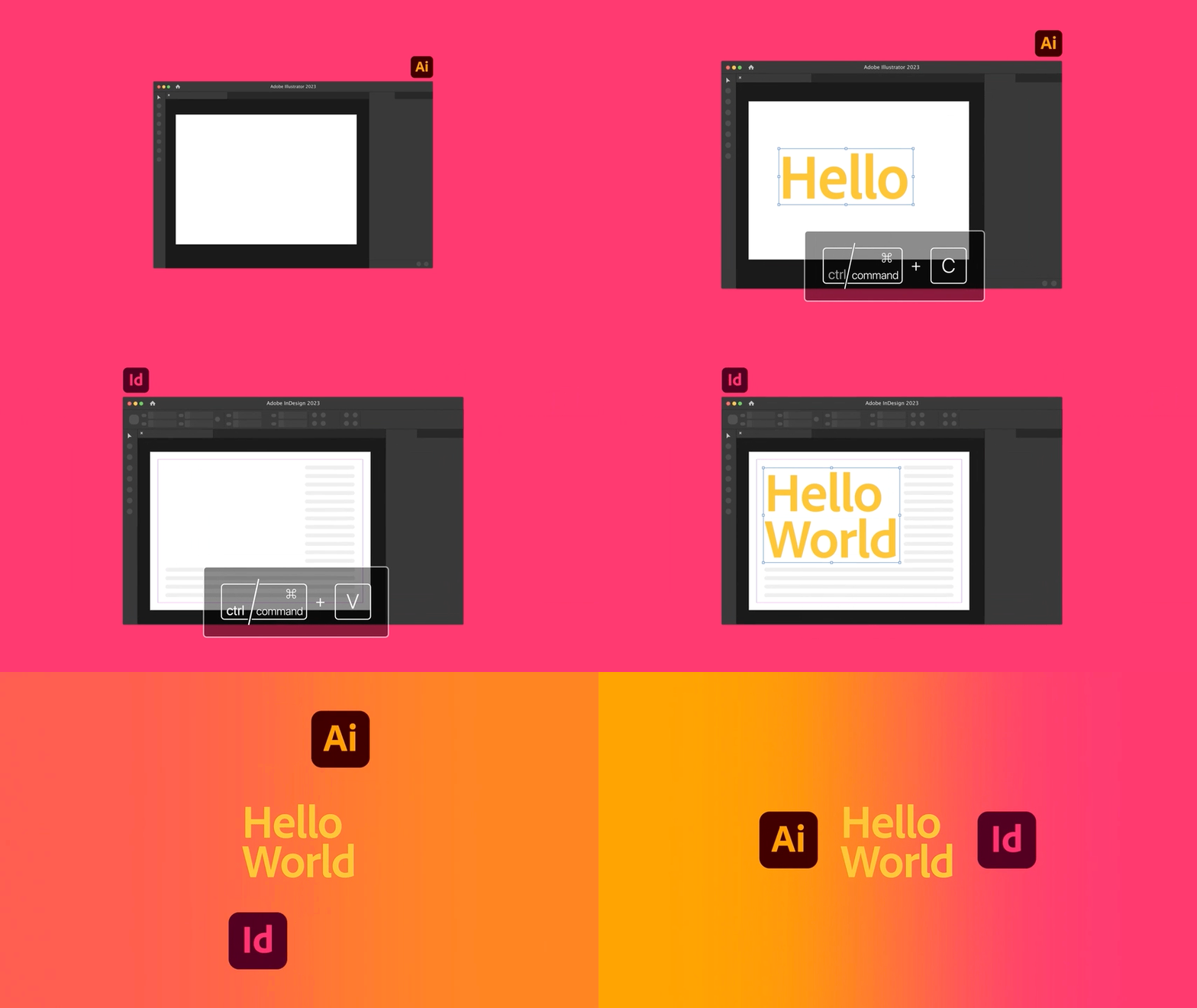 Copy-Paste text between Illustrator and InDesign: You can now copy any text from InDesign and paste it into your Illustrator document while preserving text style, format, and effect.
We would love to hear from you about how you found these features and tutorials. If you have any questions or issues, please create a new post on community and we will help you.
Regards,
Srishti
 AdChoices