



InDesign MAX update (17.0) | Capture Panel, Scalable UI, Inclusive Terminology and more!
The Adobe MAX update to InDesign brings to you several exciting features listed below.
To update your current version, or to download it, see this article.
| Capture extension | Scalable user interface |
|
|
|
|
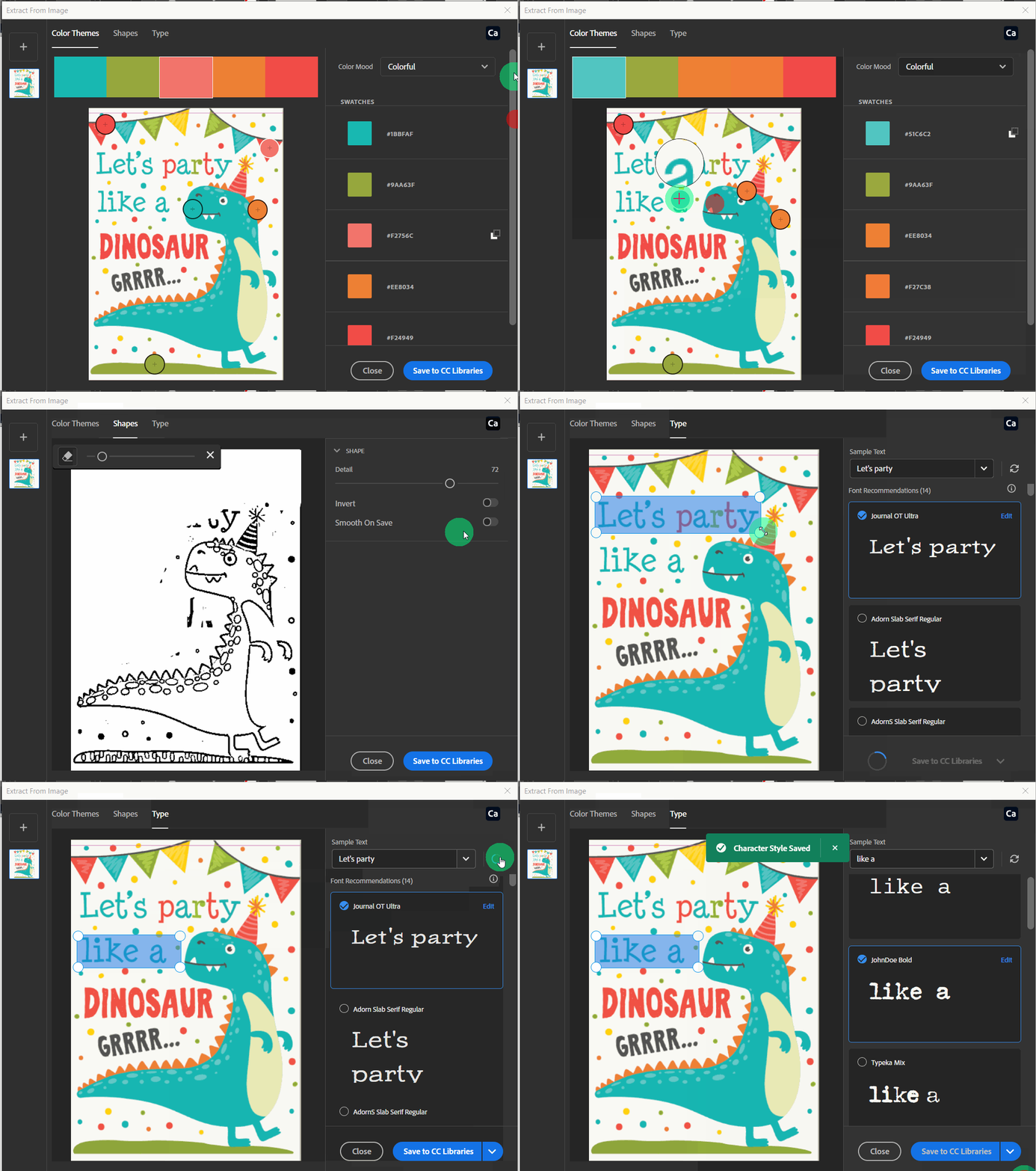
The new capture extention provides an option to detect the Color themes, Shapes, Type (Example: - Font type) present in a file and import similar color themes, shapes, and text into InDesign. |
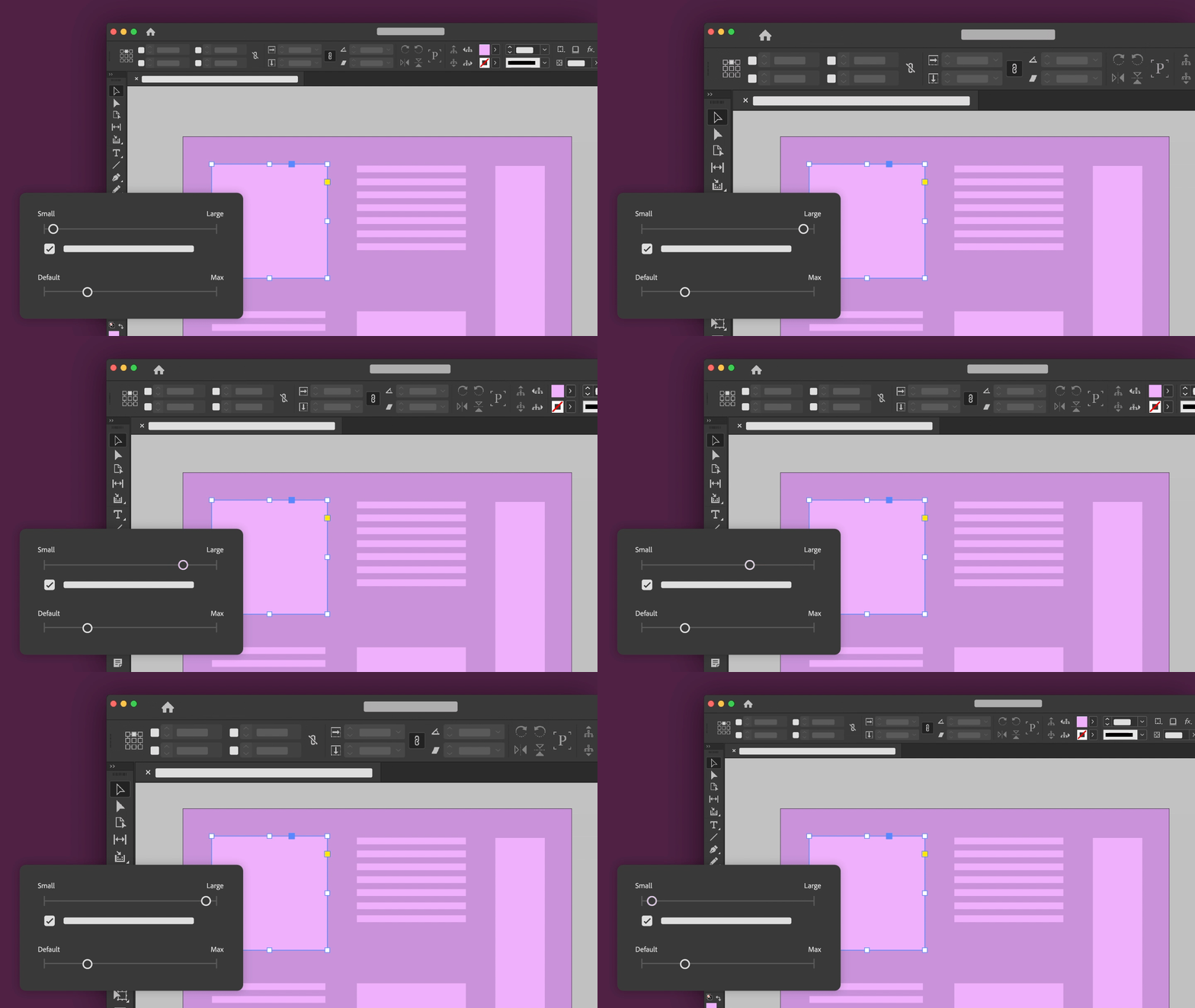
This feature helps you to change the size of User Interface, thus making it easier to navigate within the application. It helps you scale the UI like the size of tools, text size, cursor and other UI elements. The display size of Anchor points, Handles, and Bounding boxes can also be changed to suit your needs. |
| Inclusive terminology |
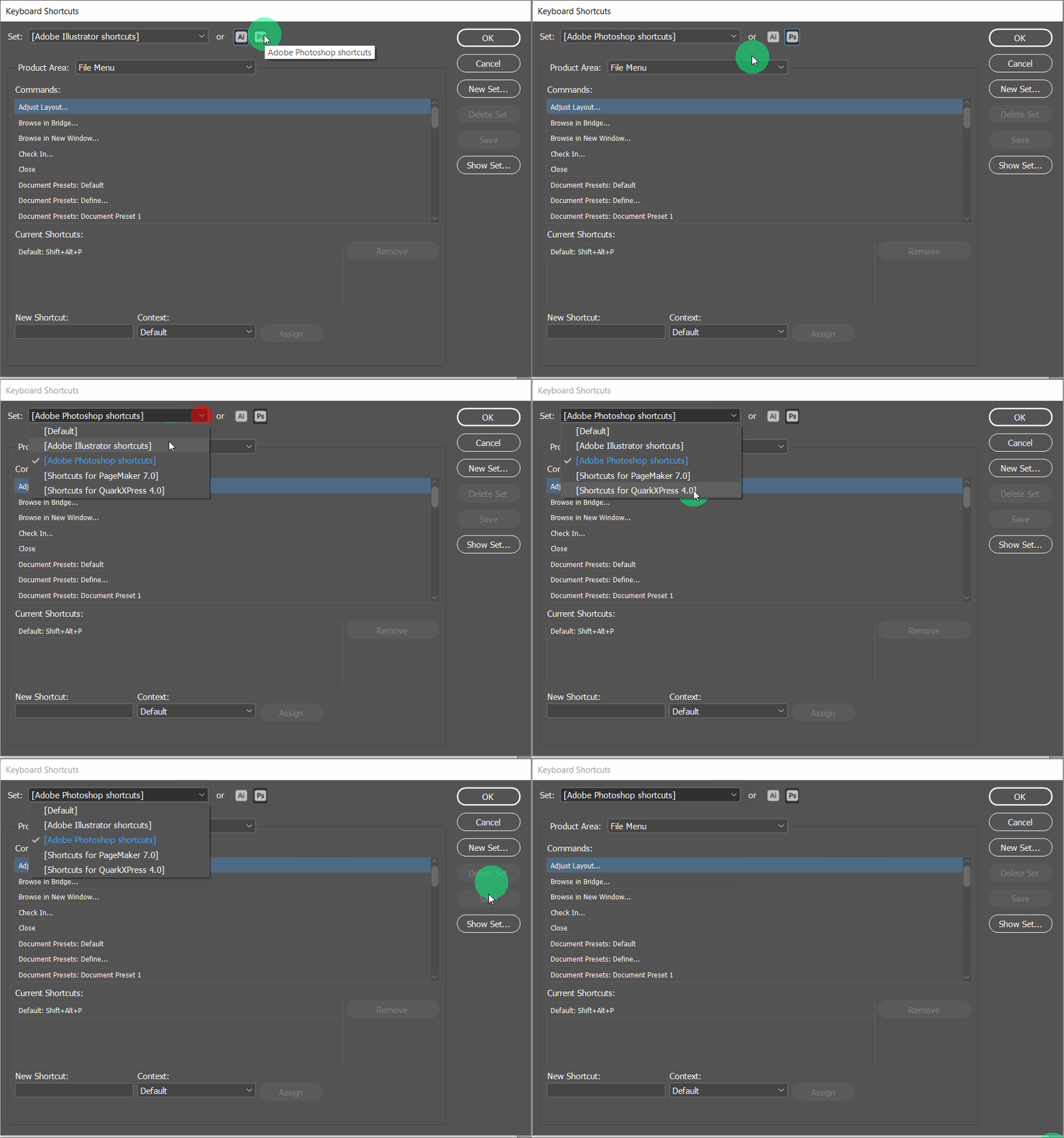
Keyboard Shortcuts Enhancement |
|

|
|
|
InDesign (17.0) replaces references to "Master Page” and any associated reference with “Parent Page”. |
|
Please check out this link for a detailed description of these features.
We would love to hear your experience related to all the features in this update. Please create separate posts for focused discussions.
 AdChoices