Participant
July 13, 2026

Playback error in 1/2 resolution, when my video is scaled above 100% in width

Hi there,

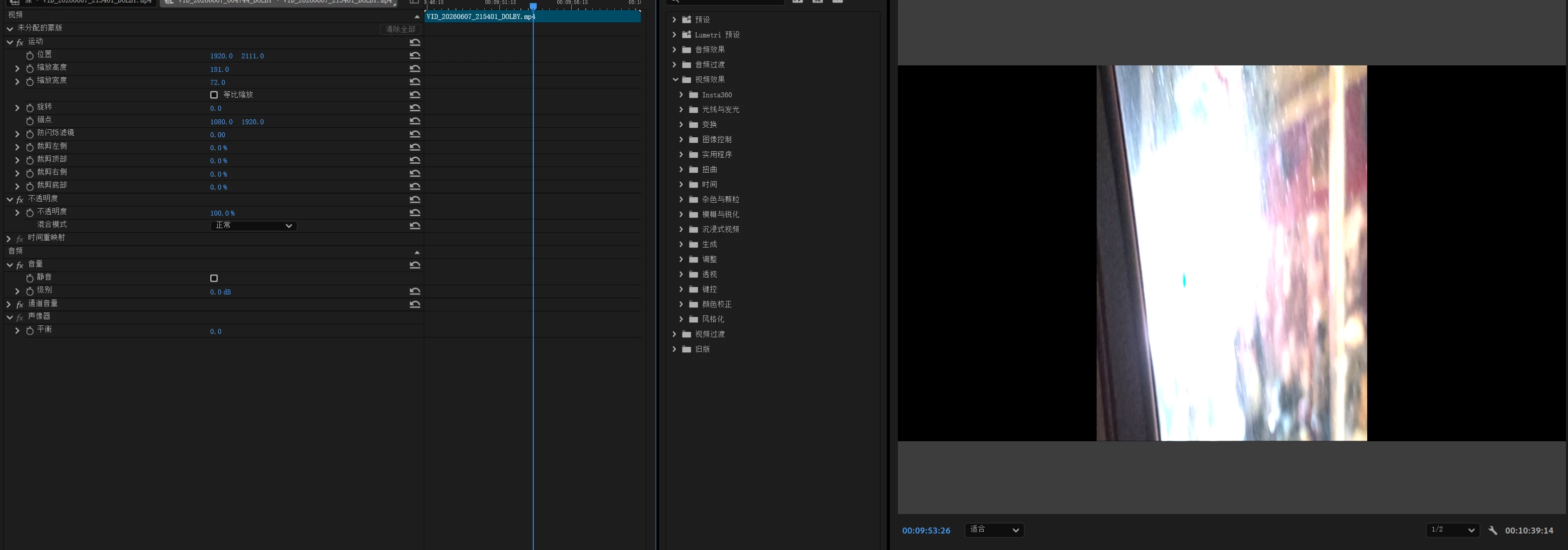
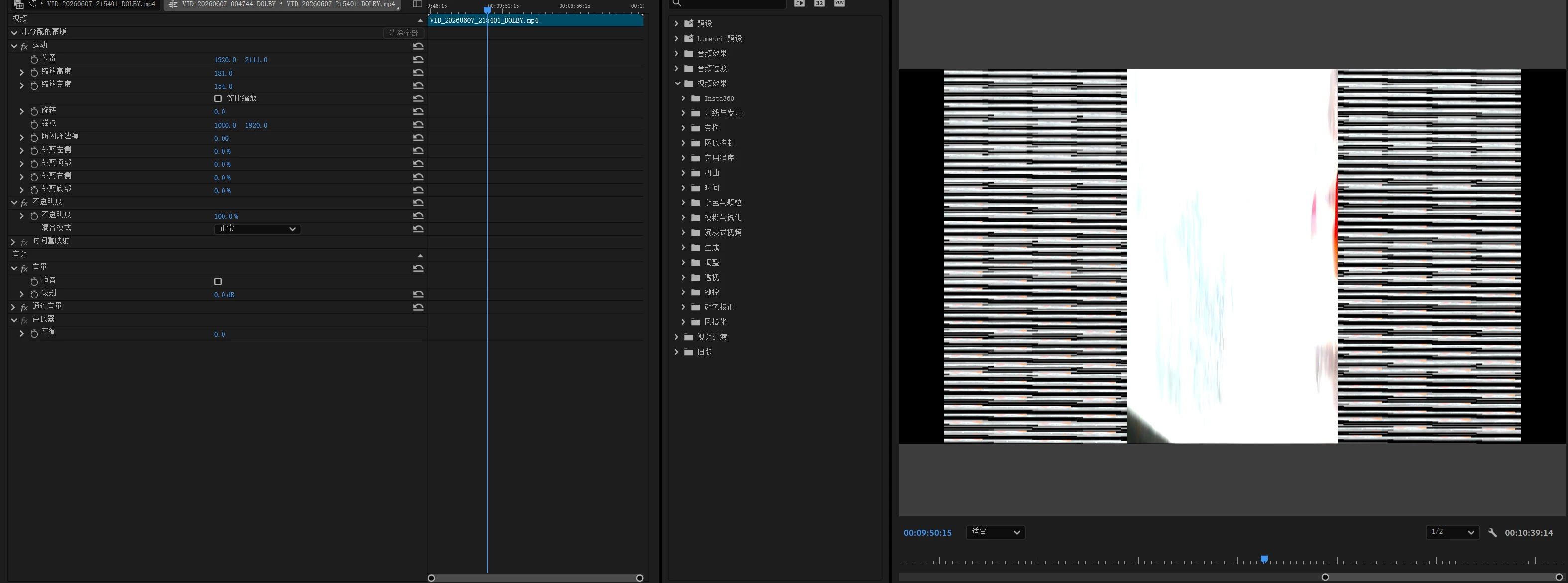
Lately I have been editing my clips, among whose some are portrait - so I need to scale them to fit in my landscape canvas. However, when I scaled it above 100%, the playback becomes glitchy.
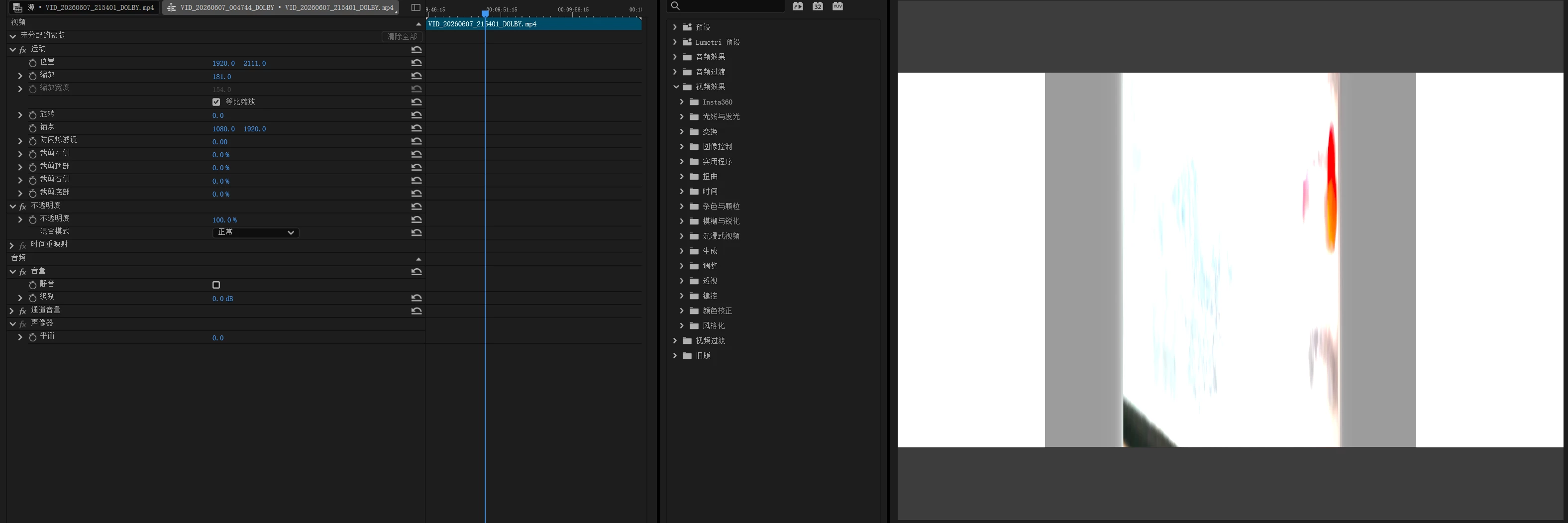
I have unchecked the “proportional scaling” box, and under this setting the playback also failed to work.
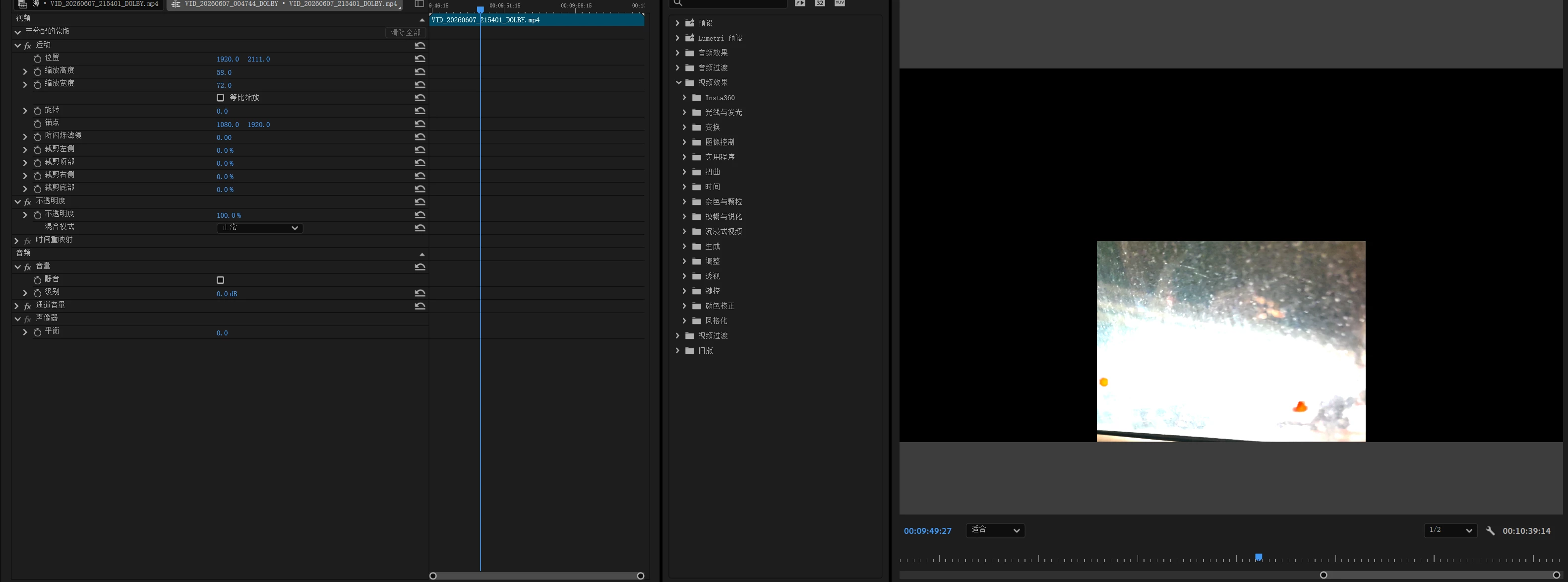
When I change the width proportion to under 100%, things got back to normal, regardless whether the (width/height) is below 1 or the height is above 100%.
The video was recorded in 4K resolution 30fps, with a colour space of Rec. 2100 HLG, 4:2:0 HEVC 10 bit. No alpha, no LUT, and square pixels.
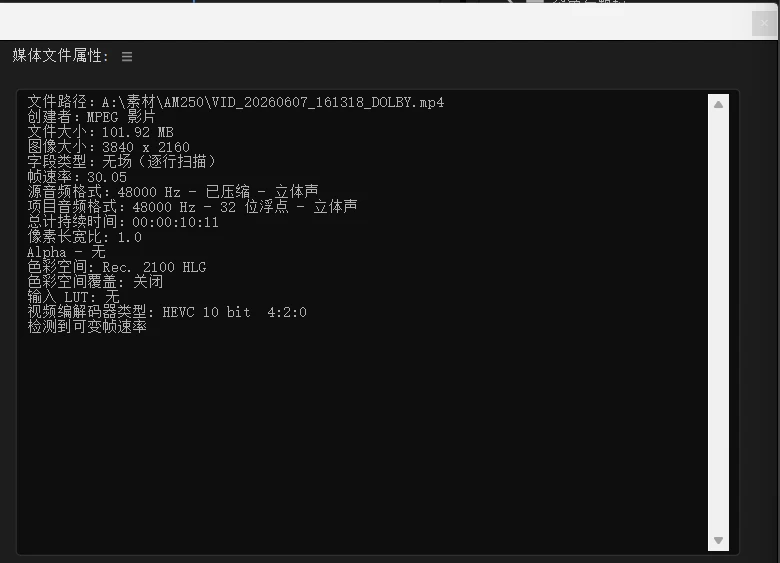
Nothing wrong appeared on my compatibility report, regarding to this video clip. This error happened to every portrait video whose original width is lower than the width of the project canvas.

I am using a Chinese interface so forgive me that I may not name the entries of the UI right in English, but this is really bothering me (too much “silver linings”). Please check this out - I’d be happy to provide you guys with more info.

    返信数 1

    KatieToo
    Community Manager
    Community Manager
    July 13, 2026

    Hi ​@Halcyone Hammond 

    Welcome to the Premiere forums! Thank you for those additional screenshots and information about the footage and issue. May we confirm more details to better help troubleshoot?

    1. What version and build of Premiere are you using?
    2. Are you on Mac (Tahoe, etc.) or PC (Win11, Win10, etc.) and for PC, which version and build driver? 
    3. Is the footage VBR (variable bit rate vs. constant), by chance? I ask because I see with the specs, it’s at 30.05 fps.

    On your screenshots, I noticed it’s set to ½ resolution on playback. Does it only do this squish to the footage on ½ or lower for playback on Program Monitor, and does it resolve if you move that to Full Resolution?

    Sorry for any frustrations and hope to help,
    Katie

    Participant
    July 17, 2026

    Hi ​@KatieToo ,

    Thanks for the reply.

    For request no.1, the version was 26.3.0, Build 93.

    For the second one, I am working on Windows with a version of 25H2, Build 26200.8875.

    The footage was shot in Dolby Vision format with a Leica Leitzphone by Xiaomi (without Log). Sorry I don’t really know whether it’s VBR or CBR. 

    And for the last question, yes, it resolved when I use the full resolution.

    Hope that helps. Wish you a pleasant day.

    Halycone