

Unable to Use Adobe Scan Premium Features Due to Unmanageable Enterprise Restriction
Hello,
I am experiencing an issue where Adobe Scan premium features are being blocked.
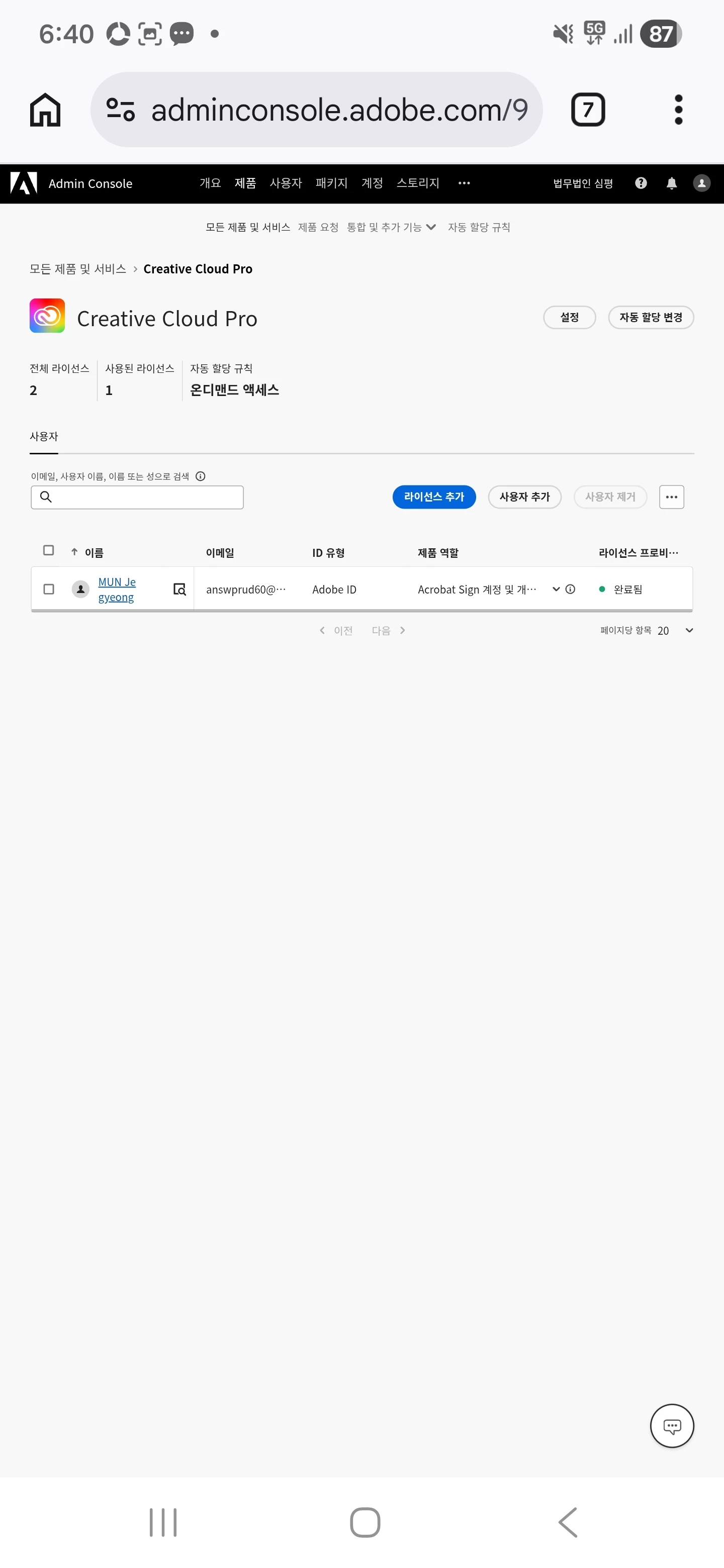
I am currently using Adobe Creative Cloud Pro (Enterprise, 2PC license).
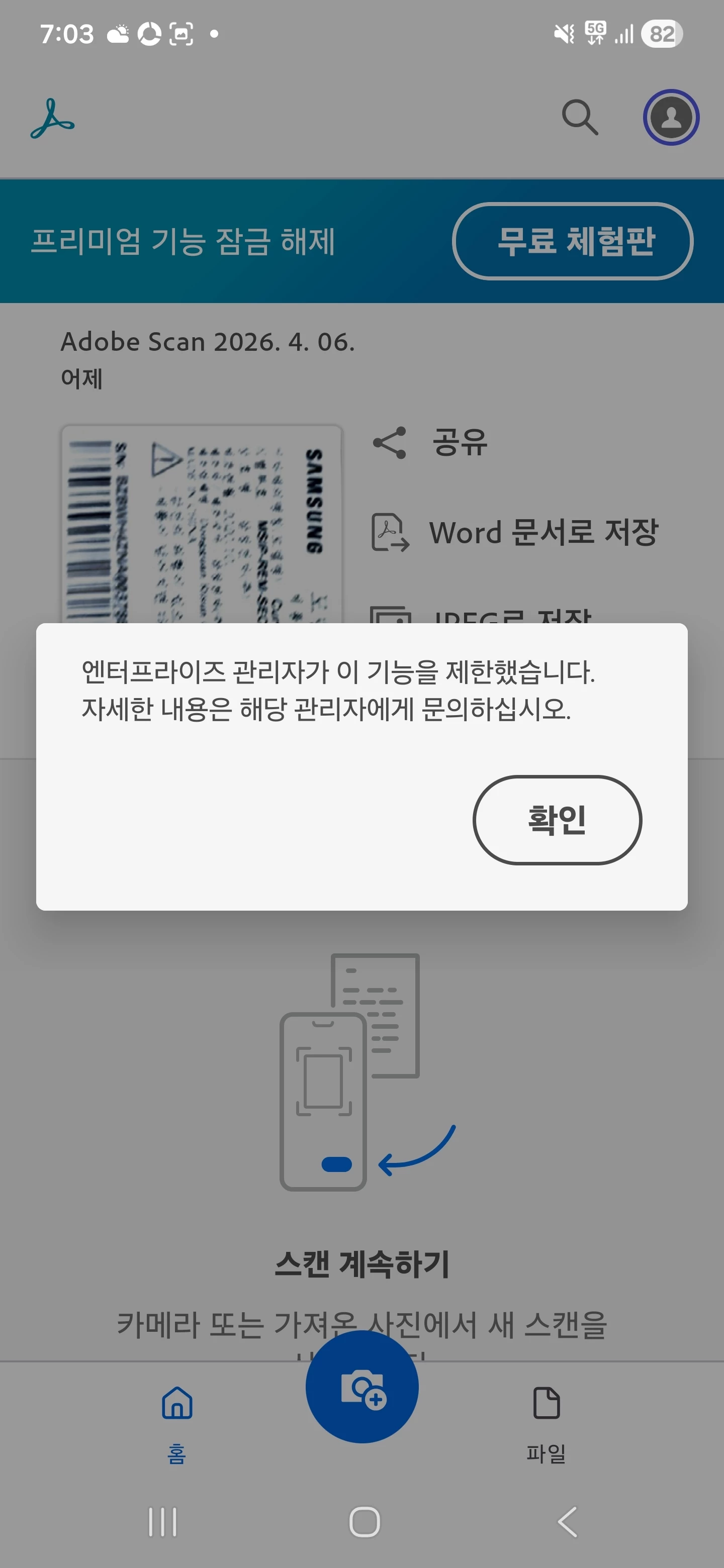
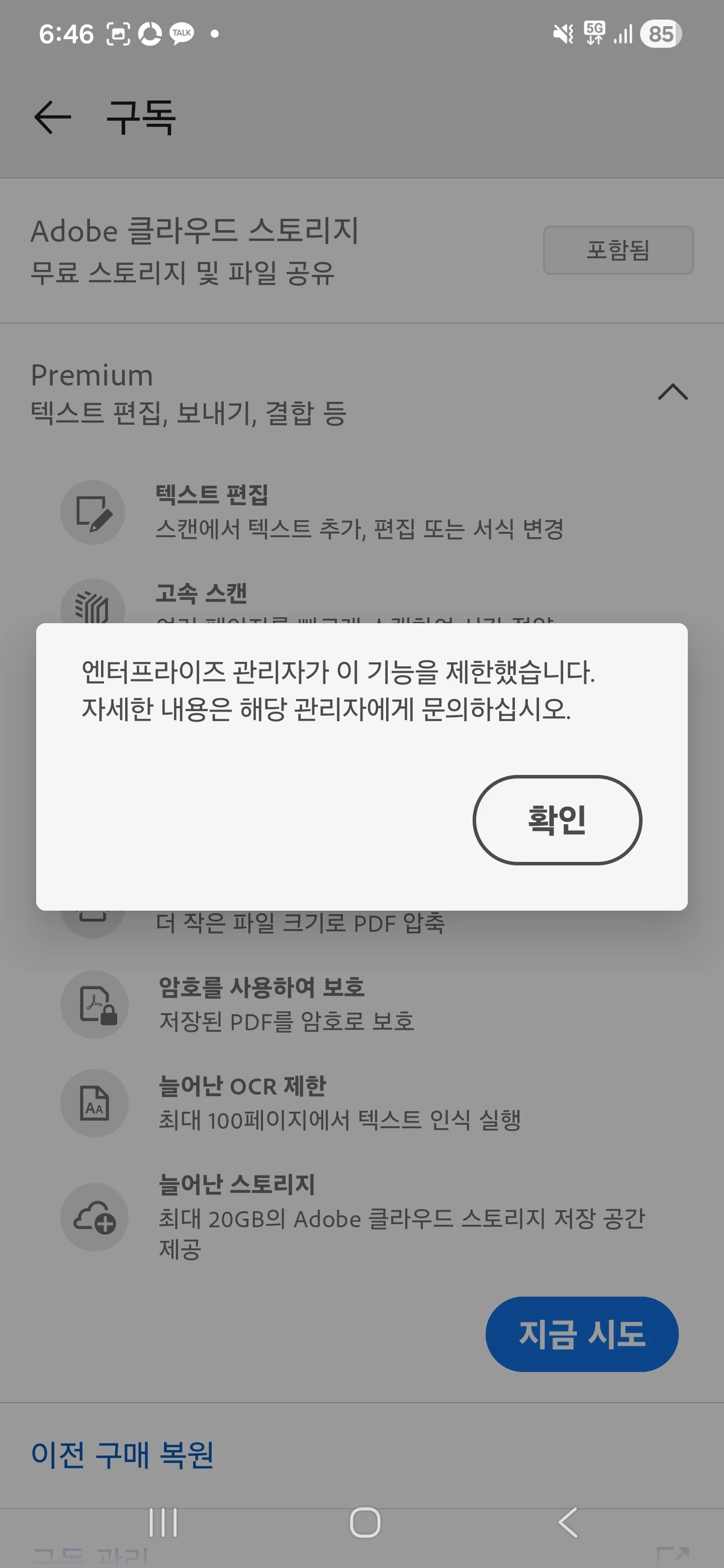
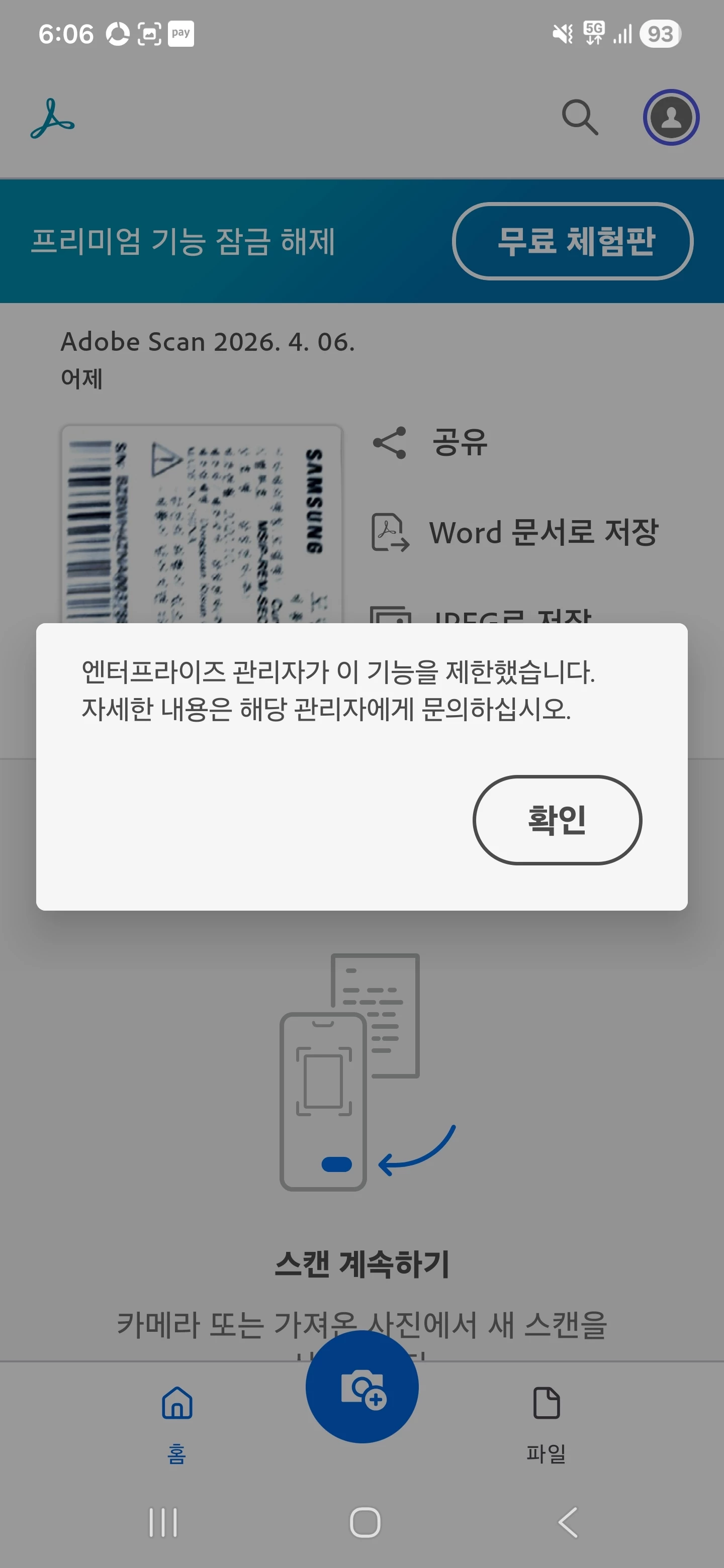
However, when attempting to use premium features in Adobe Scan, the following message appears:
"Enterprise administrators have restricted this feature. Please contact your administrator for more details."
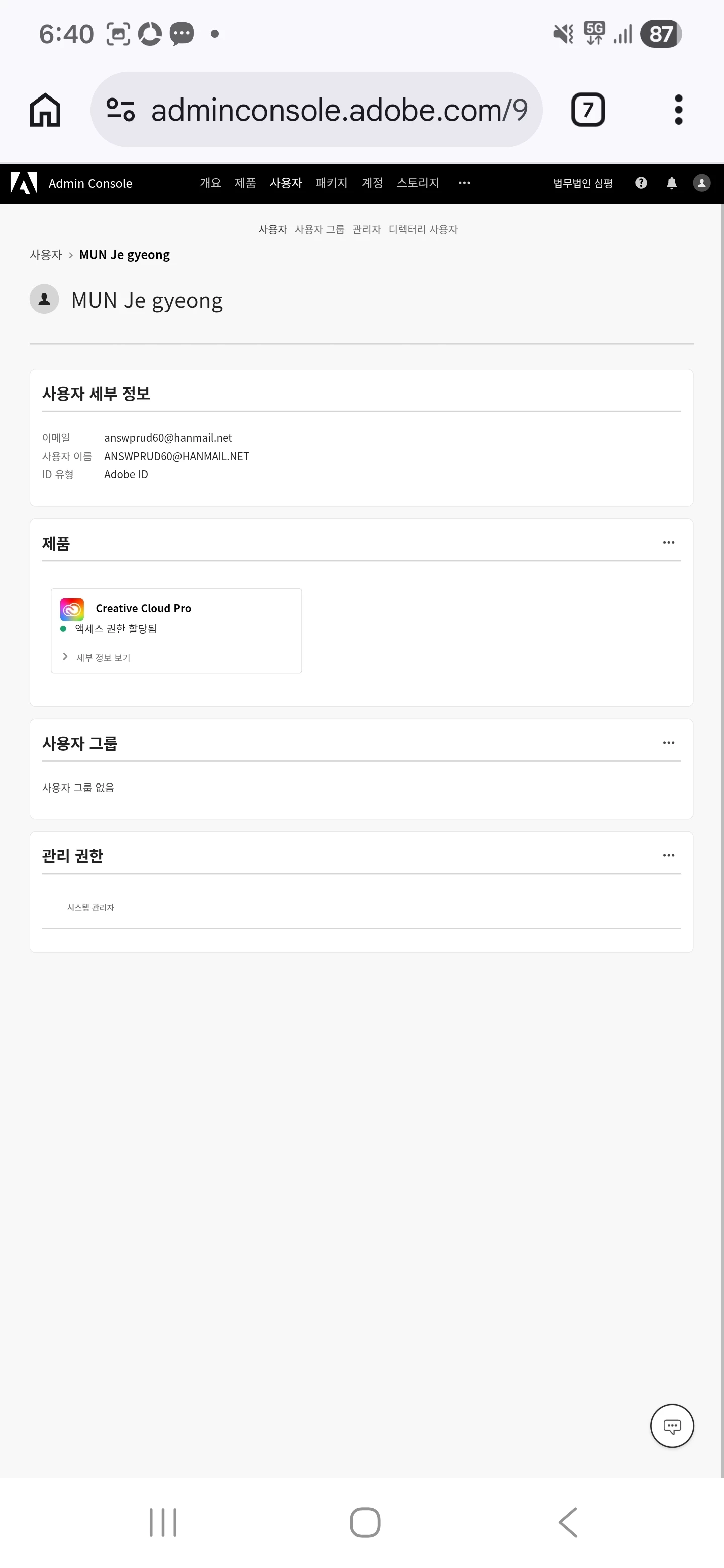
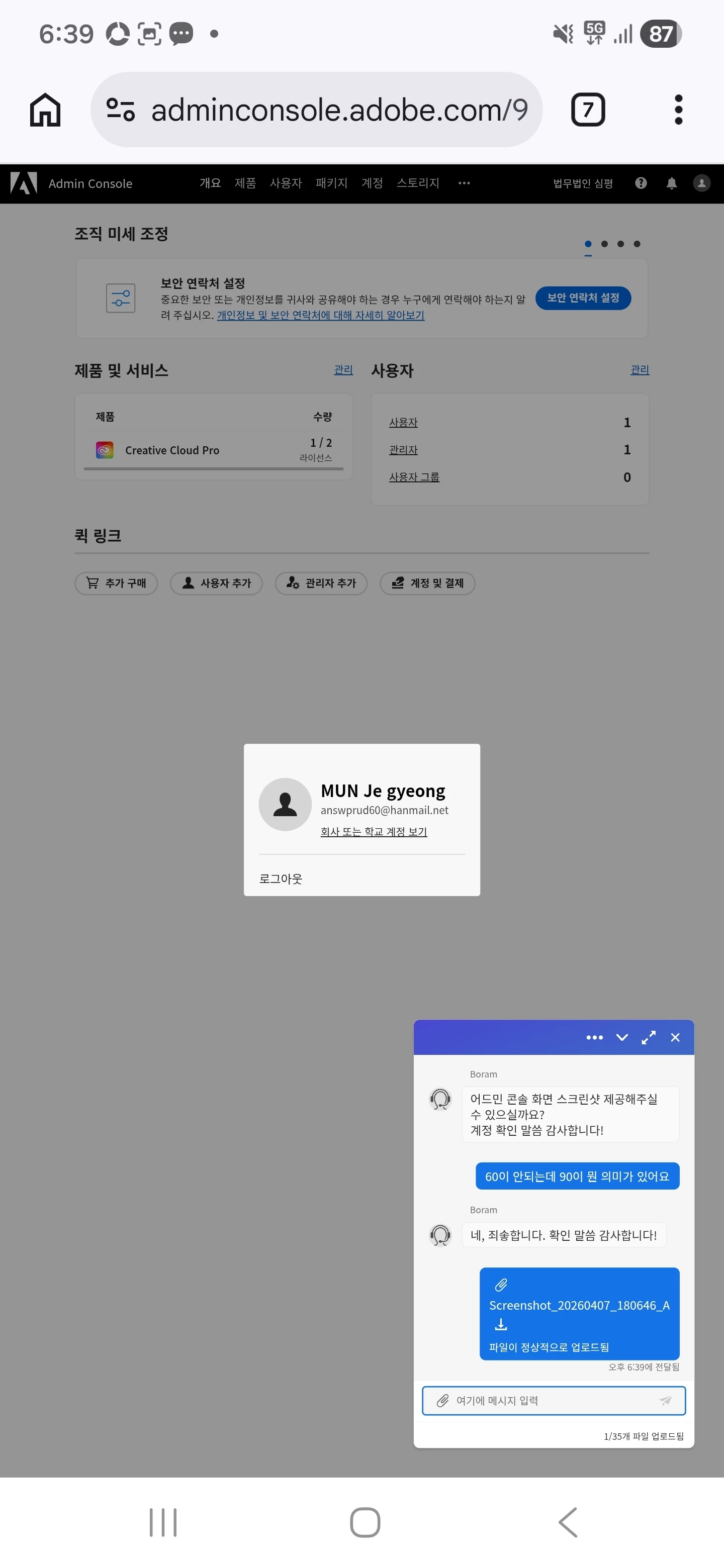
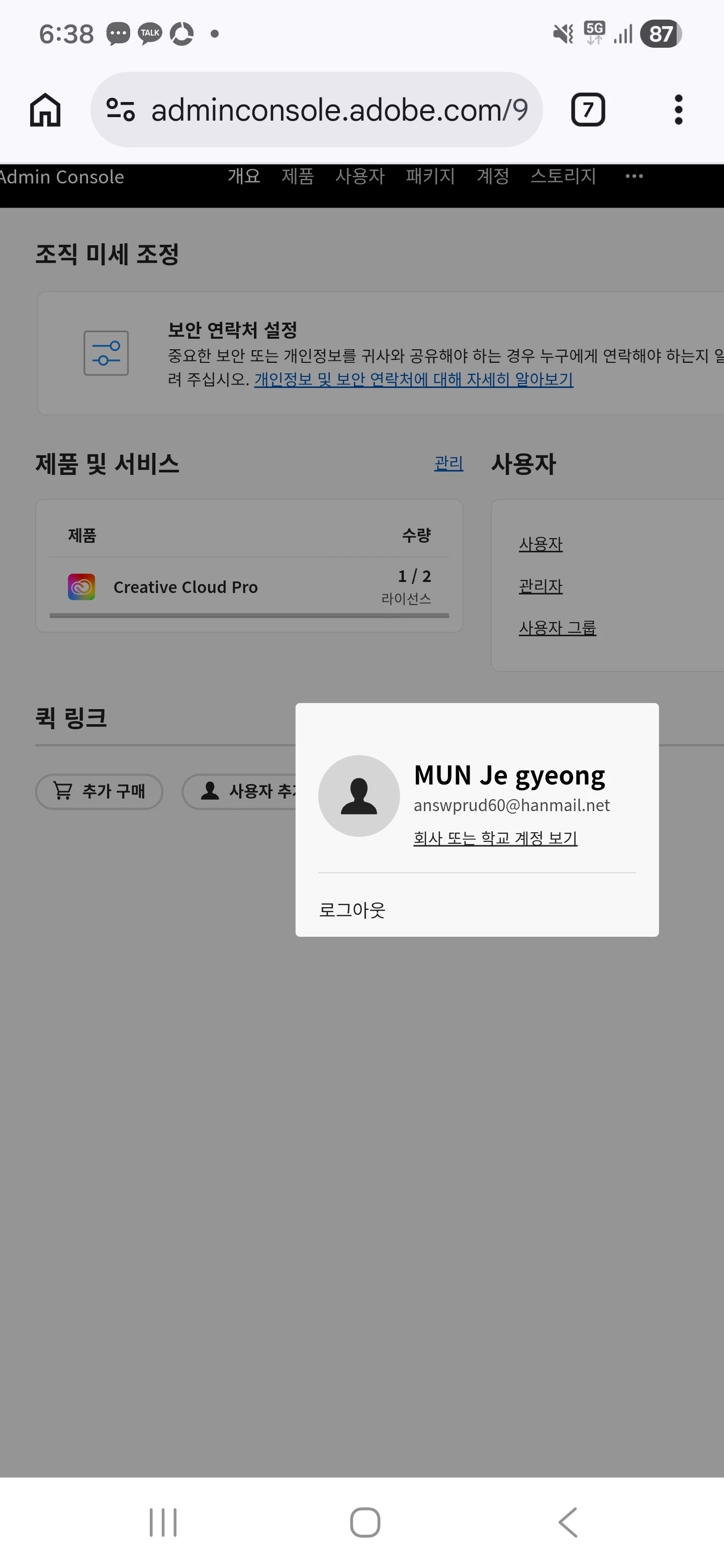
I am the system administrator, and I have already thoroughly reviewed the Adobe Admin Console.
The Creative Cloud Pro license is properly assigned, and there are no visible settings, menus, or options that allow me to configure, enable, disable, or even view any restriction related to Adobe Scan premium features.
This message indicates that the enterprise administrator has restricted premium features.
However, there is no available setting in the Admin Console to manage or control this restriction, which is contradictory and prevents proper use of a fully licensed product.
This issue has persisted despite multiple attempts to resolve it:
- Reinstalled the application multiple times
- Logged out and re-registered the account
- Reconfigured account and license settings
- Received support from Adobe team multiple times
Despite all of the above, the problem still remains unresolved.
Additional information:
- Region: Korea
- Account type: Enterprise (Admin account)
- The same issue occurs consistently across attempts
I have already gone through multiple rounds of support with Adobe, including remote sessions, but no resolution has been provided.
This situation is unacceptable, as I am paying for an enterprise license but cannot access core premium functionality due to an unexplained and unmanageable restriction.
Please provide a clear, concrete, and technically accurate solution, including:
- Exact steps within the Admin Console (if such settings exist)
- Any hidden or backend policy restrictions
- Any region-specific limitations (Korea) that may be causing this issue
If this is a known issue or system limitation, please explicitly confirm it and provide an appropriate resolution or workaround.
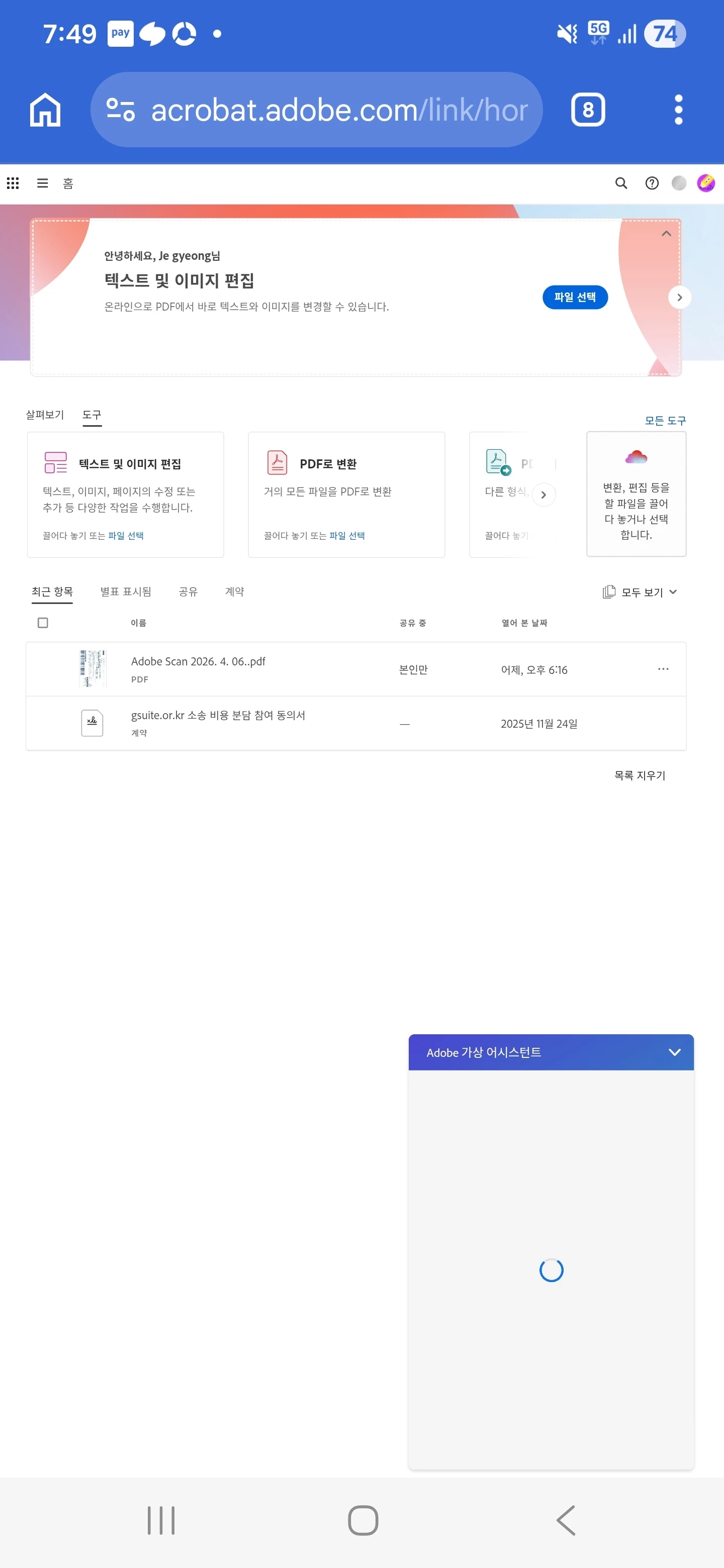
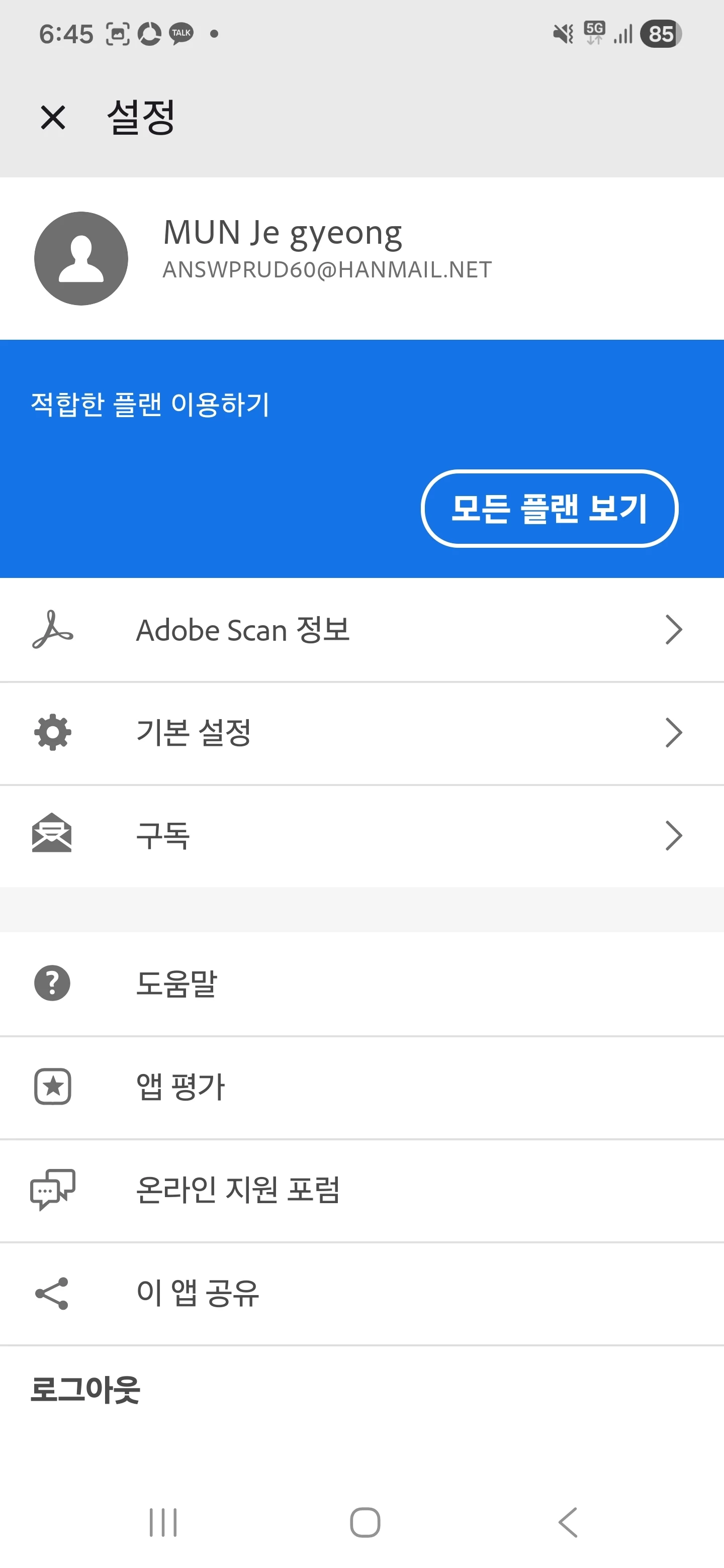
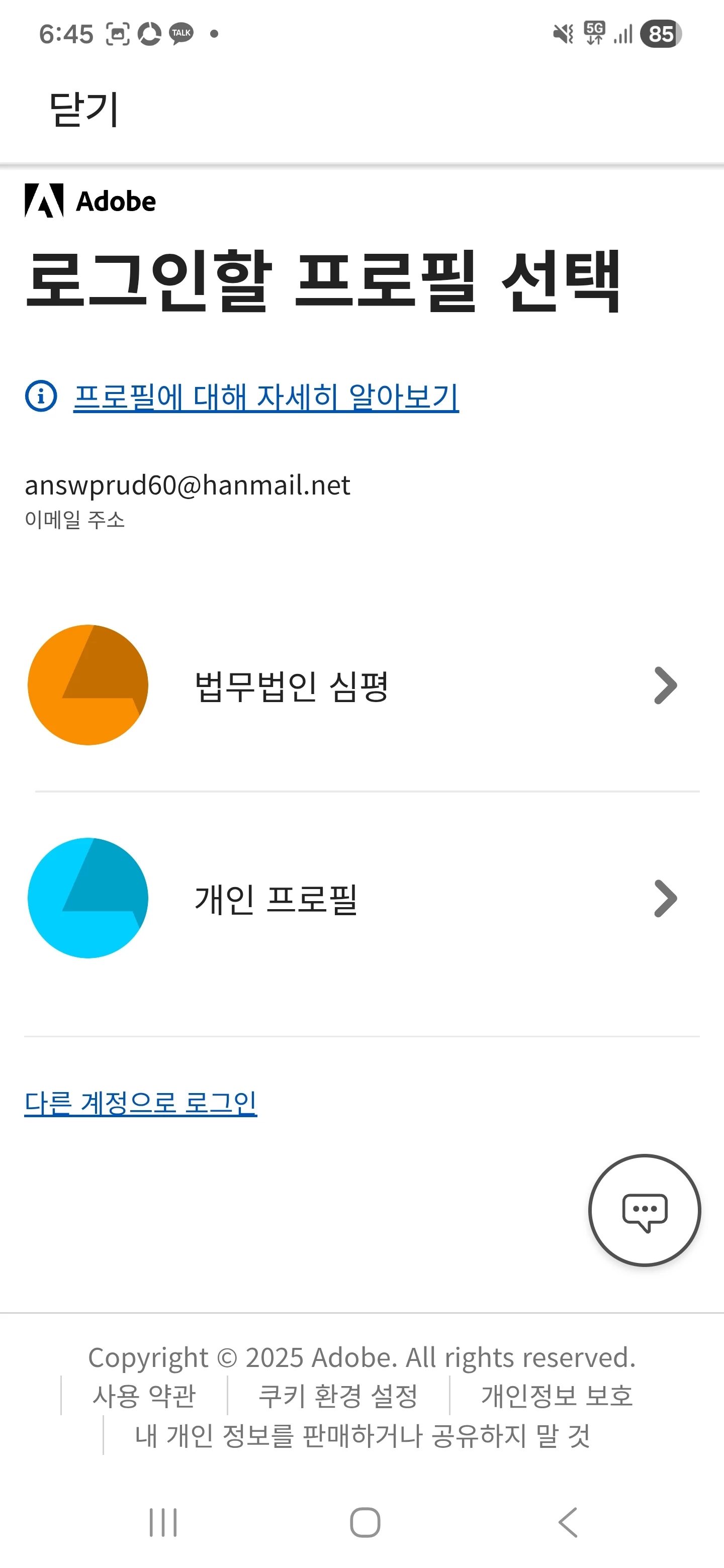
Screenshots of the issue are attached.


 AdChoices