


質問
Have a clean plane track in Mocha however when I apply it to Comp in after effects it goes all over the place, At my wits end!
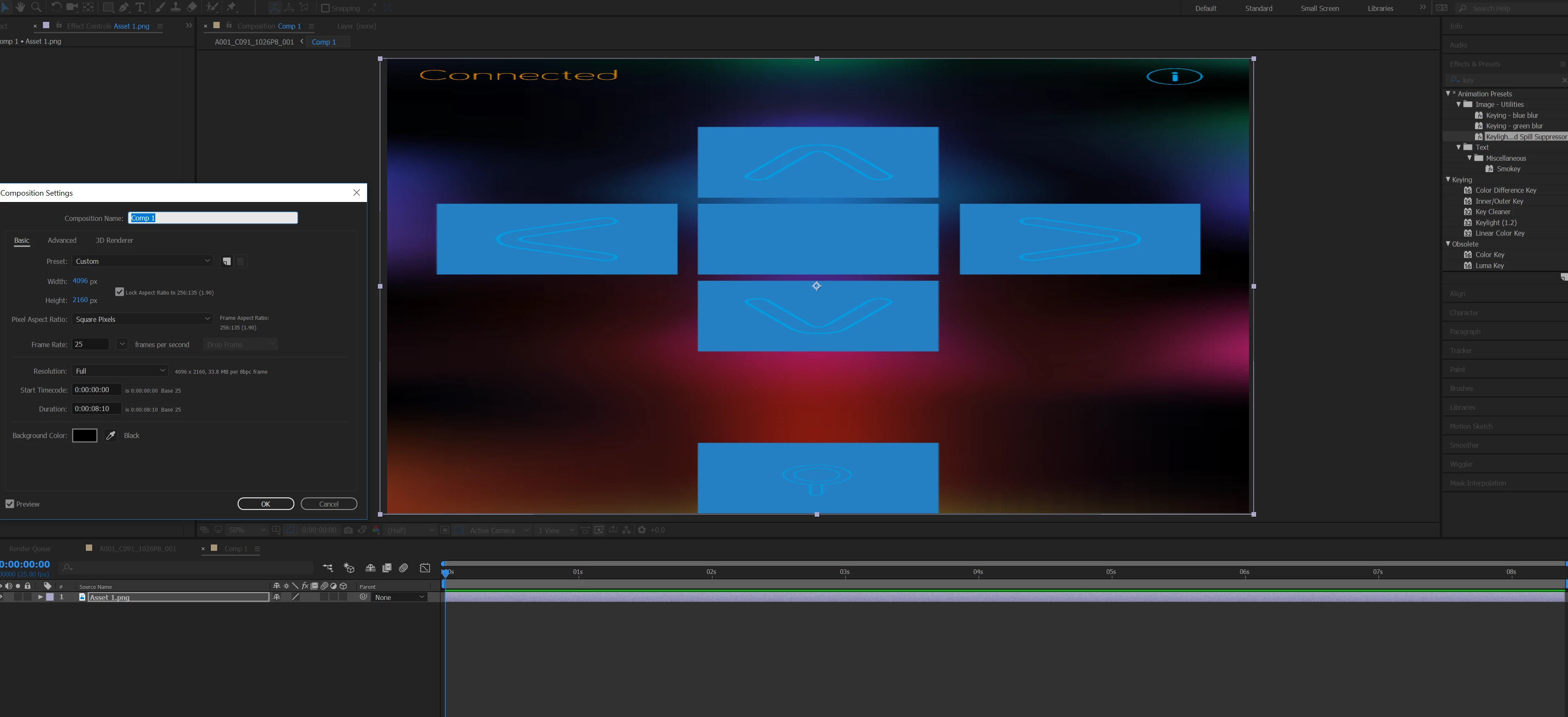
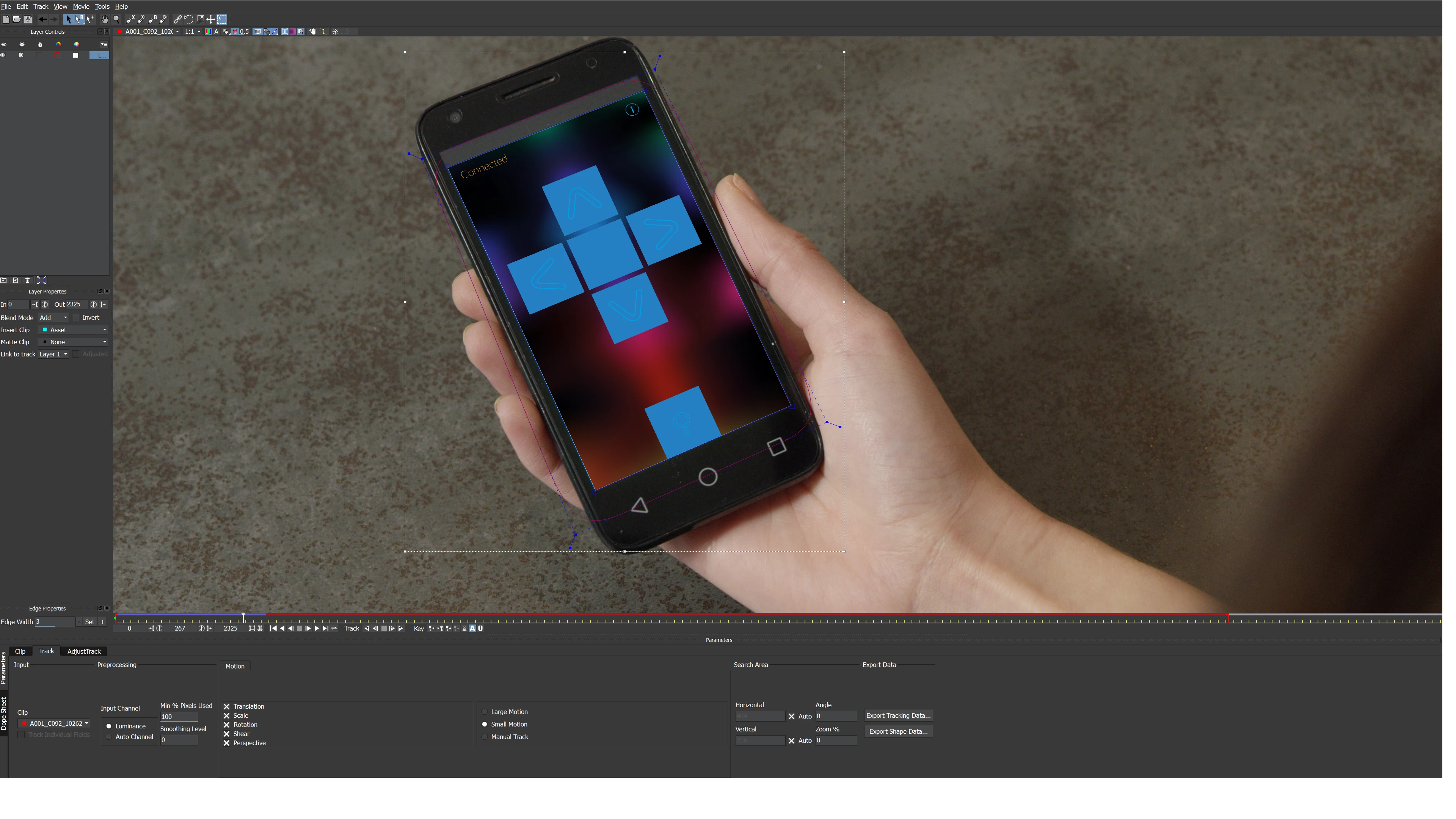
I am at my wits end. I just need to do a simple screen replacement. I've watched several tutorials on the process. My track within Mocha works fine. However when I applying the tracking data to my comp in after effects I just end up with the wonky track you can see in the example video I have uploaded. If anybody has experienced this and can provide me with a solution of how to fix it I would thank you from pulling the last of the 10 remaining hairs I have on my head. 8 Hours of messing around with and I don't seem to be getting anywhere!!!
 AdChoices