


Is there a way to reduce the blurriness of movement?
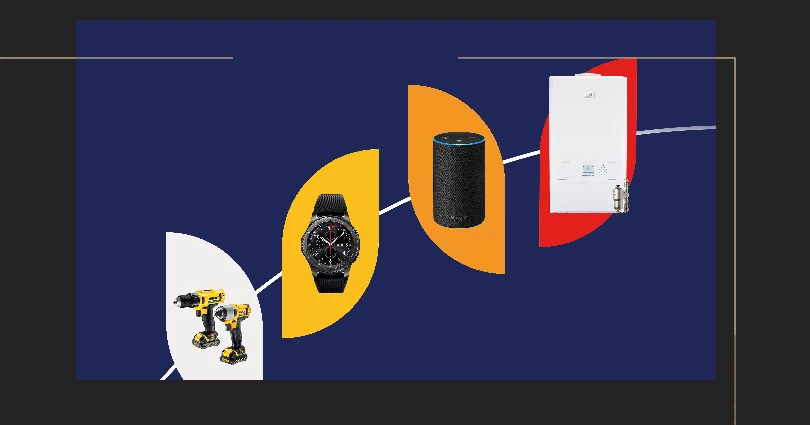
So, I'm usually quite familar with After Effects but I've run into this issue. I've created a video for my boss however, there is a slight bit of blur in one part of my video. (Please see the image attached) I have these shapes moving along a path with the images parented to the shape and they move quite quickly kind of to show all the prizes that can be won in a raffle. There is no motion blur on these layers but in the final render there is always a slight bit of blur. Now I originally thought this was just because they were moving (and quite fast) so there was always going to be a bit of blur however, my boss wants me to remove this. I have increased the fps from 30 to 60, lowered the shuttle angle and it made it a little smoother but he still is not happy with the blur. I have rendered it without motion blur on any of layers and messed with the render settings a billion times but cannot figure it out.
Therefore, is there a way to remove blur entirely from the movement so that it moves really sharply? Is there potentially something I can apply in the render settings I'm missing?
I do apologise for the image as it is really hard to capture the blur in a still image as it is really subtle but hopefully you get an idea of the animation.
Thank you!
 AdChoices