Participant
June 30, 2018
Answered

Missing composition to render

  • June 30, 2018
  • 1 reply
  • 14949 views

Hi,

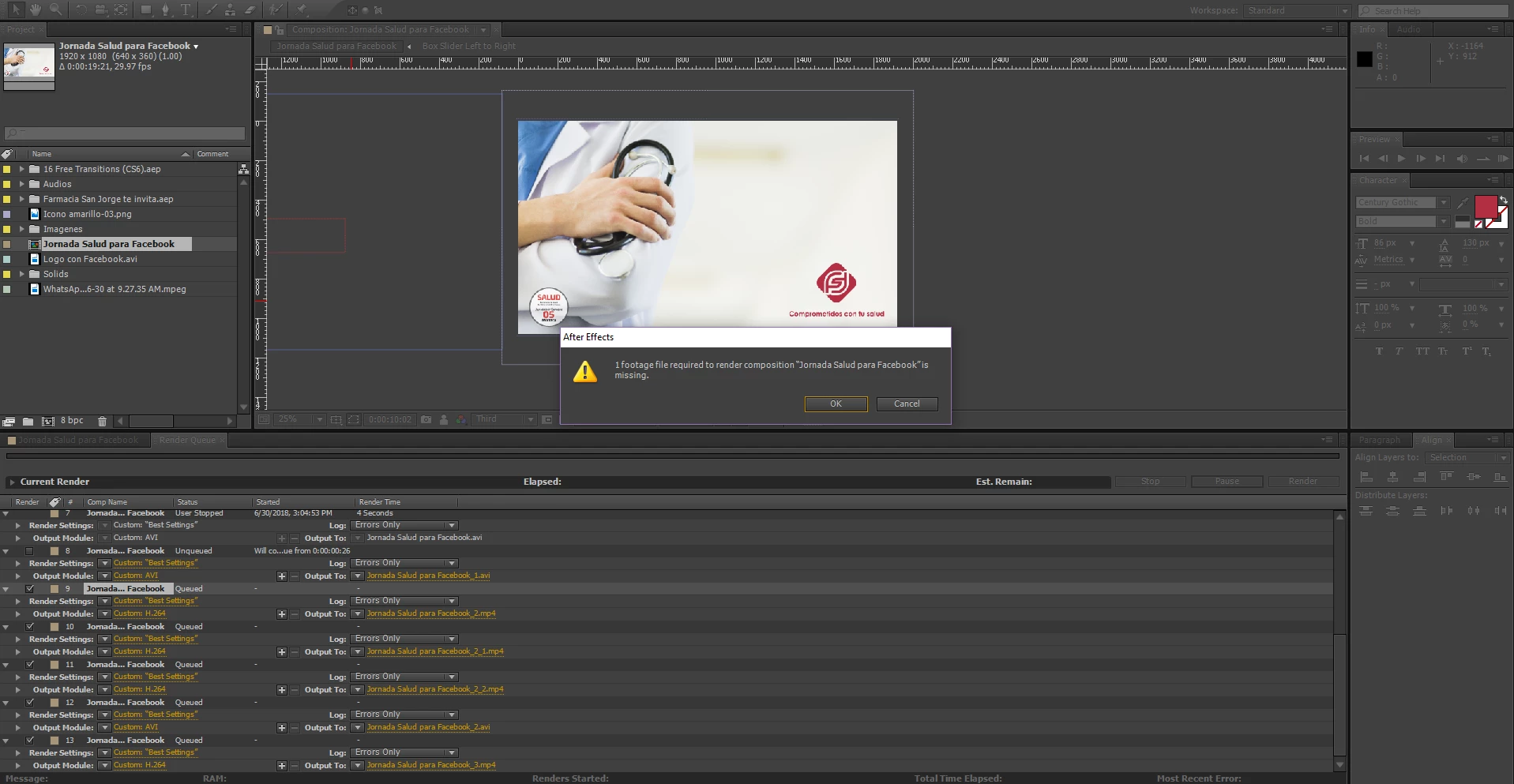
I've got a problem when I try ro render I get the next message:

"1 footage file required to render --- is missing"

but it's the composition itself, it's not a problem of another file like images or audios...

I can't find the reason, please help me...

    Correct answer Rick Gerard

    Check the composition. Showing us the render cue tells us nothing about your project or your problem.

    You will see an empty icon in the timeline:
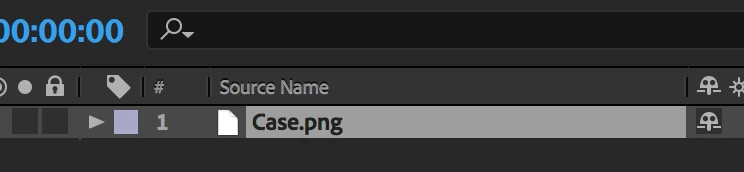
    And color bars in the project panel:

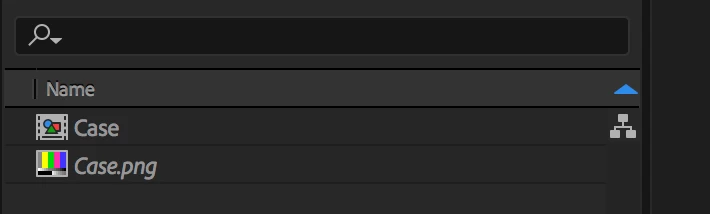
    If you can't find it check the flow chart. When it is expanded you'll see color bars in the flowchart:
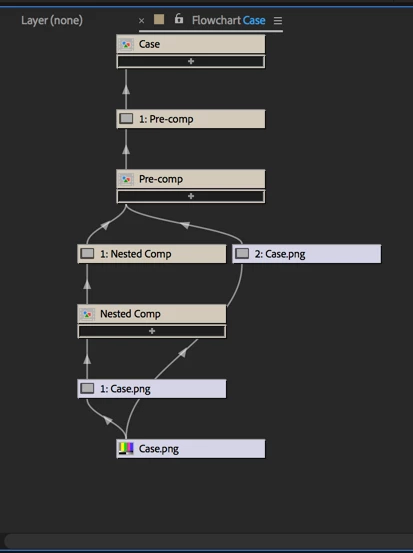
    If Case.png was your missing file you could right-click in the flowchart select Reveal In Project. That would take you to the Project Panel where you could right-click and select Reveal In Finder (folder). Then you could search for the missing file and put it in the correct folder.

    These are standard troubleshooting techniques that you should be very familiar with. The flowchart can save you a lot of time.


    1 reply

    Roei Tzoref
    Legend
    June 30, 2018

    there is one footage element in your composition (that could be any imported file that is in your composition) which is missing. you can find missing footage items in your projects by going to the search filed in the project window and use the arrow to choose "Missing Footage" or simply type missin.. and it will auto complete

    this will find the missing compositions that contain missing footage, click on them twice and it will direct you to the missing footage layer in your composition.

    Rick GerardCommunity ExpertCorrect answer
    Community Expert
    June 30, 2018

    Check the composition. Showing us the render cue tells us nothing about your project or your problem.

    You will see an empty icon in the timeline:
    And color bars in the project panel:

    If you can't find it check the flow chart. When it is expanded you'll see color bars in the flowchart:

    If Case.png was your missing file you could right-click in the flowchart select Reveal In Project. That would take you to the Project Panel where you could right-click and select Reveal In Finder (folder). Then you could search for the missing file and put it in the correct folder.

    These are standard troubleshooting techniques that you should be very familiar with. The flowchart can save you a lot of time.

    Participant
    June 30, 2018

    Thanks a lot, sorry to bother with such a basic problem