


質問
VHS copy black halo to the right of bright colors
Hi,
I'm very new to this and part of the problem is I don't know what the problem is called. I have a digital copy of a video (don't have access to the vhs tape itself) and the most annoying part is the dark bands to the right of bright colors. I have played with almost every effect in both premiere pro and after effects. I've read some articles on color keying, chorma suppression, chroma shift, sharpening but I am clearly not an expert. Would someone mind please pointing me in the right direction? I'm not expecting miracles (if there is one, I would definitely take it) but I don't even know where to start.
Many many thanks! I am very willing to do my own research and watch tutorials if I know watch!
Example provided!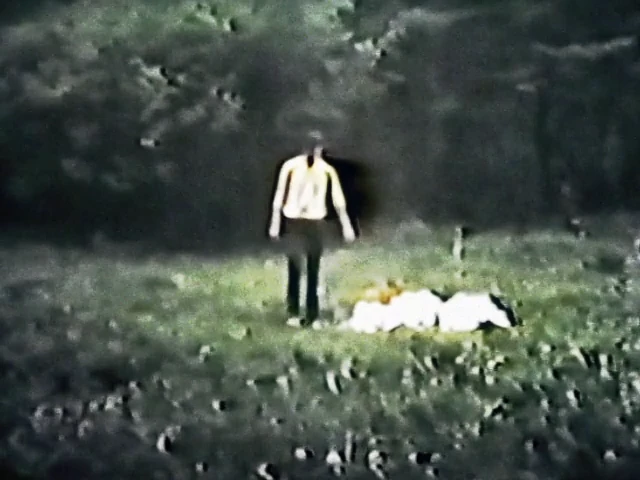
 AdChoices