João Paulo Nabais
Participant
September 4, 2023
Question

Photos super sharp on Camera Raw, on Photoshop and on OS 13.4 preview, but not so on Bridge

  • September 4, 2023
  • 1 reply
  • 481 views

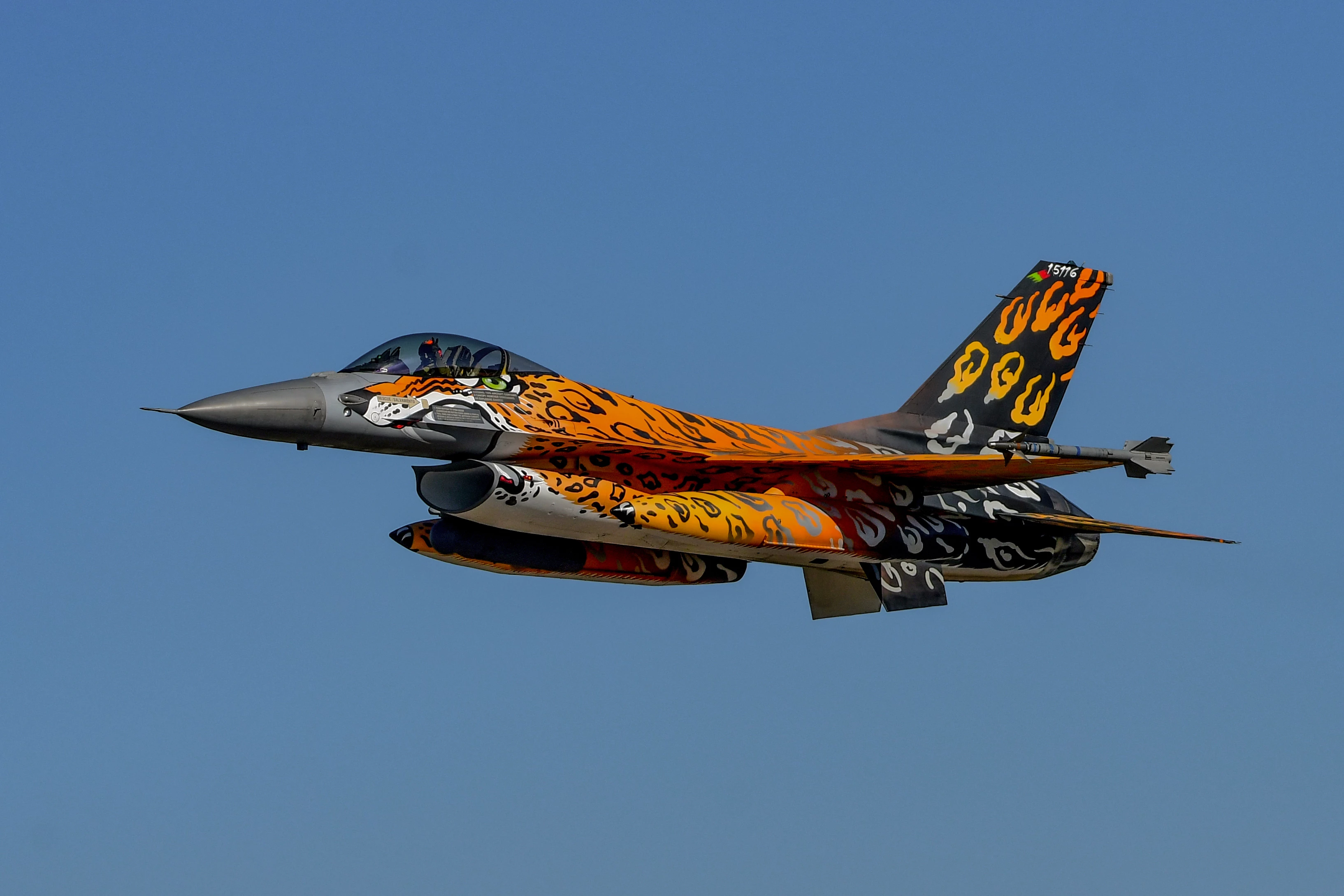
When I preview the photos on the iMac M1 24 (OS13.4) or when I open them, either PS ou Camera Raw 2023 they look awesome and super sharp.

When I hit the space-bar in Bridge to get a full screen preview, the same photo is noticeable less sharp.

(I already have "Use software Rendering" and "Generate Monitor-Size Previews" selected on Bridge Preferences)

Thanks 

This topic has been closed for replies.

1 reply

gary_sc
Community Expert
Community Expert
September 5, 2023

Hi, @João Paulo Nabais, I have a theory of what you're looking at but first I need to know several things:


1) are these screenshots or are these the actual files?

2) what is the pixel dimension (width) of the image? 

3) what is the width (in pixels) of your monitor?


Thank you,


João Paulo Nabais
Participant
September 5, 2023
Hi @gary_sc  Thank you so much!
 
1) Those are screenshots from the same file, each screenshot is from 2 visions: (1) fast full-screen preview on Adobe Bridge and (2) either fast full-screen preview on Mac OS or after being open in PS or after being open in C RAW
2) This particular image is 4860x3240, but I observe this effect in all my photos, regardless of resolution. Even on images smaller than my screen.

3) 4480×2520 resolution at 218 pixels per inch

Kind Regards
Joao
gary_sc
Community Expert
Community Expert
September 5, 2023

Wow, that's an amazingly large monitor. I have the Apple Studio Monitor, and it's only 2560 pixels wide. How do you stare at that thing without a box of popcorn in your hand? :>)


What I was looking for, and I'm not fully seeing this, is that programs like PS (and ACR) have significantly better image resolution adjustment capabilities. By that, I mean that they can adjust to have an image look good at pretty much any magnification. All Bridge does is open the image to 100% so that each pixel lands on the monitor's pixel. Thus, at 100%, the image often does not look as good as PS because it's being enhanced a bit in PS.


However, your image is about 8% larger than your screen (I'm still wondering what kind of monster screen you have), and I'm wondering if that's in a window of poor change in resolution. Hmm, one way to test this is to change the size of your image down to (say) 4000 pixels wide. How does that compare with PS?


One more question on your monitor: How can you read text on your monitor? I find that text can be so small on MY monitor as to be a big challenge.


Thanks for being patient with me.