


pedzsan
Inspiring
October 10, 2023
解決済み

Red triangle on icon in menu bar (macOS Sonora)

  • October 10, 2023
  • 返信数 1.
  • 10133 ビュー

In my menu bar, the Creative Cloud icon has a red triangle:  

But when I open up the panel, I don't see anything directing me to what is wrong.  After the upgrade to Sonoma, this occurred.  Originally when I clicked on the cloud, the libraries were not syncing.  I restarted the app (not the host) and that problem went away.  It is now green and happy.
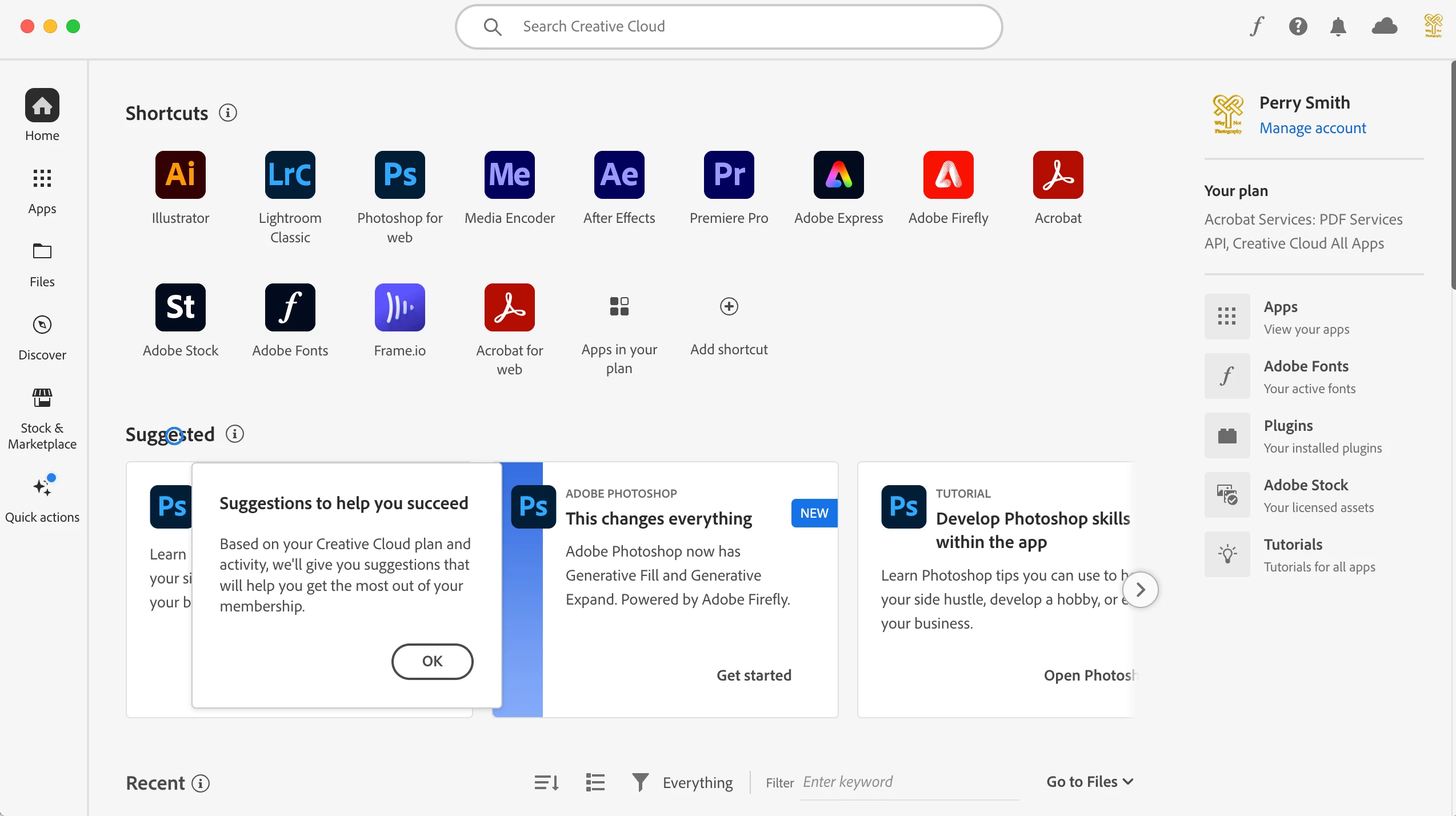
Any ideas of what might be wrong?  Do you think it will go away if I reboot?

解決に役立った回答 kglad

restart your computer and see if that warning is still present.


if it is, reset the cc desktop app by making sure it's in the foreground, then press:

Win: Ctrl + Alt + R
Mac: Cmd + Opt + R


返信数 1

kglad
Community Expert
kgladCommunity Expert解決!
Community Expert
October 10, 2023

restart your computer and see if that warning is still present.


if it is, reset the cc desktop app by making sure it's in the foreground, then press:

Win: Ctrl + Alt + R
Mac: Cmd + Opt + R


Pedro Downunder
Known Participant
February 18, 2024

The exceeedingly irritating red triangle with white exclamation mark does not go away from the Adobe Cloud app in my Mac Menu Bar. Each time I reboot the Mac it necessitates going to the Adobe Coud, opening it and clicking on Library Syncing. Once this is done I exit the app and the triangle is gone. However, when re-opening the Adobe app at any given time the red triangle is still there (see attached screenshot).

In an earlier post on this subject an Adobe customer suggested this is a corporate ruse, designed to have cutomers upgrade their Cloud storage plan. If this isn't so why does the annoyance persist, and how can it be stopped? I do not purchase products from Adobe other than their yearly subcription software.

Adobe App Information: Premiere Pro 2024, After Effects 2024, Photoshop 2024, Media Encoder 2024.
Computer: Mac Pro 2019/ Mac OS Sonoma 14.3.1, 16- Core Intel Processor, AMD Radeon Pro Vega II 32GB, 96 GM Memory.


Pedro Downunder
Known Participant
March 29, 2024

@Pedro Downunder 


if you want to make suggestions to adobe, 

to report bugs or ideas or wishes to adobe: for applicable apps, use https://helpx.adobe.com/ie/x-productkb/global/how-to-user-voice.html


for createive cloud assets:

bugs, https://community.adobe.com/t5/adobe-collaboration-experiences/ct-p/ct-adobe-collaboration-experienc...


requests, https://community.adobe.com/t5/adobe-collaboration-experiences/ct-p/ct-adobe-collaboration-experienc...


for others, use https://www.adobe.com/products/wishform.html


if neither show a place to report the issue, just leave it here. that's the best you can do.


Yesterday I used this site to contact Raj, a "real time" Adobe Technical Support staffer. The errors I wished to have remedied were varied, beginning with the oustanding red dot that appears on the cloud symbol within my Adobe Creative Cloud hub. In addition, over the past month I've had issues with After Effects and Photoshop both freezing mid use, and automatically shutting down my computer. 

Raj used Adobe's screen share app to look at my Mac OS running system. His movements on my computer were largely  performed without explanation, and I needed to ask via a text box what he was doing. I was told the red dot is to do with my not having turned off Library Syncing; and although he had now disabled it, it would eventually go away on its own accord. Raj' explanation of the red dot seemed to run counter to the explanation given in this thread.

On booting my computer this morning the red dot is back just as before. More importantly, in the course of working on my computer Raj instructed me to remove certain plugins from a system's folder, and in closing did not instruct me how and where to return the plugins.  Consequently, all my essential AE plugins are no longer in the app,  which means I cannot carry out the bulk of my daily work.  So much for Adobe's efficient, problem solving customer service.