


Participating Frequently
August 9, 2015
質問

Unable to purchase any adobe software. Stuck at "Please Wait" screen, followed by "Safari can't open the page" screen

  • August 9, 2015
  • 返信数 2.
  • 571 ビュー

I'm on a Mac OSX. Trying to purchase Premiere Pro as my trial had run out of time but everytime I try to purchase I get this screen. Tried it on Chrome and the same thing happens.
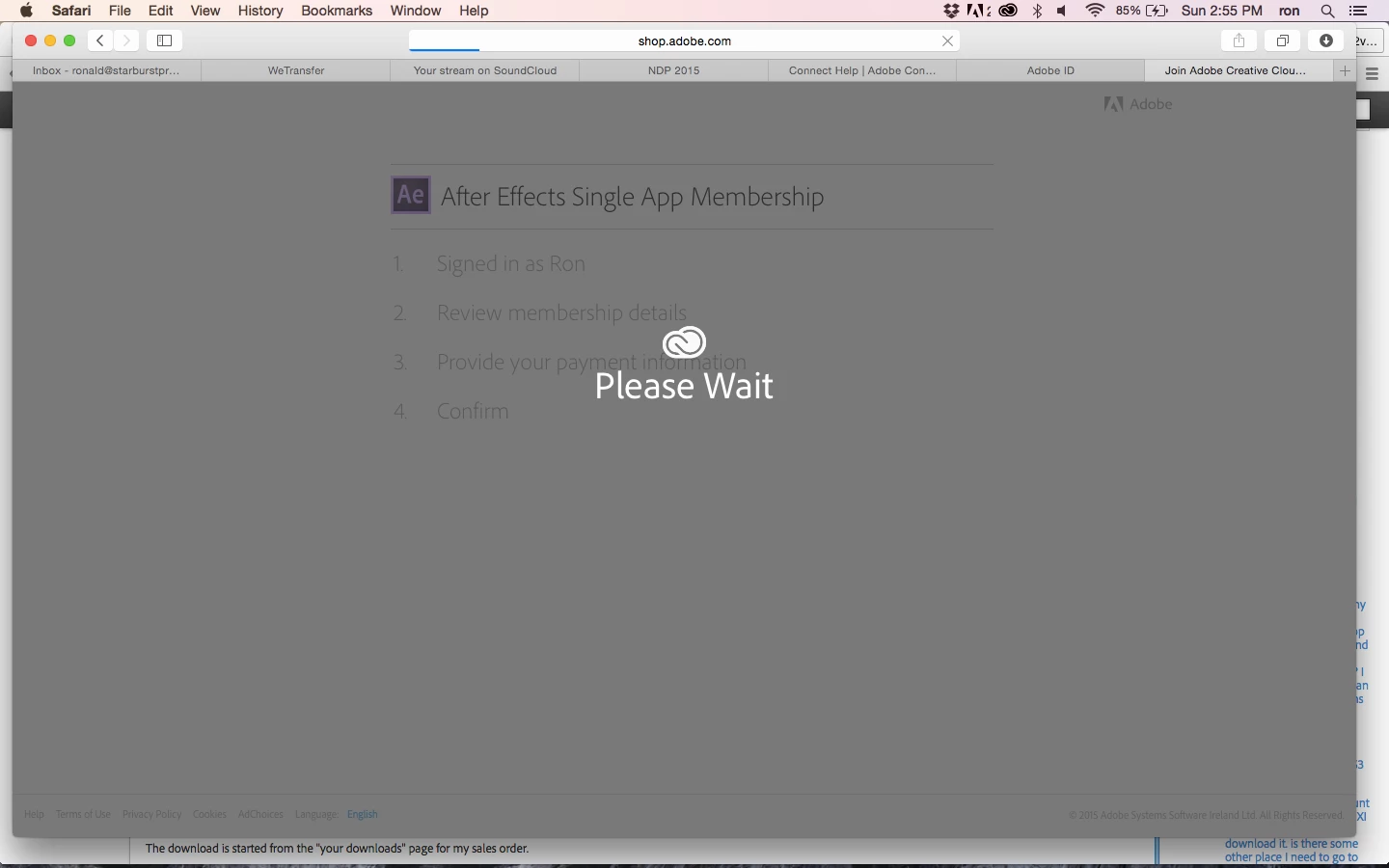
Followed by this screen...
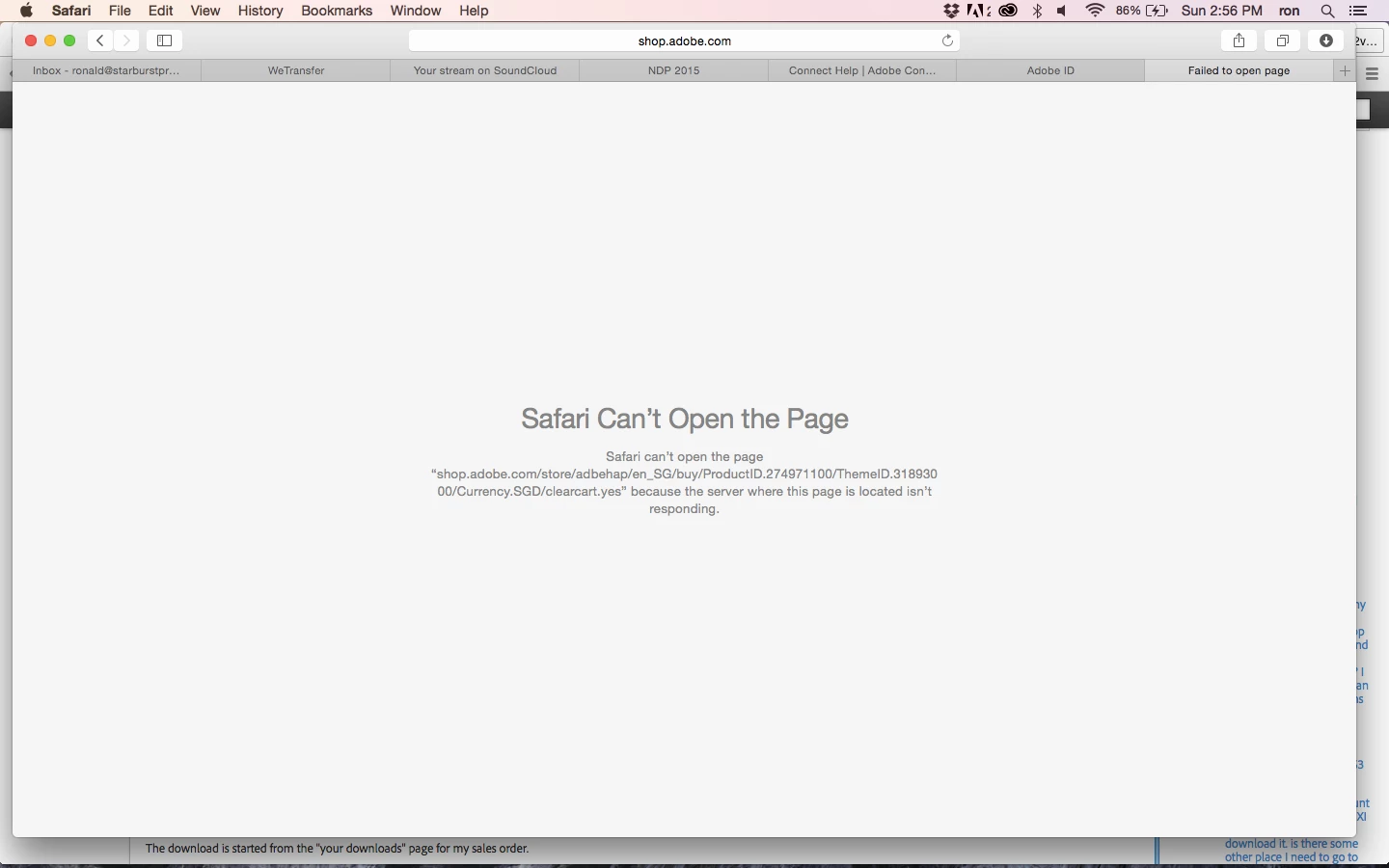
Please help! Been trying for the last 2 days.

このトピックへの返信は締め切られました。

返信数 2

rony83068922作成者
Participating Frequently
August 11, 2015

any other community folks having similar issues??

Ned Murphy
Legend
August 9, 2015

Make sure you are logged in to the Adobe site, have cookies enabled, clear your cookie cache.  If it continues to fail try using a different browser.

Sign in, activation, or connection errors | CS5.5 and later, Acrobat DC

https://helpx.adobe.com/x-productkb/policy-pricing/activation-network-issues.html

rony83068922作成者
Participating Frequently
August 10, 2015

Hi Ned,

I've enabled and cleared cookies and just tried firefox and chrome as well. But still the same thing on all 3 browsers. Server seems to time out each time. For the heck of it, I've even tried purchasing using Safari on my iPhone. Same thing.

I'll try creating another Adobe profile and see if that works but I'm open to any other ideas...

rony83068922作成者
Participating Frequently
August 10, 2015

Well, creating another adobe account didn't help either... I'm lost!