


Participating Frequently
February 11, 2017
Answered

"validating software license" loop issue - HELP!

  • February 11, 2017
  • 1 reply
  • 5131 views

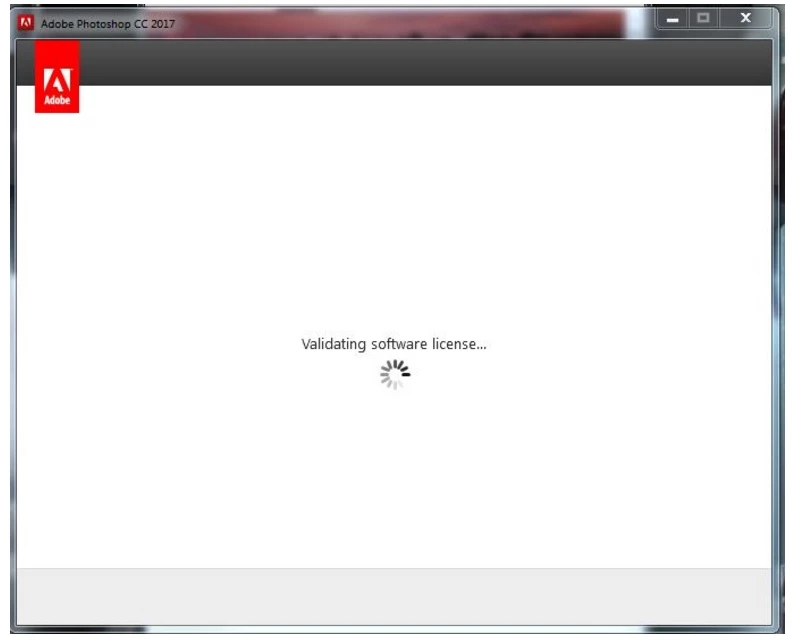
Today i went to open Photoshop under my Creative Cloud license and am experiencing the "validating software license" continuous loop where it opens and closes and does nothing, eventually i have to shut it down.

So i am unable to access photoshop even though the subscription is valid and up to date.

There's another article about it here "validating software license" loop  which eventually suggests contacting support, who are not open at weekends, so that doesn't help me today and I have a deadline to meet on Monday with some artwork.

Does anyone know why this is happening or a possible solution?
This topic has been closed for replies.
Correct answer kglad

1. follow  solutions 1 and 2 here,Creative Cloud signs me out or asks me to sign in repeatedly

2. while you've still quit the cc app

    a. Rename Slcache and Slstore*

    b Rename opm.db File** 

3. restart your cc desktop app and retry signing in

*

Navigate to C:/ProgramData\Adobe\ (Program data is hidden Folder) and rename Slstore it to Slstore.old   

Navigate to C:\Program Files (x86)\Common Files\Adobe\ and rename Slcache to Slcache.old    2.  Now Following Adobe Creative Cloud sign-in errors  Rename opm.db File    

**

Navigate to \Users\[username]\AppData\Local\Adobe\OOBE\opm.db  

1 reply

kglad
Community Expert
kgladCommunity ExpertCorrect answer
Community Expert
February 11, 2017

1. follow  solutions 1 and 2 here,Creative Cloud signs me out or asks me to sign in repeatedly

2. while you've still quit the cc app

    a. Rename Slcache and Slstore*

    b Rename opm.db File** 

3. restart your cc desktop app and retry signing in

*

Navigate to C:/ProgramData\Adobe\ (Program data is hidden Folder) and rename Slstore it to Slstore.old   

Navigate to C:\Program Files (x86)\Common Files\Adobe\ and rename Slcache to Slcache.old    2.  Now Following Adobe Creative Cloud sign-in errors  Rename opm.db File    

**

Navigate to \Users\[username]\AppData\Local\Adobe\OOBE\opm.db  

aliciah3114452
Participant
January 11, 2018

I have a mac and I'm not sure how to view hidden folders. How do I fix that?