Participant
July 26, 2018
解決済み

Chapter Heading updates Header

  • July 26, 2018
  • 返信数 4.
  • 4414 ビュー

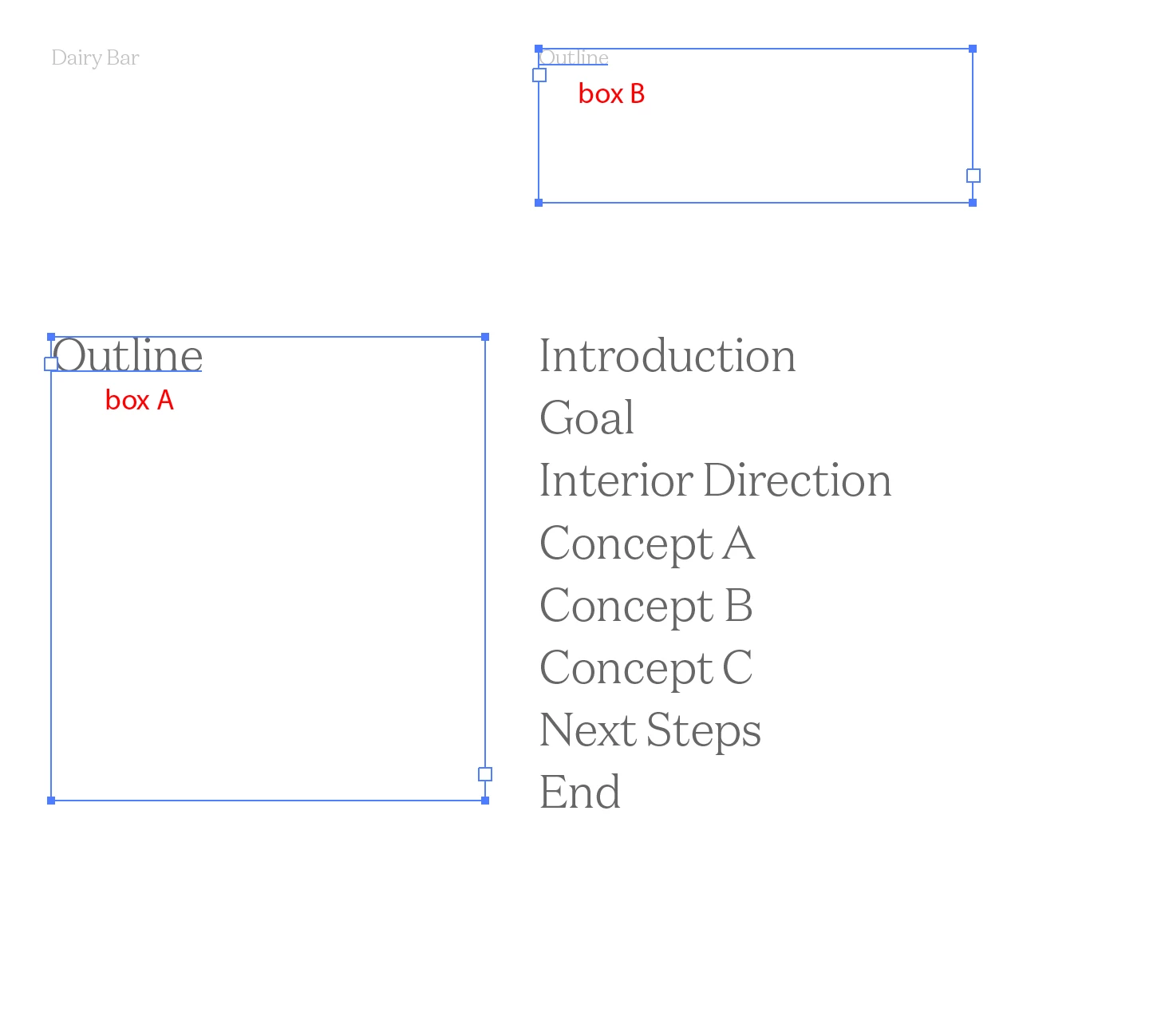
I'm not even sure how to phrase this properly, but I'm trying to make a template and I'm wondering if it's possible to have a text box update itself when I put text in another box. So for example, if I type "Hello" in Box A, Box B will update to say "Hello" but in a smaller text size. Is this possible?? (See attached picture)
    このトピックへの返信は締め切られました。
    解決に役立った回答 Barb Binder

    Hi lupine_eyes:

    So, to define a running head that pulls data off the pages:

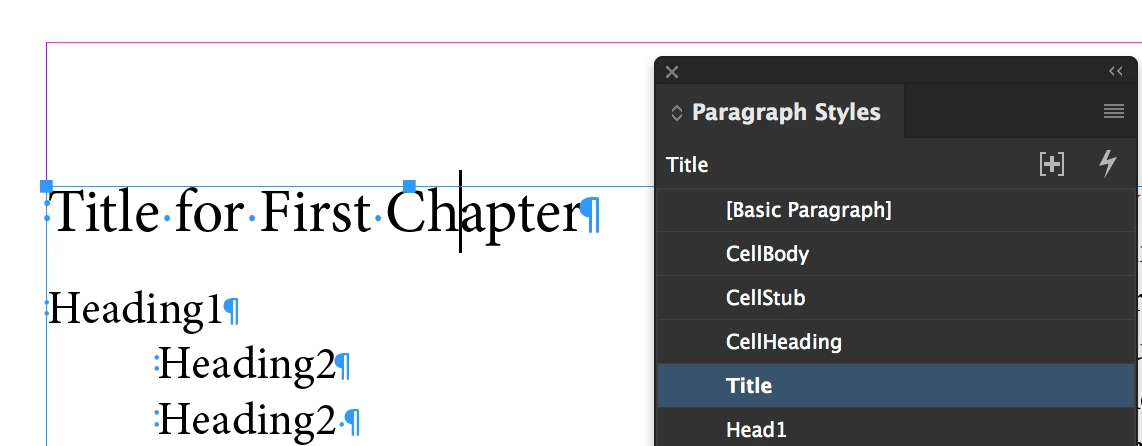
    1. Select the heading on the body page oand add a paragraph style. I called mine Title.
    2. Navigate to the master pages and add a new text frame.
    3. Click inside and choose Type > Variables > Define.
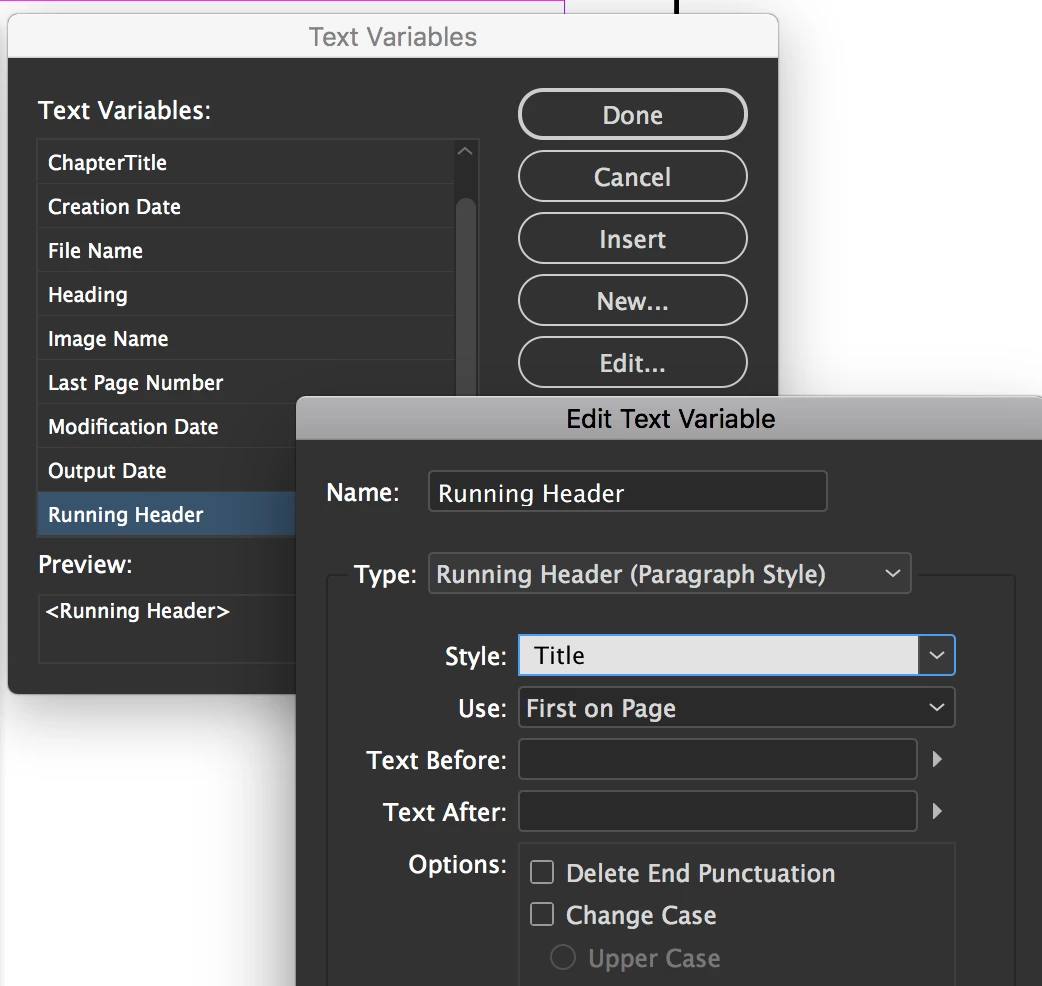
    4. Choose Running Header > Edit > Type: Running Header (Paragraph Style) and select the name of your heading paragraph style for Style. OK. Insert.
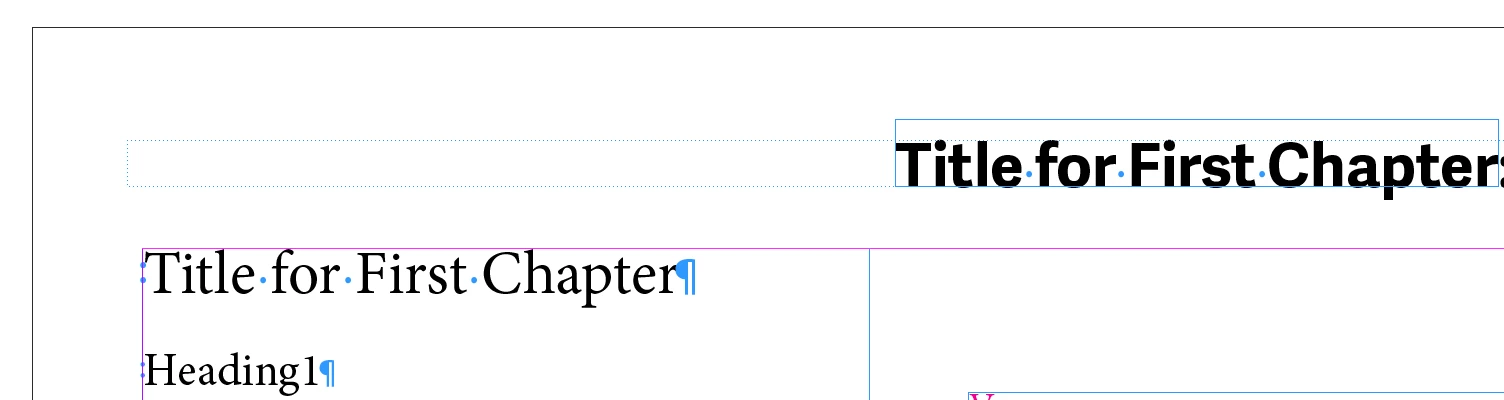
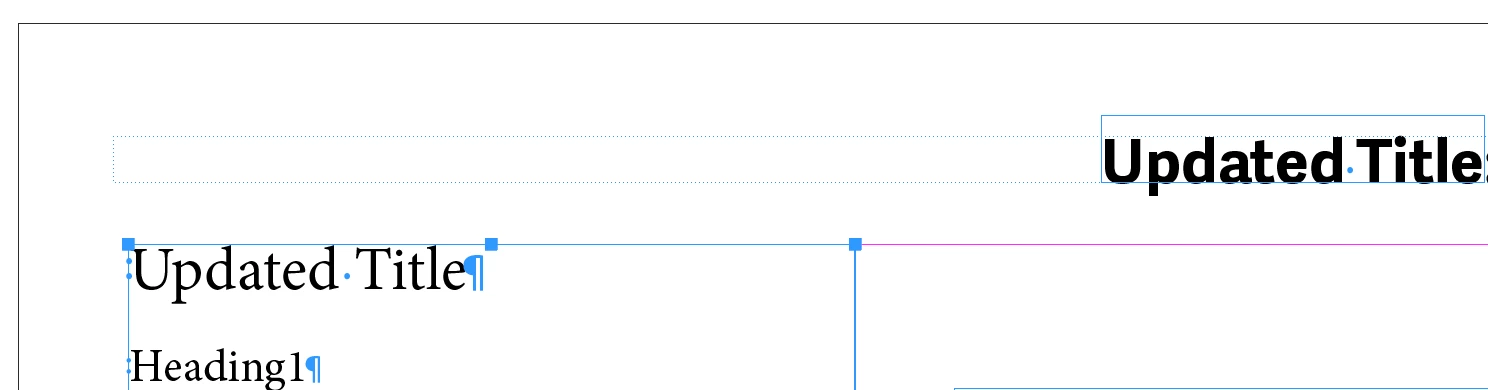
    5. Return to the body pages and InDesign will have picked up the content of the title and added it to the running head. Changing the title will force InDesign to update the running head. (Note: you will have to refresh the page to see the update by zooming in or out or scrolling.)

    ~Barb

    返信数 4

    Barb Binder
    Community Expert
    Barb BinderCommunity Expert解決!
    Community Expert
    July 27, 2018

    Hi lupine_eyes:

    So, to define a running head that pulls data off the pages:

    1. Select the heading on the body page oand add a paragraph style. I called mine Title.
    2. Navigate to the master pages and add a new text frame.
    3. Click inside and choose Type > Variables > Define.
    4. Choose Running Header > Edit > Type: Running Header (Paragraph Style) and select the name of your heading paragraph style for Style. OK. Insert.
    5. Return to the body pages and InDesign will have picked up the content of the title and added it to the running head. Changing the title will force InDesign to update the running head. (Note: you will have to refresh the page to see the update by zooming in or out or scrolling.)

    ~Barb

    ~Barb at Rocky Mountain Training
    vinny38
    Legend
    July 27, 2018

    After having read your question again... and more specifically its title where you mention "headings/header", I think what you want are running headers.

    Check this out: Learn how to number pages, chapters, and sections in InDesign

    Jongware
    Community Expert
    Community Expert
    July 27, 2018

    That was my thought as well.

    Sometimes you have to mentally translate "a small number at a fixed position but on some pages on one side and on some others on the other side that increases from the start of a book" to "ah you mean a page number".

    This looks like a running header, swims like a running header and quacks like a running header, and so I'm pretty sure it indeed must be a running header.

    vinny38
    Legend
    July 27, 2018

    To illustrate Michael's answer, here's how you can map two paragraph styles - one for each frame - using content collector tool:

    Don't forget to update the link (automatic updating when saving file is a handy option that you might want to tick > Links panel > Links options)

    Mike Witherell
    Community Expert
    Community Expert
    July 26, 2018

    Edit > Place and Link

    A further detail is the linked text can have a different paragraph style in order to look different

    Mike Witherell