Participating Frequently
February 25, 2022
質問

epub to ibooks help - page bar

  • February 25, 2022
  • 返信数 1.
  • 256 ビュー

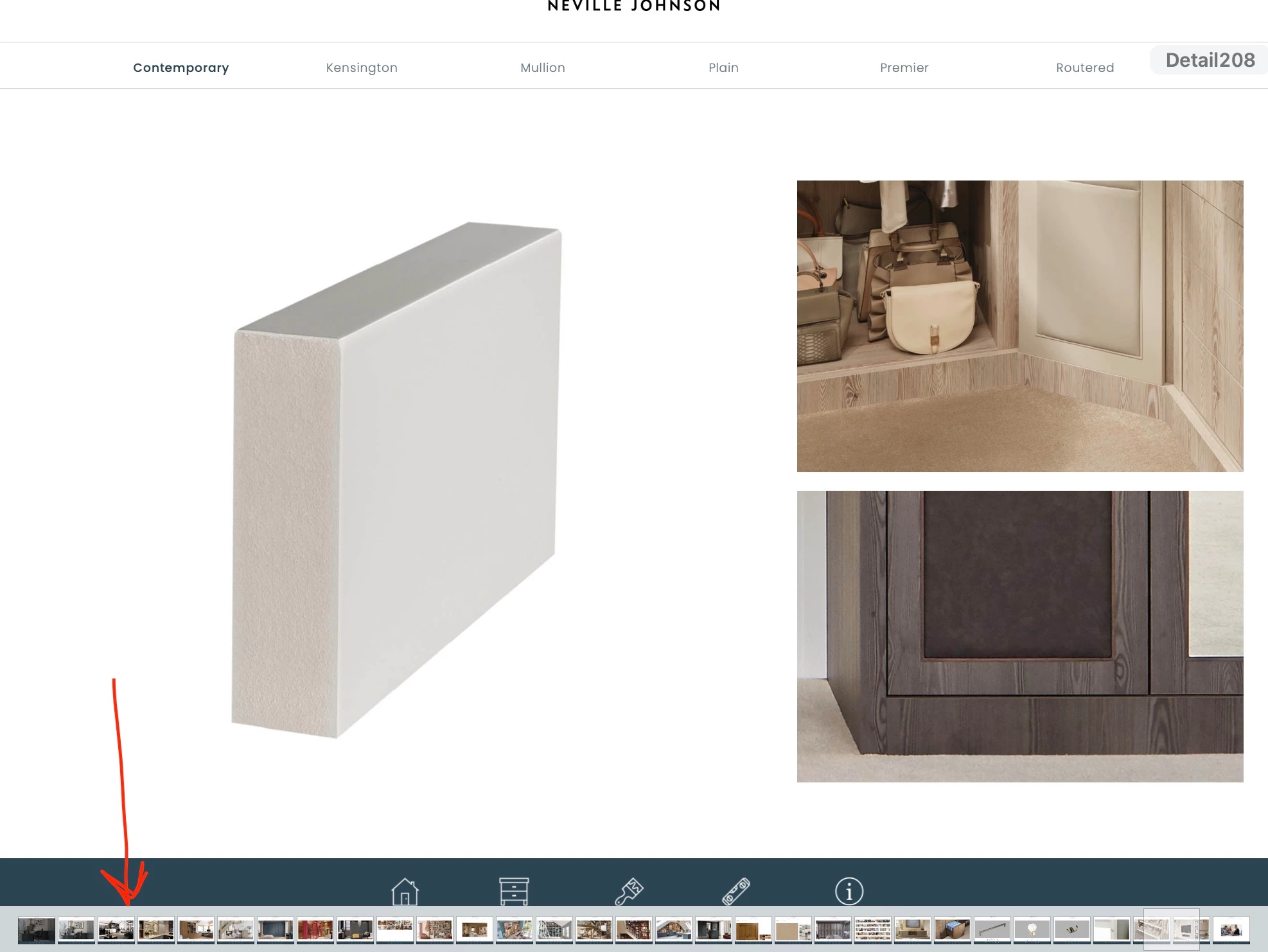
Hello all, I need some help on ibooks and epub, I used to use ibooks author but this is not an option anymore and pages just doesn't gome up ti scratch for what I want to use if for. What I need help with is when I opened the ibooks author file i don't get the tool bars top and bottom of my file, but when open the epub file created in indesign you get these bars top and bottomand they get in the way of the navigation.

Is there a way to stop them from appearing in books, like a setting/check box when exporting the file to epub from indesign to turn them off at all?


Cheers All

Screen grabs attached for reference

 

このトピックへの返信は締め切られました。

返信数 1

James Gifford—NitroPress
Legend
February 25, 2022

Not sure what this has to do with InDesign or any Adobe tool.


Each of the e-book publisher/sellers has its own standards and quirks. If you must list/sell with a particular one, you will have to master their rules and processes (which are usually found in the author pages of their websites), with help from that specific community. You also have to find/figure out specific traps and tricks and workarounds if your material and your production methods don't fall within narrow constraints.


To be honest, everything I have seen and continue to hear about Apple Books/iBooks etc. reinforces my recommendation not to sell there.


But if your problem has something specific to do with InDesign, explain the connection and we can probably help you with it.


SiCrit作成者
Participating Frequently
February 28, 2022

Thanks NitroPress, I was just making sure that there wasn't a tick box or hidden setting within indesign to over ride the controls with ibooks, I'm looking into the ibooks side of it as well, cheers.

James Gifford—NitroPress
Legend
February 28, 2022

As I just ranted at length in another topic, we are all forced to bend to the whims of each ebook publishing platform, and can do very little about how their "reader" presents things.


We can only choose to live with the way Kindle, iBook, Google et al. does things, or avoid those platforms. There's rarely a good choice there. 😞