marcg68495176
Inspiring
August 4, 2021
解決済み

Offset border stroke using object styles

  • August 4, 2021
  • 返信数 2.
  • 3468 ビュー

I am trying to create a stroke around an image with a bit of padding between the image and the stroke. It's easy enough to do manually, but I would really like to set it up as an object style. The left image is as far as I've gotten with the object style. The right image is the desired effect. Is this possible? Thanks! 
このトピックへの返信は締め切られました。
解決に役立った回答 rob day

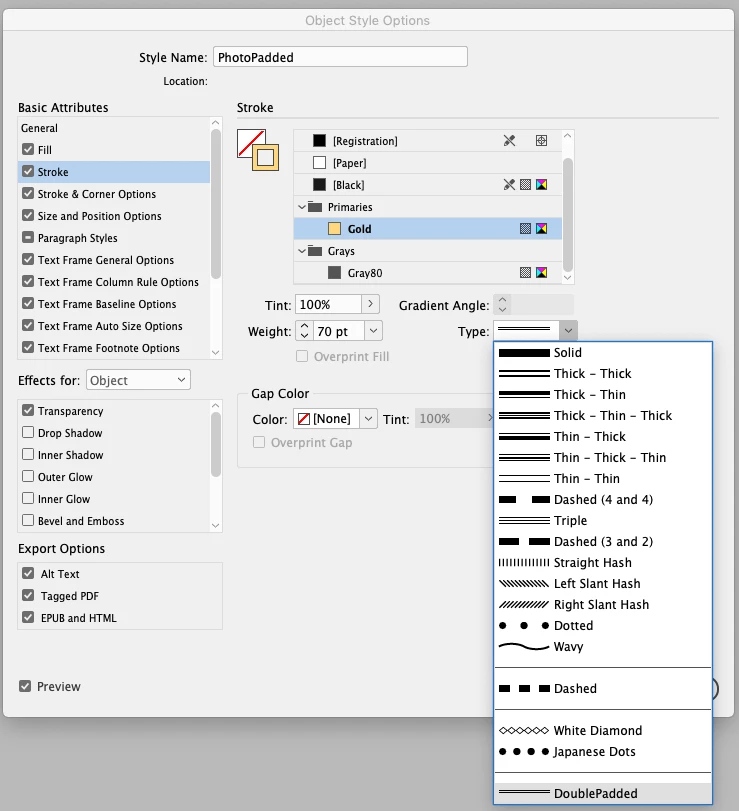
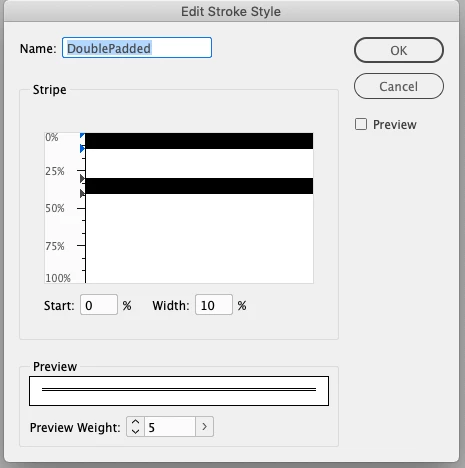
Also, the custom stroke style @SJRiegel is showing can be included in an object syle. Here the padding amount is 60% of the total stroke width—from 40% to 100%. It looks like your manual example is made with two frames?, one for the stroke and one for the image—you can do it with a single frame and a stroke style:


返信数 2

rob day
Community Expert
rob dayCommunity Expert解決!
Community Expert
August 4, 2021

Also, the custom stroke style @SJRiegel is showing can be included in an object syle. Here the padding amount is 60% of the total stroke width—from 40% to 100%. It looks like your manual example is made with two frames?, one for the stroke and one for the image—you can do it with a single frame and a stroke style:


Legend
August 4, 2021

A custom stroke might get the result you are looking for; in the stroke pallet menu, choose Stroke Styles > New

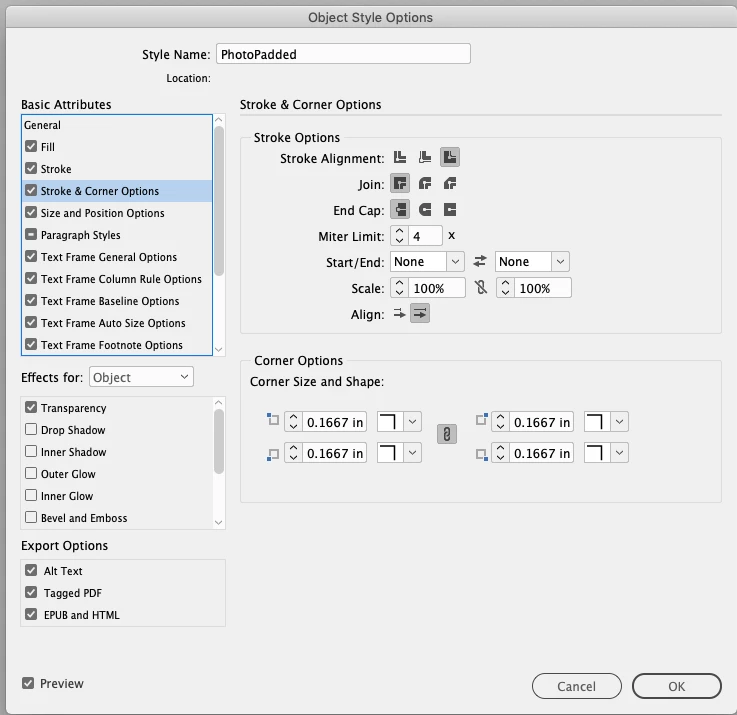
Make sure to set the stroke alignment to Outside.