


Print Page Footers Showing in EPub at End Of Chapter?
I have a book that will be printed on Ingram (via PDF upload) and available via EPub on Google Play Books.
Using the default EPub export from InDesign, the footers from the print edition are showing up in the EPub at the end of the chapter all stcked up. Here's the print layout:
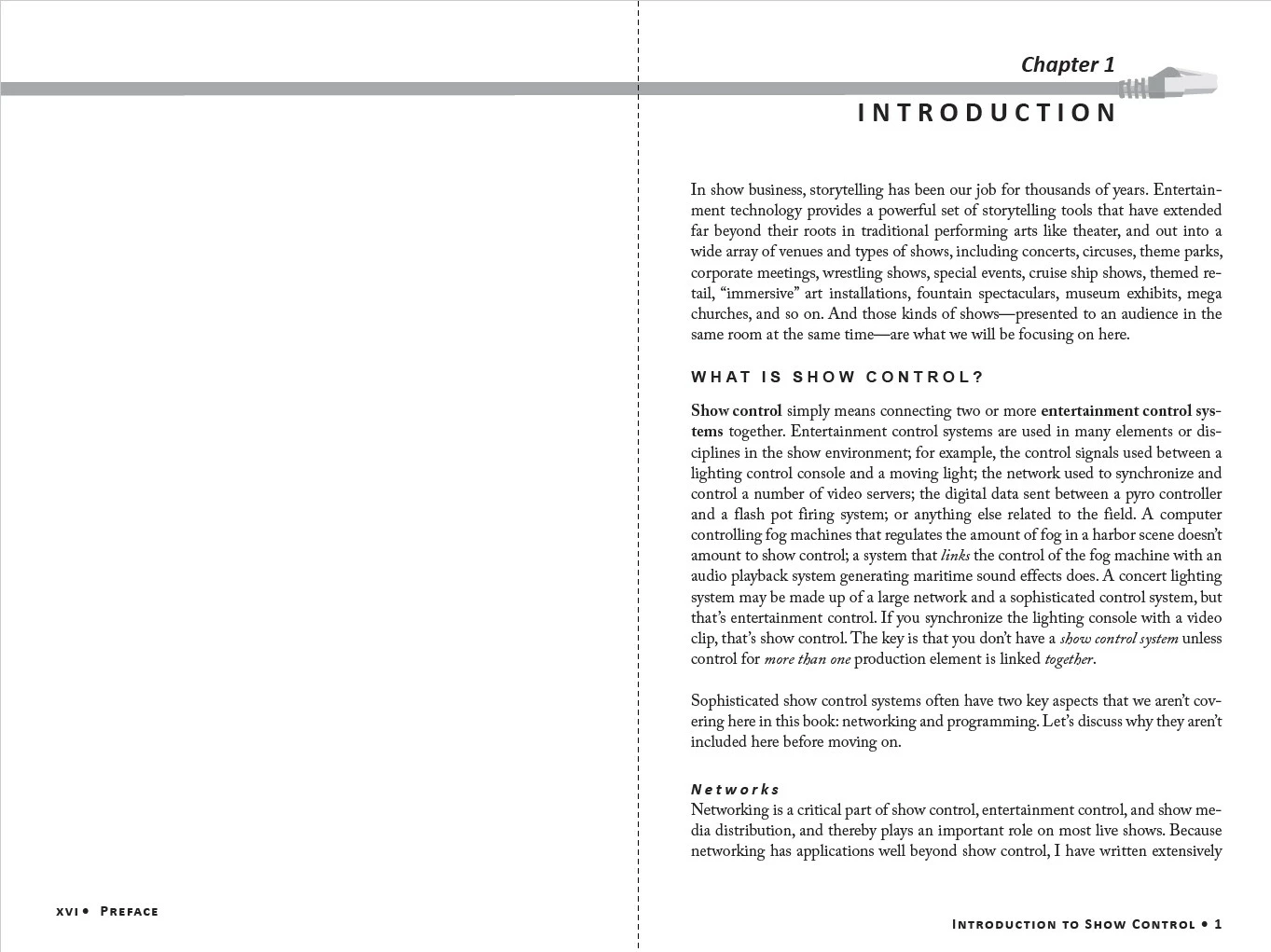
You can see the "Introduction to Show Control" at the bottom of page one. In the EPub (as uploaded to Google books) all the footers stack up at the end of the chapter:
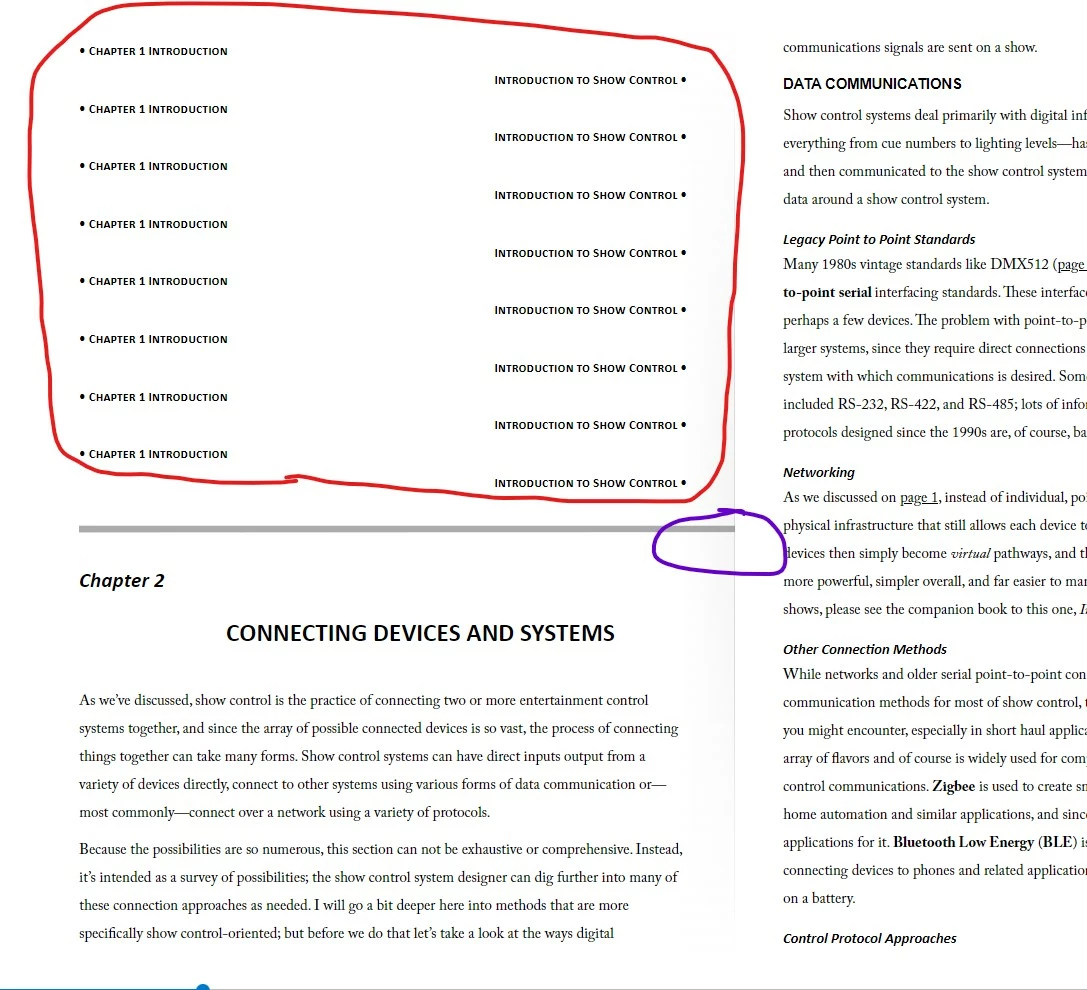
I did this with a previous book (same file format and trim size) back in 2020 and did not have this problem, maybe I had some setting change that I forgot to document?
In addition, you can see the graphic element, which lays across two pages in the print master pages, is getting cropped off (see purple circle above) to the right side of the EPub output (or spreads across into an adjacent page when viewing the file locally). I don't need that graphic element in the Ebook, is there a way to turn it off in the export?
I'm trying not to fork these into separate InDesign files.
Thanks!!!
John
 AdChoices