



Julie31946396hhnx
Participant
August 29, 2023
Question

Sketchup File Pixelation: Illustrator Import to PNG, JPG, and PDF
  • August 29, 2023
  • 3 replies
  • 678 views

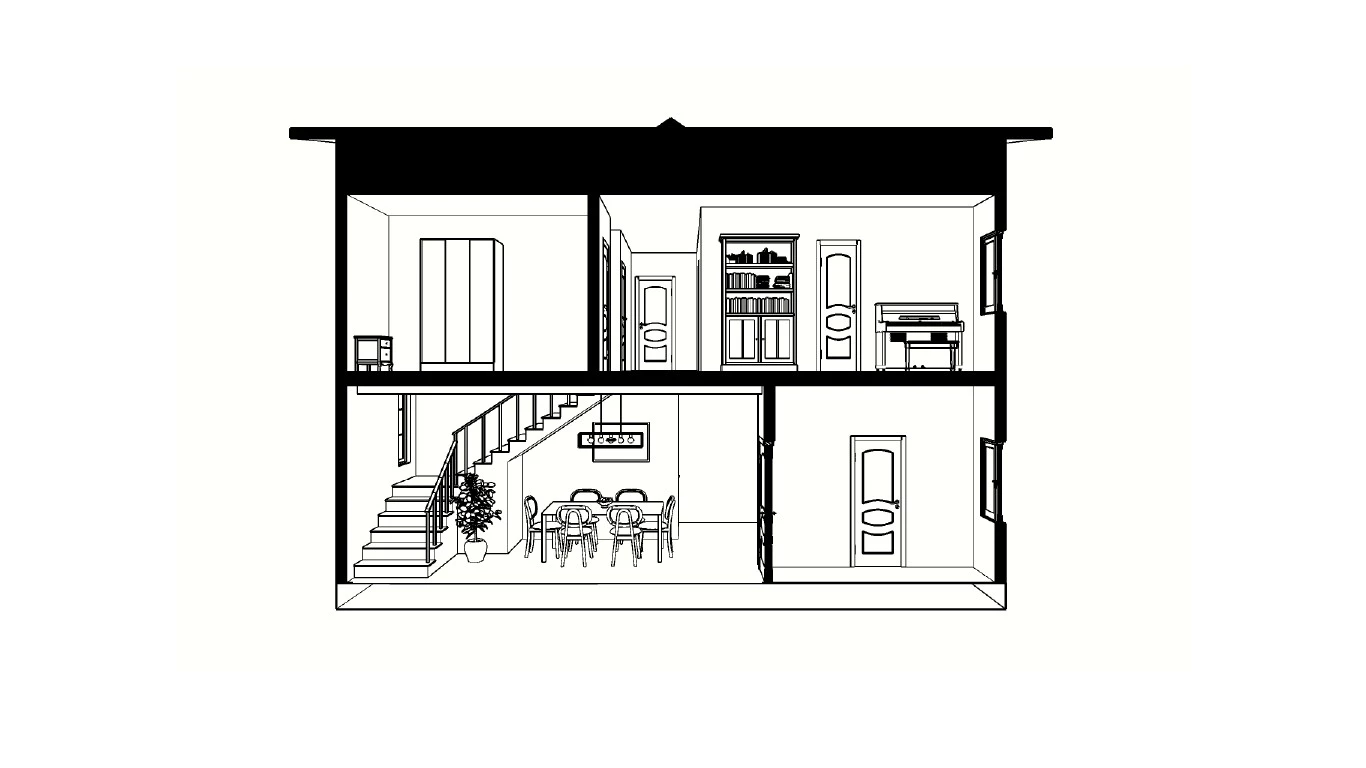
I imported an image from SketchUp to edit in Illustrator, but when I try to save it as PNG, PDF, or JPG100, it becomes more pixelated, especially the angled lines. How can I fix this?


This topic has been closed for replies.

3 replies

Willi Adelberger
Community Expert
Community Expert
August 29, 2023

When you save a file from Illustrator save it as PDF/X-4 or as AI FILE and import it via File> Place… into InDesign. 

Peter Spier
Community Expert
Community Expert
August 29, 2023

Don't know much about SketchUp, but PNG and JPEG are both raster format (pixels) while PDF could be either raster or vector. I believe SketchUp files are natively vector and for editing in Illustrator you might be better off exporting to either .dxf or.dwg (the AutoCad drawing formats it appears to support) rather than a pixel format.

As soon as you use pixels any edge not true vertical or horizontal must be stair-stepped, and the lower the resolution of the image (PPI) the worse it will be. Vector art is translated into pixels on the screen or into dots in the printer, but is always rendered at the highest resolution possible for the smoothest look.

BobLevine
Community Expert
Community Expert
August 29, 2023

What does this have to do with InDesign?