


Lightroom Classic CC 9.3 - Green tint to images
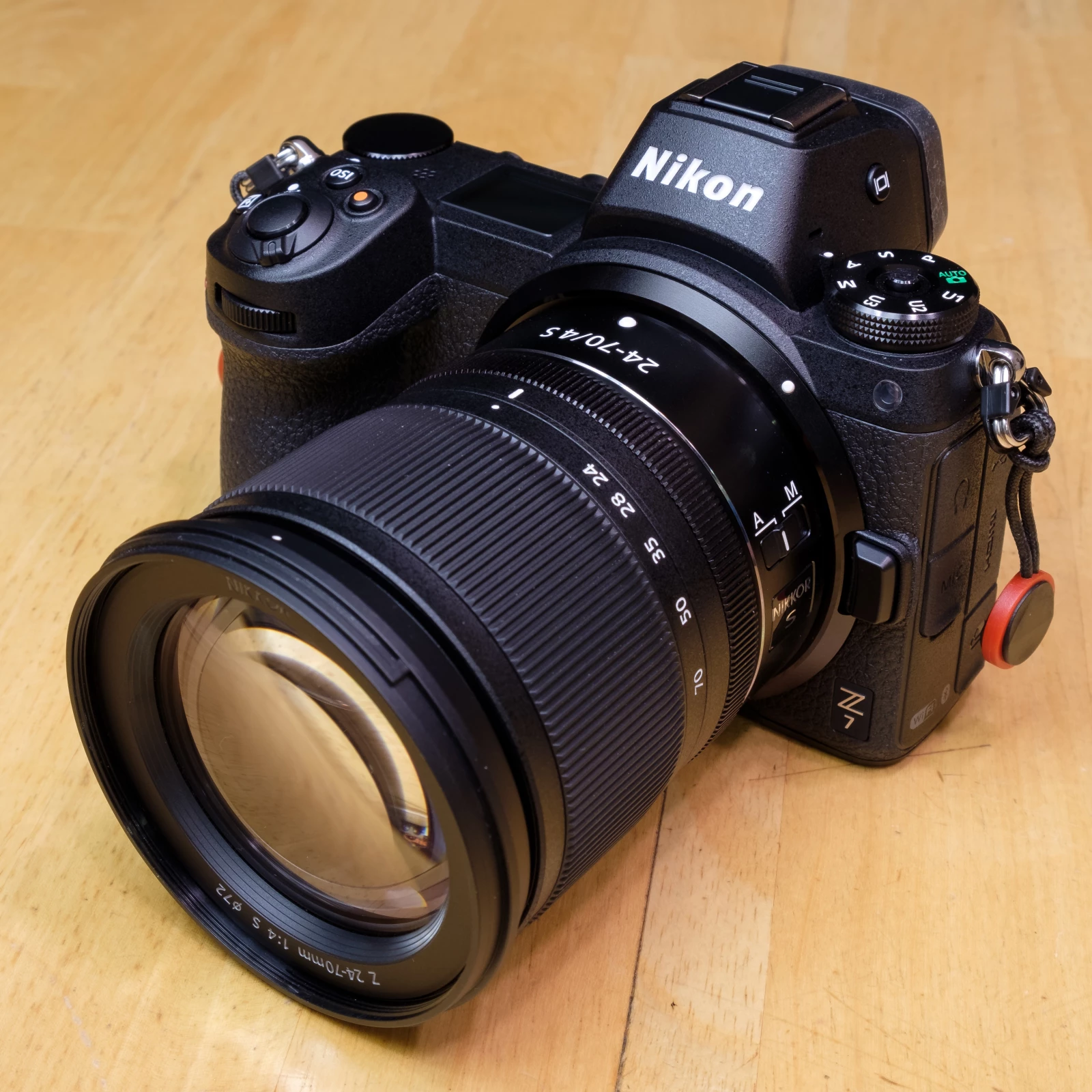
I've never seen this before. After Lightroom updated to 9.3 (LR Classic CC, the desktop version of LR), my previously imported Nikon Z7 raw files have a green tint to them if I change the existing Camera Matching profile to the new 'v2' version that came with the update.
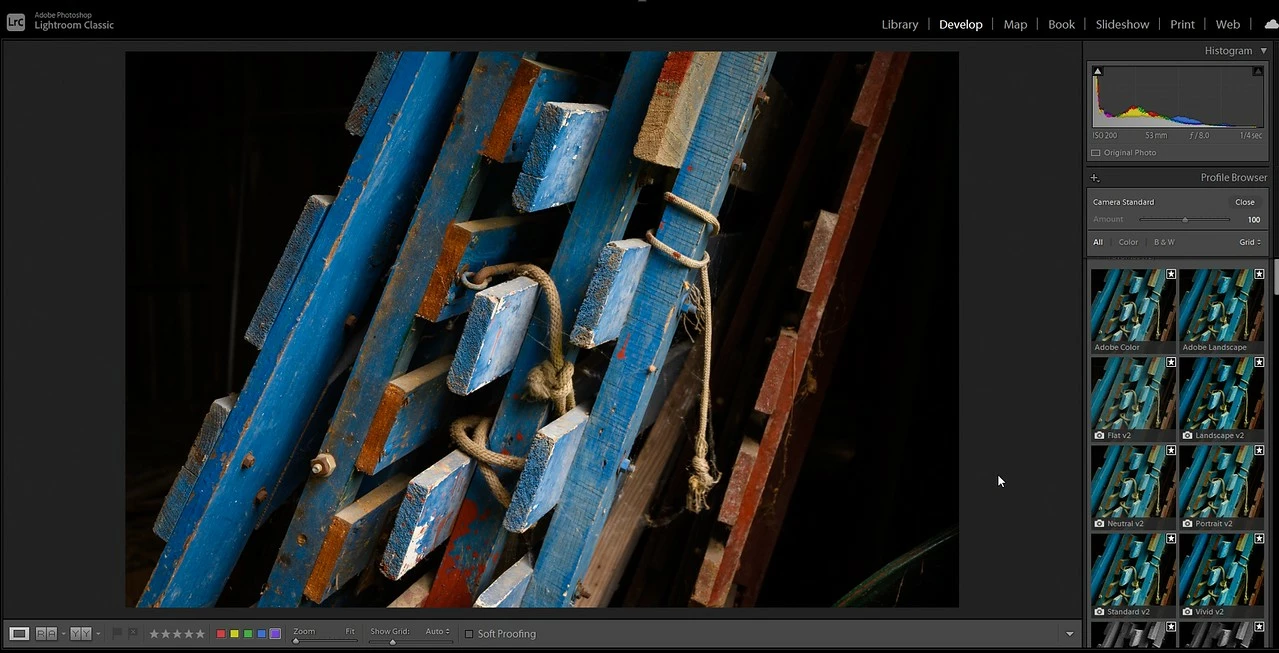
Example below. First is the previously imported raw file that still has the original 'Camera Standard' camera matching profile applied. Color is fine.
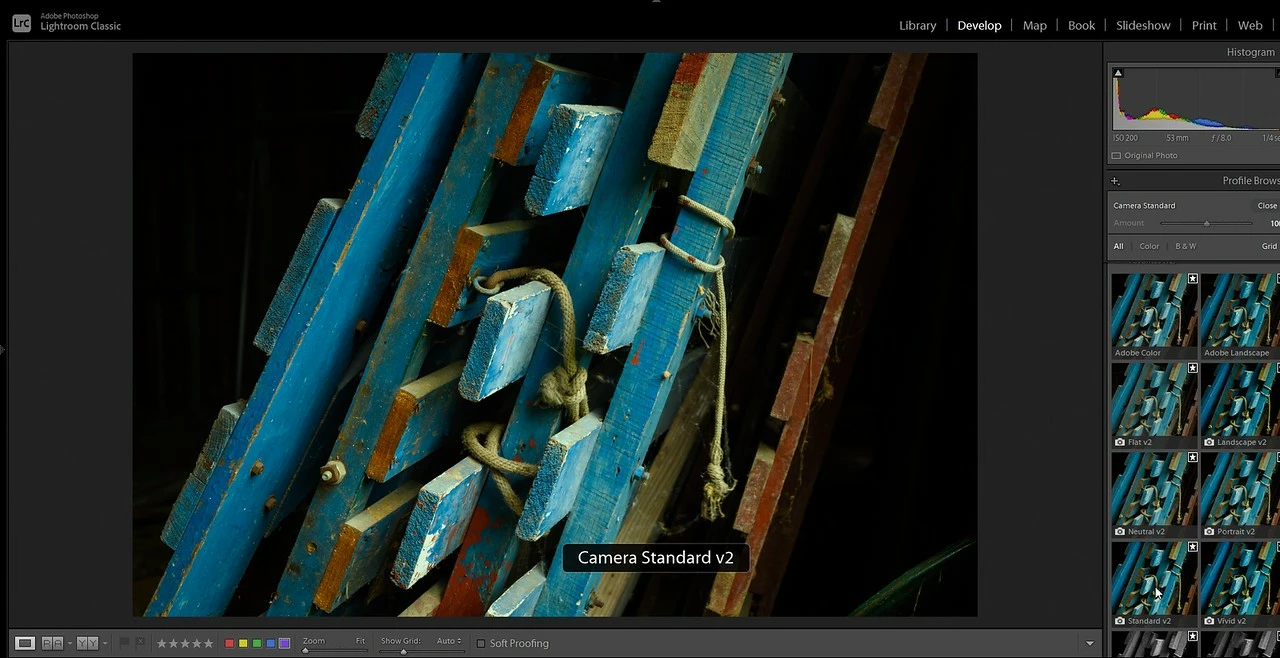
The next photo down is the LR CC version 9.3 with the new 'Camera Standard v2' profile applied and now it has a bad green tint.
I verified it's not accidentally changing the white balance or tint for some reason. I don't know why it's doing this. If I did pick that new profile, then I'd be stuck with the tint and have to work hard to get rid of it. Basically, ruining all my previous work.
I confirmed any NEW Z7 raw file I import with this new version of LR is fine. No green tint with the Camera Standard v2 camera matching profile.
Oh and the Adobe profiles have the green tint also. Like 'Adobe Color', Adobe Landscape, etc.
Any ideas?
{Moved from Lightroom Cloud to Lightroom Classic Forum by Moderator}
 AdChoices