


Lightroom doesn't seamlessly open images in Photoshop
I have been struggling with opening images from Lightroom in Photoshop. I have the latest versions of both installed. As a matter of fact, prior to the latest release, I was still using Lightroom 6 and CS5. So I am a fresh returning user after many years.
I am on Windows 11, latest version and everything is updated to the latest versions.
If I have an image (CR3 Canon Raw) selected in LR, and then ctrl+e, Windows User Account Control pops up with this message: 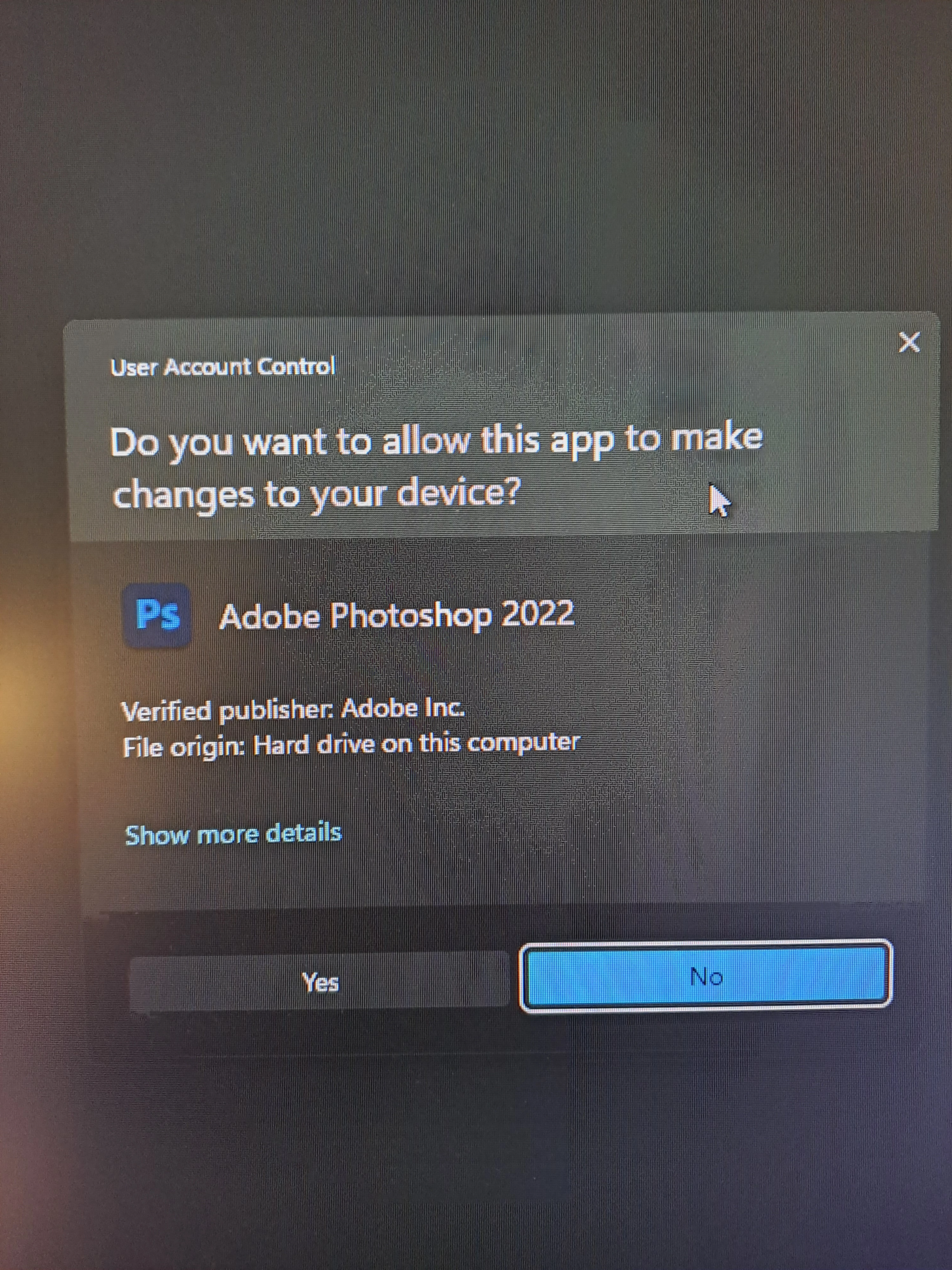
Note: The message indicates Photoshop 2022. I click "yes" and Photoshop is immediately opened. After almost 2 minutes I get the following message in Lightroom:
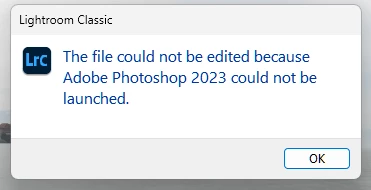
Note that this messages says Photoshop 2023 which is my version of Photoshop, not 2022 as Windows stated above.
When I click ok, Lightroom prepares the file for editing and then finally transfers the image to Photoshop. This preparation and transfer is very quick, 2-3 seconds maybe. The image is opened in Photoshop.
If I select two images in Lightroom and then "open as layers in Photoshop", I get the same Windows User Account message as above, but then nothing further happens.
Here is what I have already done based on other suggestions from this forum and also from helpx.adobe.com:
- Uninstalled both LR and PS using the Creative Cloud Desktopp App and then reinstalled Photoshop first, then Lightroom.
- I have deleted my preferences for both Lightroom and Photoshop.
- I have added a new entry in the Registry in the App Paths for Photoshop.exe named Path. There is already an existing one named (Default) which I can not delete. It has the correct path to Photoshop 2023. The new entry also has the correct path. The behavior is the same with or without the new entry.
Any other suggestions would be greatly appreciated.
 AdChoices