


Unable to use the Enhanced Denoise feature in Lightroom Classic 12.4
I'm running Lightroom Classic Release 12.4 on Windows 10 Pro Version 22H2 OS build 19045.3324.
I'm attempting to use the Enhanced Noise Reduction feature. When I activate the feature, the progress bar appears saying "Loading Enhance data" and then the main Enhance Preview window appears. The "Without Enhance" preview appears briefly, then the "Enhanced" preview appears, but it is blank. (The word Enhanced appears, but the preview itself is all light gray.)

When I click the Enhance button, I get this.
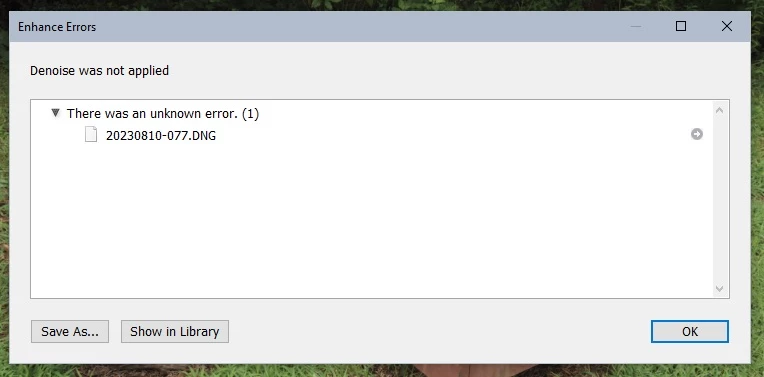
Followed by this.
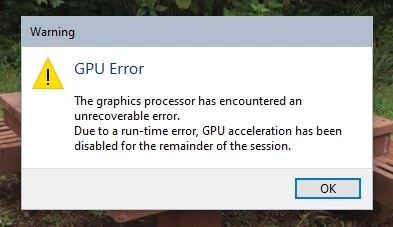
If I turn off the GPU in Preferences, the result is the same, except that I don't get the "GPU Error" dialog box.
I should note that I already have some photos that I have used Enhanced Denoise on successfully, but I think that I processed them when I was running Lightrrom Classic 12.3.
 AdChoices