


I can't import from my SD card for my Panasonic on my iPad
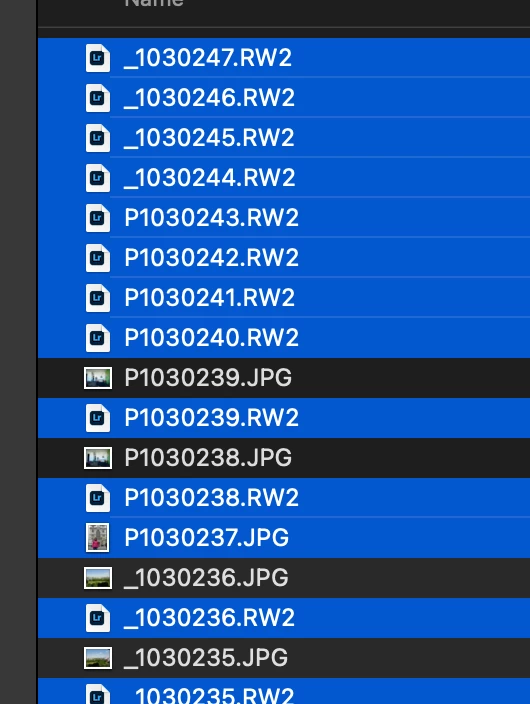
I picked up a used Panasonic DC-GX880K and strangly when I plug in it's MicroSD card neither the the JPG files nor the raw files (.RW2) are showing up as valid imports in iPad Lightroom. I can import them in cloud based MacOS Lightroom just fine (second screenshot) but in iPad "Add Photos -> From Camera Device" it just spins for ever presumably searching for photos, and in "Add Photos -> From Files" I can selet the files but when I click "open" it doesn't import them.
What could possibly cause such an error?
This replaces an old Olympus OM-D which broke, and using the same card. However, I did format the card in the camera. Could the format somehow be causing the problem?
I am 99.5% sure that I could access the photos from the new camera when the new camera was adding files to the card before I reformatted it (when the card still had it's format from the old camera.) I might have some cards formatted from the old camera (which just broke) so I could perhaps verify this with 100% accuracy.
1. Version of the App: v 7.3.3 AC0CCD/29
2. Platform and OS Version: iPad Pro, iPad OS 15.5
3. Plug in an SD card formatted in a Panasonic DC-GX880K camera that has photos on it from that camera, click "add photos" -> "from camera devices"
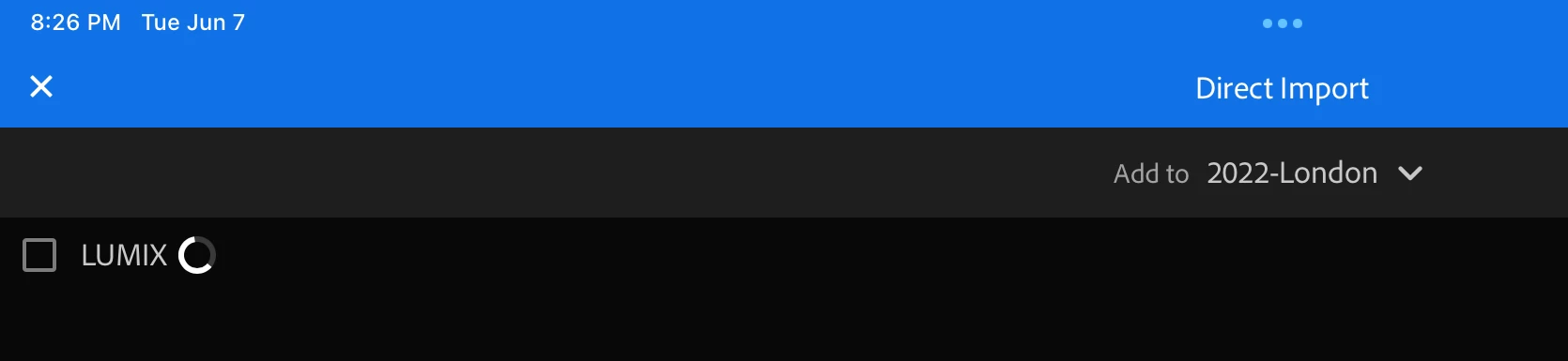
4. Expected result: shows some photos to import. Actual result: progress wheel spins forever, no photos show.
5. Notes: files show in Files app on the iPad, and can be imported on the MacOS version of Lightroom.
Screenshot from iPad (no photos show):
Screenshot from Lightroom (cloud) MacOS I can select the .RW2 or the JPG files:


 AdChoices