






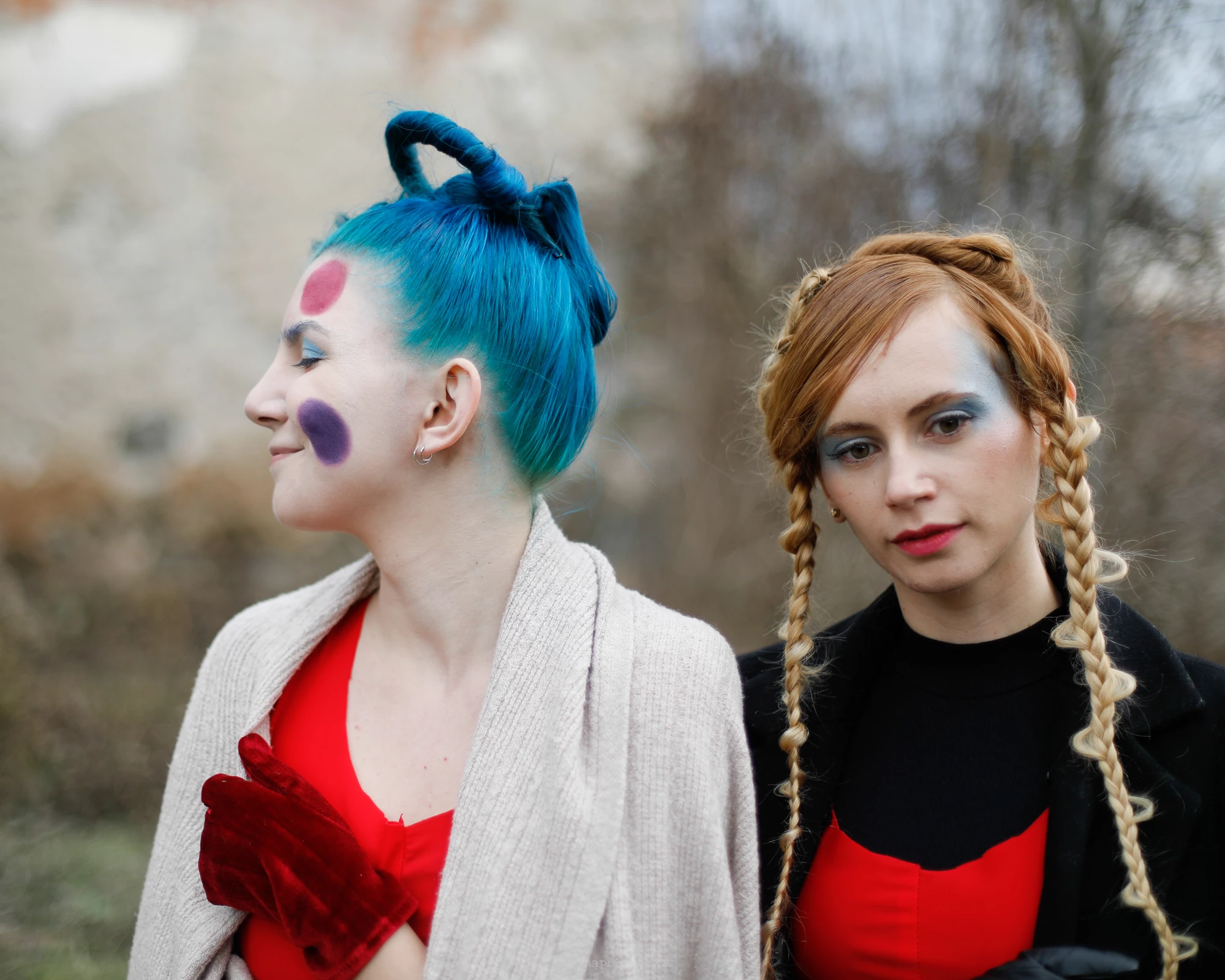
Harmonize in Beta - Blend objects into any background
Harmonize is ready for testing in beta across Photoshop on desktop and web, and in Early Access on mobile (iOS).
First previewed as Project Perfect Blend at Adobe MAX in October 2024, the new Harmonize feature in beta is powered by Adobe Firefly Image Model and designed to help you blend elements into compositions with stunning realism, in just a few clicks.
Desktop instructions:
Open the scenery or background image to which you want to add an object in Photoshop (beta).
Add the object image to a new layer.
If the object image has a background, select Remove background from the Contextual Task Bar.
In the Layers panel, select the pixel layer of the object image.
Edit the image to change the size and placement.
Select Harmonize from the Contextual Task Bar and choose a suitable variation. The object blends seamlessly with the background. The generated results appear in a new