


質問
After exporting the video to the premiere, the result is a distorted video...
After exporting the video to the premiere, the result is a distorted video. Why and how does this happen?

Good afternoon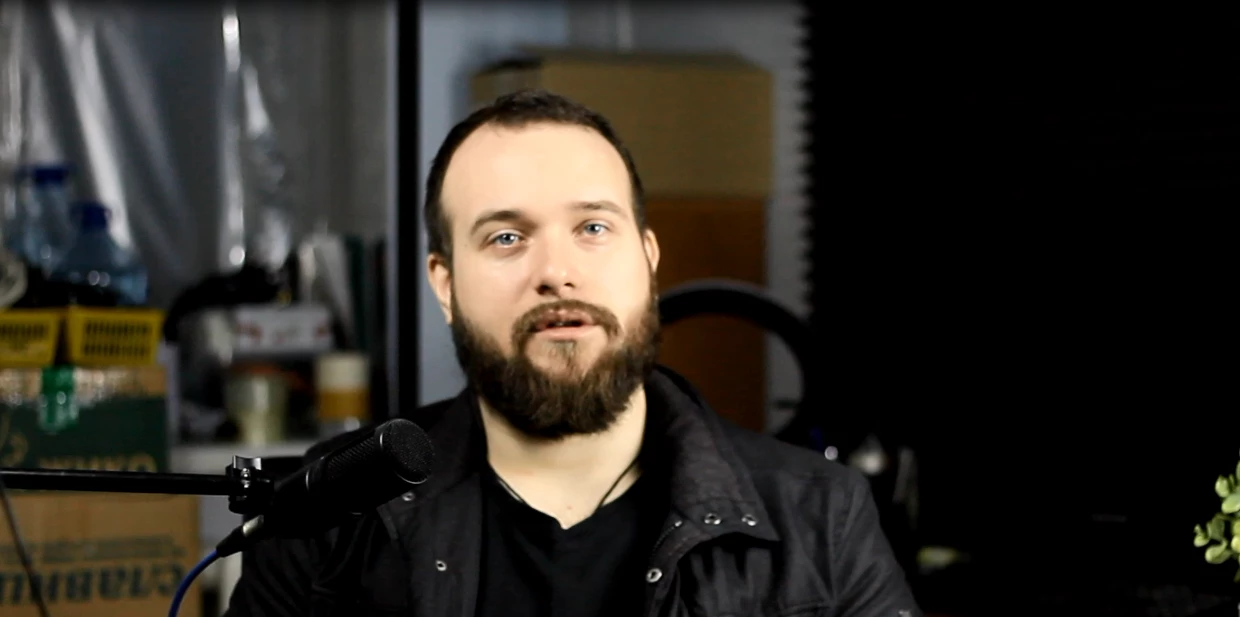
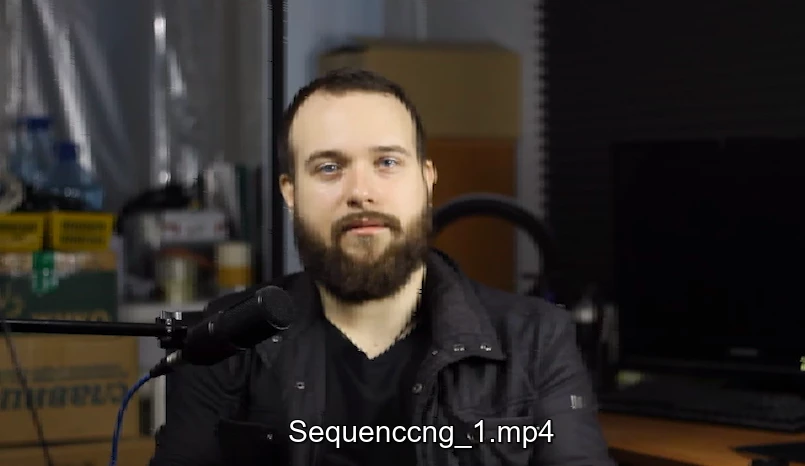
After rendering, the video comes out with unwatchable artifacts. Installation is simple and without effects.
Notebook specifications: hp pavilion dv7 6153er win 10 x64, Premier version 2023-v23.3.0.61. 8gb ram, Intel hd 3000 500mb + amd Radeon 6770m 1gb driver version 15.7.1, (discrete cards) BIOS mode fixed.
Render settings: H.264, 720p, 29 frames.
Source format: .MOV (canon EOS 1100D, magic lantern firmware)

There are suggestions that the matter is in the codecs.
I tried converting the source to mp4. Did not help.
There are no problems with the source codes - it means that the matter is in export.

See screenshots of the original video and the final product in the attachments.

Thank you in advance!
 AdChoices