This topic has been closed for replies.
Correct answer Fint31911969uaaq

Got it!

Finald batch command looks like this:


for %i in (*.MP4) do ffmpeg.exe -i "%i" -c copy -map 0:0 "new%~ni.MP4"


That converted all 304 files to correct format. Thank you very much!
 

2 replies

Fint31911969uaaqAuthorCorrect answer
Participant
August 27, 2023

Got it!

Finald batch command looks like this:


for %i in (*.MP4) do ffmpeg.exe -i "%i" -c copy -map 0:0 "new%~ni.MP4"


That converted all 304 files to correct format. Thank you very much!


SwindlerCave
Inspiring
August 27, 2023

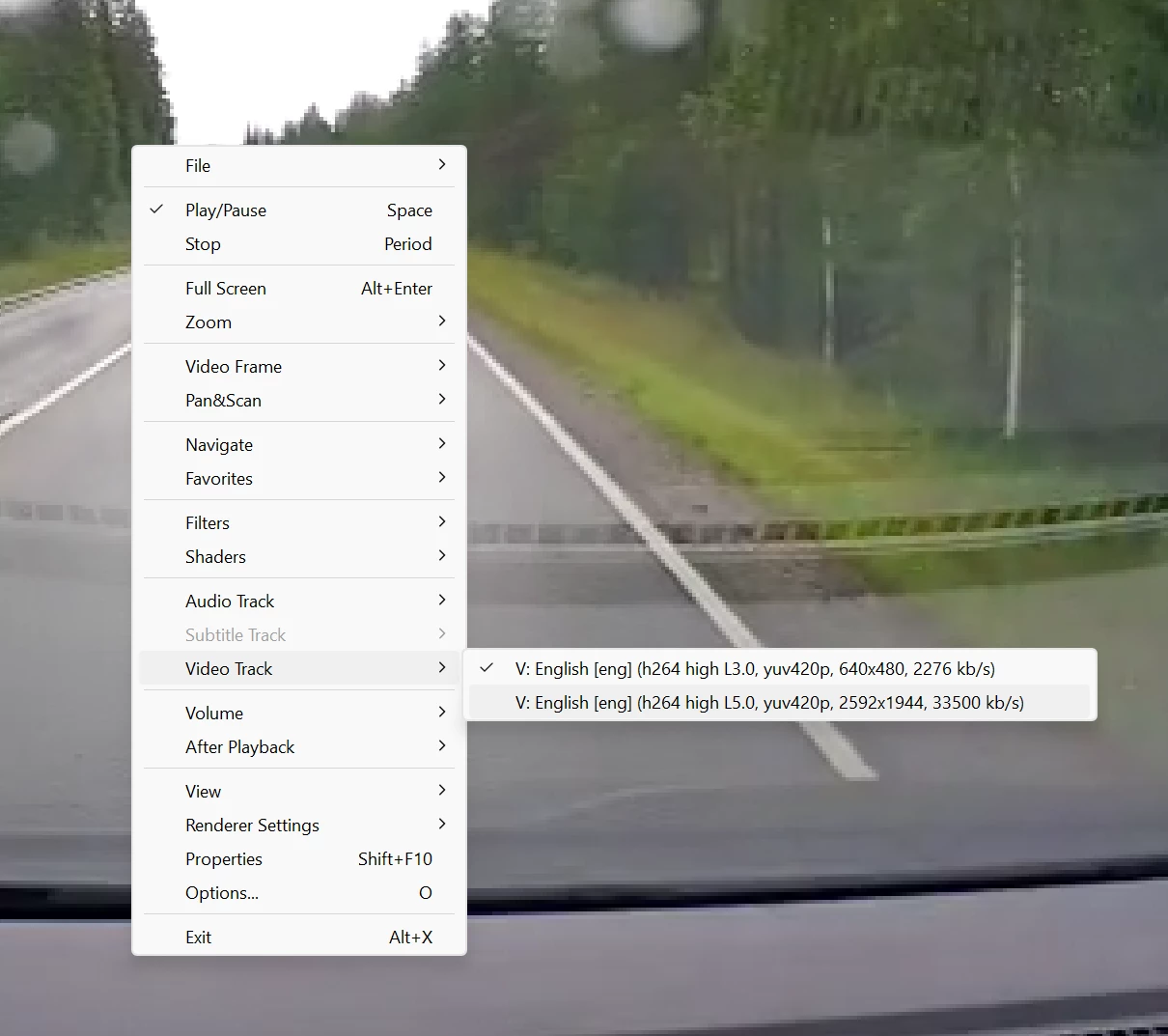
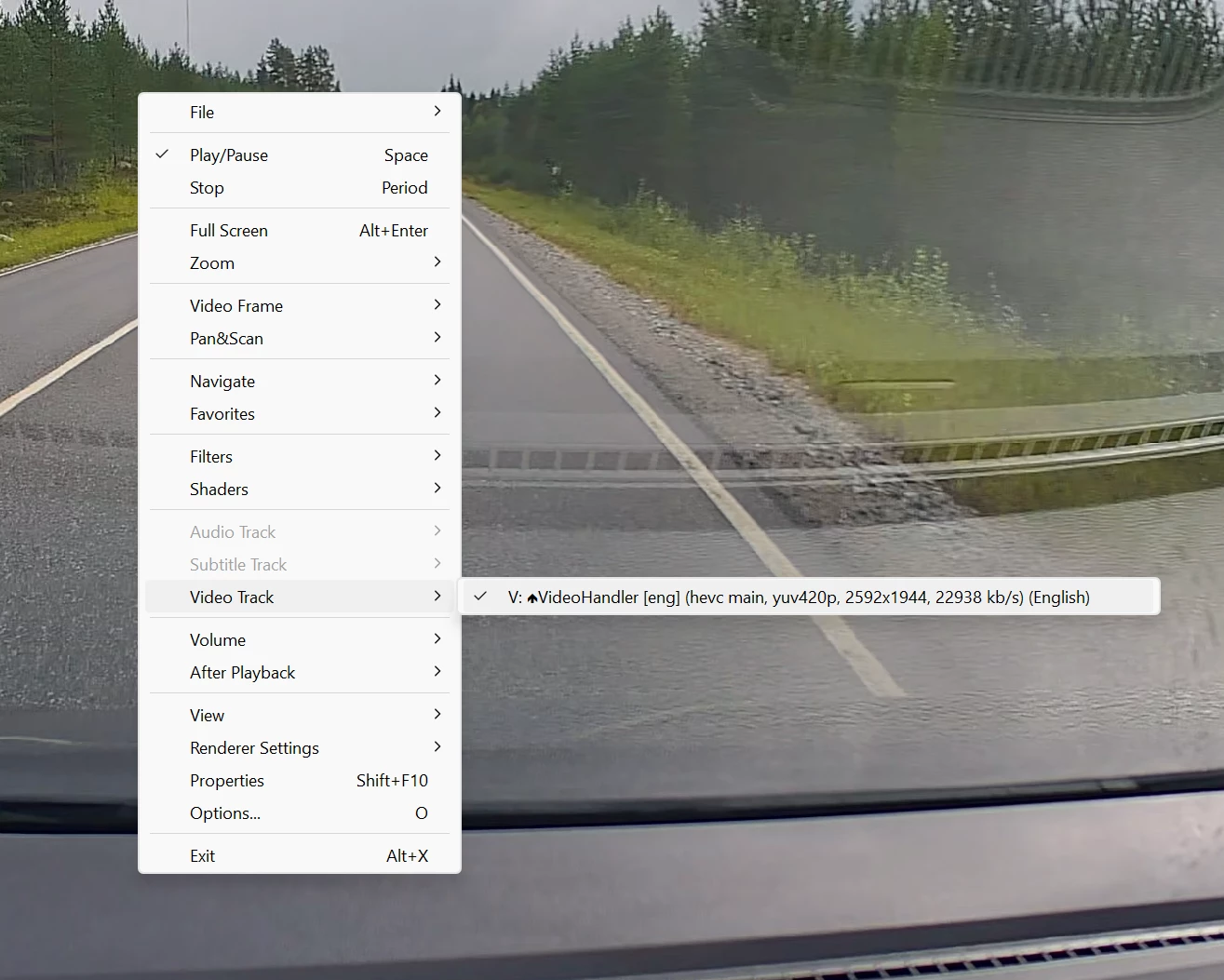
I don't think this is possible in Premiere Pro unfortunately.  I played around with this and could not find a way to the select the desired video track.  You'll probably need to use ffmpeg on the command line like this:

ffmpeg -i input.mp4 -c copy -map 0:1 output.mp4

ffmpeg is pretty deep, but I'll at least explain the above... -i specifies an input file, -c specifies what codec to use (copy means don't re-encode), -map selects which stream to use (0:0 is the first and 0:1 is the second), and finally -o specifies the output file.


Hope this helps!